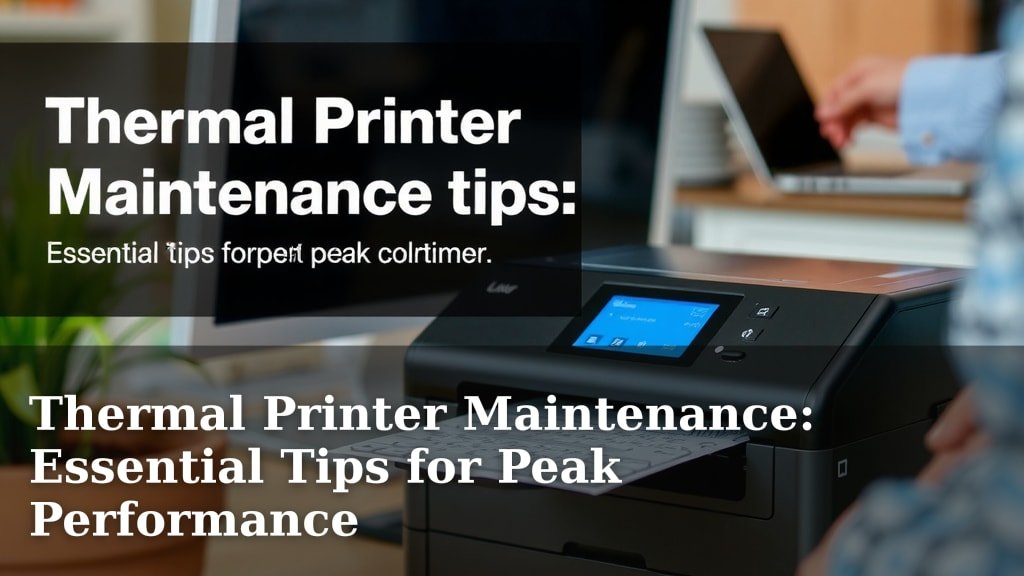
Thermal Printer Maintenance: Essential Tips for Peak Performance
Keeping your thermal printer running smoothly is all about regular, simple maintenance. You can prevent common issues and extend its lifespan by following a few key steps. This means fewer paper jams and clearer prints, saving you time and frustration.
We know that when your printer stops working, your business might too. That’s why understanding proper thermal printer care is essential for efficiency. It’s not just about fixing problems; it’s about preventing them in the first place with easy upkeep.
- Clean the print head regularly.
- Clear out any dust or debris.
- Check and replace the platen roller when worn.
- Ensure you’re using the right labels.
- Store your printer correctly.
Ready to keep your thermal printer in tip-top shape? Let’s walk through some straightforward tips to make sure it always performs its best for you.
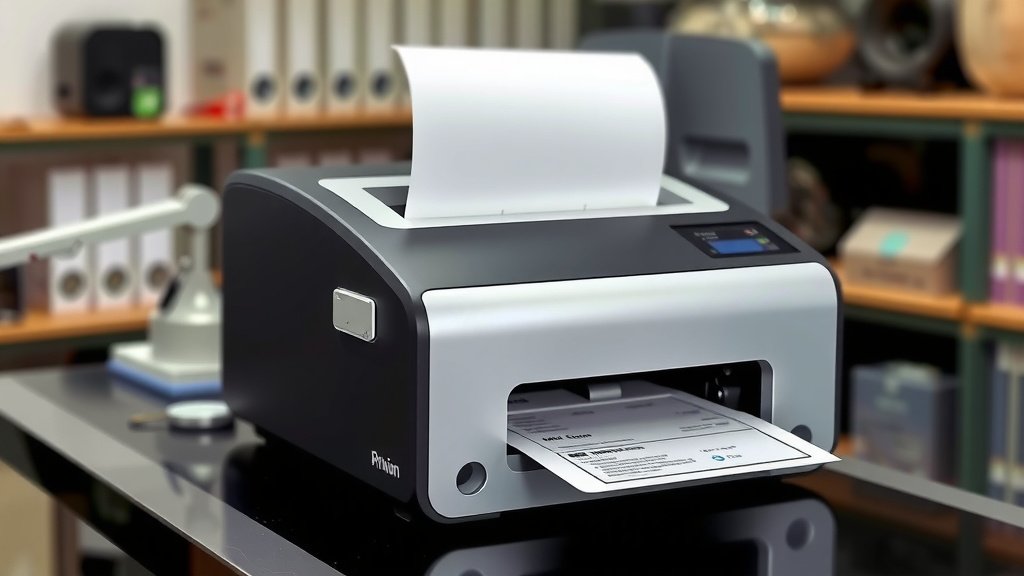
Your thermal printer is a workhorse, churning out labels, receipts, or tickets day in and day out. But like any trusty machine, it needs a little TLC to keep performing at its peak. Think of it like maintaining your car; a little regular attention saves you from a major breakdown later on. We’ve put together some easy-to-follow tips to ensure your thermal printer stays reliable and prints look sharp.
Keeping Your Thermal Printer in Top Shape
Proper upkeep for your thermal printer isn’t complicated. It mainly involves keeping things clean and using the right supplies. You’ll find that with a little effort, you can avoid common printing errors and keep your operations running smoothly.
The Importance of a Clean Print Head
The print head is arguably the most critical component of your thermal printer. It’s a delicate part that transfers heat to the thermal paper, creating your printed image. When it’s dirty, you’ll see faded lines, smudges, or even blank spots on your prints.
How Often Should You Clean the Print Head?
Most manufacturers recommend cleaning the print head every time you change the media roll. This might seem frequent, but it’s a small habit that makes a big difference. If you’re printing heavily, you might consider cleaning it more often. If you’re using it only occasionally, once a month could be sufficient. It really depends on your usage and environment.
What You’ll Need to Clean the Print Head
You don’t need special tools or cleaning solutions. Usually, a lint-free cloth or a specialized thermal printer cleaning pen or wipe is all you need. Avoid using abrasive materials or harsh chemicals. Rubbing alcohol can be used, but make sure it’s isopropyl alcohol and that it evaporates completely before use (Cleveland Clinic).
Step-by-Step Print Head Cleaning Process
First, ensure your printer is turned off and unplugged. This is a safety measure. Then, open the printer cover to expose the print head. If you’re using a cleaning pen, simply glide it gently across the print head element. If you’re using a cloth, dampen it slightly with isopropyl alcohol and wipe the print head gently. Always wipe from one end to the other in a single, smooth motion. Let it air dry completely before closing the cover and turning the printer back on. You should notice a clearer print quality almost immediately.
Maintaining the Platen Roller
The platen roller is the rubber cylinder that sits beneath the print head. It feeds the paper through the printer and provides a firm surface for the print head to press against. A worn or dirty roller can cause uneven printing, jams, and strain on the print head.
Signs of a Worn Platen Roller
Look for visible signs of wear on the roller. Does it have nicks, cuts, or flat spots? Is it losing its grip on the paper, causing it to slip? If you notice these issues, it’s probably time for a replacement. You might also experience increased paper jams, which is a classic symptom of a problematic roller.
Cleaning the Platen Roller
Similar to the print head, the platen roller can be cleaned with a lint-free cloth dampened with isopropyl alcohol. Rotate the roller as you clean to ensure you get the entire surface. Make sure it’s dry before you resume printing. Sometimes, a good cleaning is all it needs to restore its functionality.
When to Replace the Platen Roller
The lifespan of a platen roller varies based on usage and the type of media you print. If cleaning doesn’t resolve printing issues, or if you see physical damage, replacement is necessary. Consult your printer’s manual or a technician for the correct part number. Replacing it yourself can often be a straightforward process.
Keeping the Printer Interior Clean
Dust and debris can accumulate inside your thermal printer over time. This buildup can interfere with moving parts, sensors, and even the print quality. Think of it like dust bunnies under your furniture; they don’t do anything good!
How to Remove Dust and Debris
A can of compressed air is your best friend here. With the printer unplugged, open the cover and give it a good blast of air. Focus on areas where paper dust might collect, like the paper path and around the print head assembly. You can also use a soft brush for stubborn bits, but be gentle.
Checking Sensors
Many thermal printers have sensors that detect the presence of paper or label gaps. Dust can obstruct these sensors, leading to errors. A quick puff of compressed air can usually clear them. If you’re experiencing issues with the printer not detecting labels, cleaning these sensors is a good first step.
Using the Right Labels and Media
Not all labels are created equal, and using the wrong kind can cause significant problems. Your thermal printer is designed to work with specific types of paper and labels.
Direct Thermal vs. Thermal Transfer
Understand which type of printing your printer does. Direct thermal printers use heat-sensitive paper that darkens when heated. No ribbon is needed. Thermal transfer printers use a ribbon to transfer ink onto the label material. Using the wrong type of media for your printer can lead to poor print quality or even damage the print head.
Quality Matters
Cheap, low-quality labels can leave residue on the print head and roller, leading to frequent cleaning needs and poor prints. We found that using high-quality, brand-recommended labels significantly reduces these issues. Always check your printer’s specifications for recommended media types and sizes.
Environmental Considerations
Where you store and operate your printer matters. Extreme temperatures, humidity, and dusty environments can all affect performance.
Ideal Operating Conditions
Most thermal printers perform best in standard indoor office conditions. Avoid placing them near heat sources, in direct sunlight, or in areas with a lot of airborne dust or moisture. Extreme cold can also affect the print head’s ability to heat up properly.
Proper Storage
If you need to store the printer for an extended period, ensure it’s clean and unplugged. Covering it with a dust cover can prevent buildup. If you’re storing it in a cooler environment, let it warm up to room temperature before turning it on to prevent condensation.
Quick Checklist for Regular Maintenance
Here’s a handy list to keep your thermal printer running smoothly:
- Daily (or per roll change): Clean the print head with a cleaning pen or wipe.
- Weekly (or as needed): Blow out dust and debris with compressed air.
- Monthly (or if issues arise): Clean the platen roller.
- Quarterly (or if issues arise): Inspect the platen roller for wear and tear.
- As needed: Check and replace worn or damaged cables.
- Always: Use the correct, high-quality labels or thermal paper.
By integrating these simple maintenance steps into your routine, you’ll ensure your thermal printer continues to be a reliable tool for your business. Happy printing!
Conclusion
You’ve learned that keeping your thermal printer in excellent working order is simpler than you might think. Regular cleaning of the print head and platen roller, along with using the correct media, are your best defenses against printing errors. Addressing dust buildup and proper environmental storage also play a big role. By making these small maintenance tasks a routine part of your workflow, you ensure your printer consistently delivers clear, crisp prints. This not only saves you money on repairs but also keeps your operations running without interruption. Start by cleaning your print head and roller today – your printer will thank you!
Frequently Asked Questions
How often should I really be cleaning my thermal printer’s print head?
For most users, cleaning the print head each time you change the media roll is ideal. If you print very frequently, you might need to clean it more often. For infrequent users, once a month can be sufficient, but always check your print quality for signs of needing a clean.
Can I use regular household cleaners on my thermal printer parts?
No, it’s best to avoid regular household cleaners. They can often be too harsh and damage the delicate print head or platen roller. Stick to lint-free cloths, specialized cleaning pens/wipes, or a small amount of isopropyl alcohol that evaporates completely.
My prints have faint lines. Is this a sign my platen roller needs attention?
Faint lines or smudges can indicate a dirty or worn print head, but a worn or dirty platen roller can also cause uneven printing. If cleaning the print head doesn’t fix the issue, try cleaning or inspecting your platen roller next.
What are the risks of using the wrong type of labels or paper in my printer?
Using the wrong media can lead to poor print quality, such as faded text or smudges. More seriously, it can cause paper jams, leave adhesive residue on the print head, and potentially damage the printer’s internal components over time.
How can I prevent my thermal printer from overheating in a busy environment?
Ensure your printer has good ventilation and isn’t placed directly in sunlight or near heat sources. Avoid covering it while it’s in use. If your printer is in a particularly warm or humid area, consider allowing it breaks between extended print jobs.