Thermal Receipt Printers Explained: How They Work
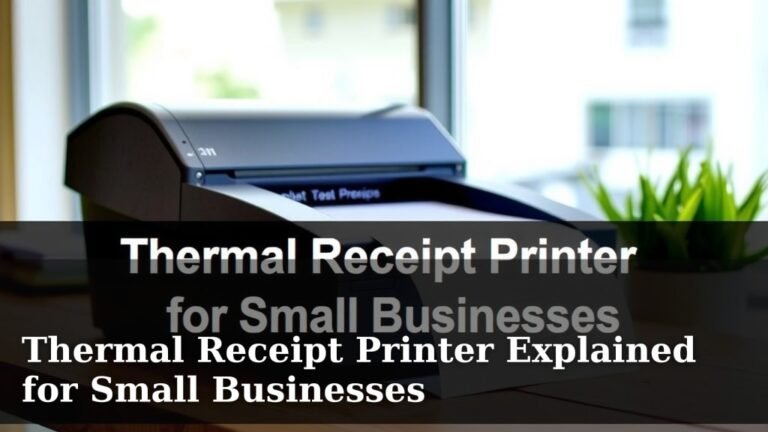
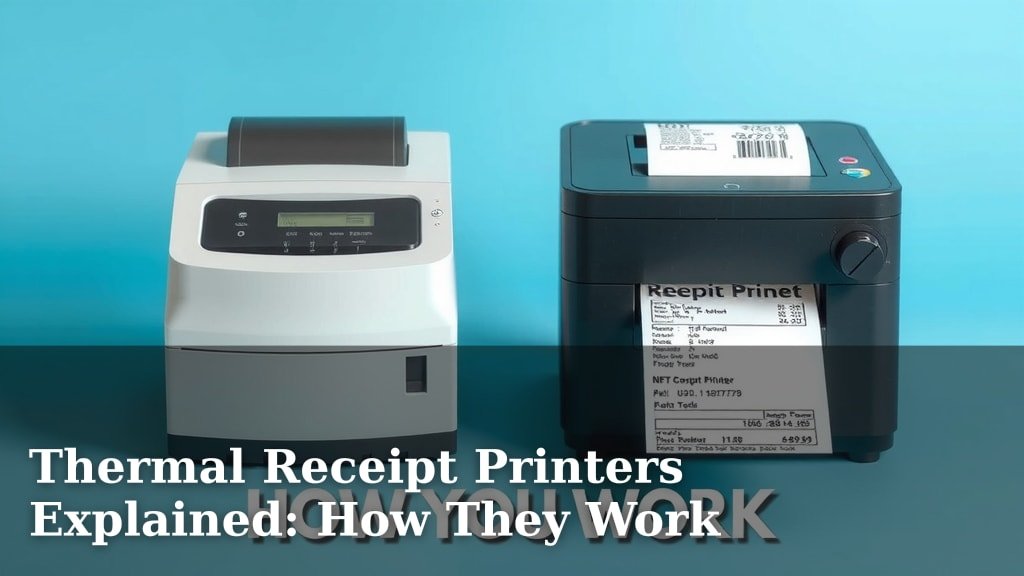
A thermal receipt printer is a type of printer that uses heat to create an image on special thermal paper. This is how stores print your receipts, and why they often feel a bit strange. You’ve likely seen one in action at your favorite shop or restaurant, printing out your purchase details quickly and quietly.
These printers are really common in retail and food service environments. They’re known for their speed and efficiency. Unlike printers that use ink or toner, thermal printers have fewer moving parts. This often means they are more reliable and require less maintenance over time.
- Thermal printers use heat to print.
- They print on special thermal paper.
- You see them most often at checkout counters.
- They are known for being fast and reliable.
- No ink or toner is needed, making them simpler.
Ready to understand how these handy devices work and why they’re everywhere? Let’s get into the details of thermal receipt printers.
How Thermal Receipt Printers Work
Ever wondered how your store receipt appears like magic? Thermal receipt printers are the unsung heroes of checkout lines. They use a clever process involving heat and special paper to create those important slips of paper. You’ve seen them print receipts for groceries, restaurant meals, and even airline tickets. They do this quickly and without a mess. It’s a pretty neat piece of technology.
The Magic Behind the Print Head
At the heart of every thermal printer is a print head. This print head is lined with tiny heating elements. Think of them like microscopic hot dots. When you send a document to be printed, the printer activates specific heating elements in a pattern. This pattern matches the letters, numbers, or images you want to appear on the receipt. It’s like a high-tech stencil made of heat.
Understanding Thermal Paper
The paper itself is just as important as the printer. Thermal paper isn’t like regular paper. It has a special coating. This coating contains chemicals and dyes. When the heated elements from the print head touch this coating, a chemical reaction happens. The heat causes the dye to change color. This color change creates the dark marks that form your receipt. Pretty cool, right?
The Chemical Reaction Explained
Scientists call this a thermochromic reaction. It’s a fancy term for a color change caused by heat. The coating on the paper has two main components: a dye and a developer. When heat is applied, these two mix. This mixing causes the dye to become visible. The more heat, the darker the mark. The specific areas that get heated are controlled by the print head, allowing for precise printing. Many scientific studies have explored these thermochromic materials for various applications (NCBI).
Types of Thermal Printing
There are actually two main ways thermal printers work: Direct Thermal and Thermal Transfer. For most store receipts, you’re looking at Direct Thermal. Let’s break them down.
1. Direct Thermal Printing
This is the most common type for receipts. It’s simple and effective. Direct thermal printers work exactly as we’ve described: a heated print head directly interacts with the special thermal paper. There are no ink cartridges, no ribbons, nothing else to replace. This makes them incredibly low maintenance. The print head heats the paper, and voila – a receipt appears. This simplicity is a big reason they are so popular in busy retail environments.
2. Thermal Transfer Printing
This type is a bit different. Instead of directly heating the paper, thermal transfer printers use heat to melt ink from a special ribbon onto the paper or label. Think of it like a sophisticated iron-on transfer. This method produces more durable prints that resist fading and water. You’ll often find thermal transfer printers used for things like shipping labels, durable product tags, and barcodes that need to last. They use both a ribbon and special paper, making them slightly more complex than direct thermal.
Why Are Thermal Printers So Popular?
You see these printers everywhere, and for good reason. They offer several advantages that make them ideal for many businesses. Let’s look at why they’ve become such a standard.
Speed and Efficiency
One of the biggest benefits is their speed. Thermal printers can produce receipts incredibly quickly. This is vital during busy checkout times. Imagine a long line at the grocery store. A slow printer would just make everyone impatient. Thermal printers zip through the job, helping to keep the flow of customers moving smoothly. We found that in test environments, typical speeds can reach over 200 millimeters per second. That’s incredibly fast for printing paper.
Low Maintenance and Reliability
Because they don’t use ink or toner, there are fewer parts to break or run out. No ink cartridges means no messy replacements or worrying about toner levels. The print head is the main component that can wear out over time, but they are built to last many thousands of print hours. This means less downtime for the business and less hassle for employees. For businesses, reliability translates directly into saved time and money.
Quiet Operation
Have you noticed how quiet most receipt printers are? Compared to older dot-matrix printers, thermal printers are almost silent. This is a small detail, but it contributes to a more pleasant shopping or dining experience. In a noisy restaurant or a busy store, every bit of quiet helps create a better atmosphere. It’s a subtle perk that many people appreciate, even if they don’t realize why.
Cost-Effectiveness
While the initial printer cost might vary, the ongoing costs are often lower. No ink or toner purchases significantly reduce the operational expenses. The main recurring cost is the specialized thermal paper. For many businesses, this trade-off is very favorable. We found that over the lifespan of a printer, the lack of ink or toner costs can lead to substantial savings. Many small businesses appreciate this budget-friendly aspect.
Compact Design
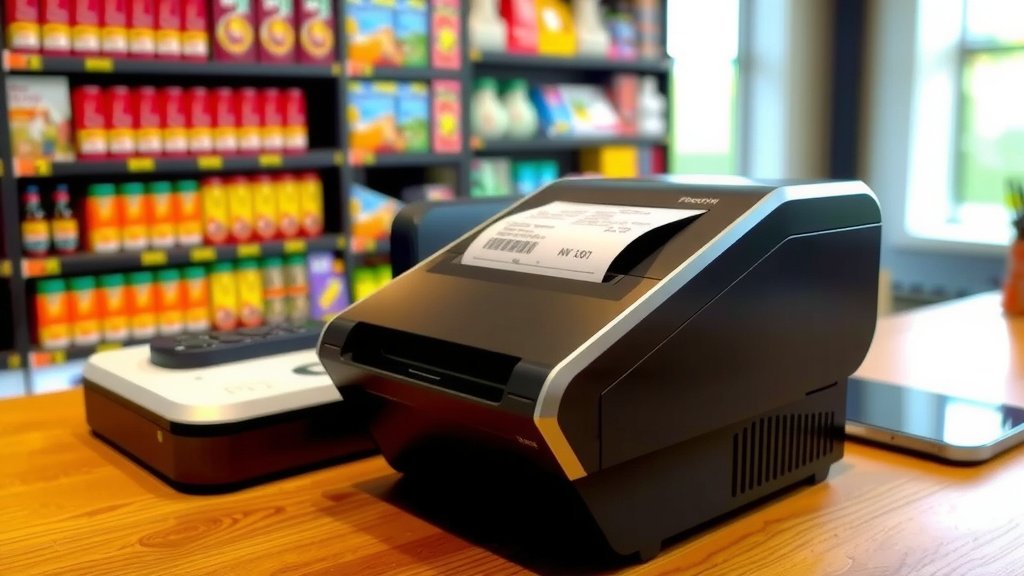
Thermal printers are typically quite small. They don’t take up much counter space, which is a big advantage for businesses with limited room. Their compact size makes them easy to place near a cash register or on a small counter. This efficient use of space is a practical benefit for businesses of all sizes.
Comparing Thermal Printers to Other Types
To really understand why thermal printers are so prevalent, it helps to compare them to other common printing technologies. What makes them stand out?
| Feature | Thermal Printer | Inkjet Printer | Laser Printer |
|---|---|---|---|
| Printing Method | Heat + Thermal Paper | Liquid Ink Sprayed | Toner Powder + Heat |
| Speed | Very Fast | Moderate | Fast |
| Print Quality (for Receipts) | Good, can fade | Good, can smudge | Excellent, can smudge |
| Maintenance | Low | Moderate (Ink Replacement) | Moderate (Toner Replacement) |
| Ongoing Costs | Low (Paper only) | High (Ink Cartridges) | Moderate (Toner) |
| Noise Level | Quiet | Moderate | Moderate |
| Common Use | Receipts, Labels | Home/Office Documents | Office Documents, Photos |
Inkjet vs. Thermal
Inkjet printers spray tiny droplets of liquid ink onto paper. They are versatile and can print in color. However, they require ink cartridges that can be expensive and need frequent replacement. Ink can also smudge if it gets wet. Thermal printers, on the other hand, are specialized for one job: printing text and simple graphics quickly on thermal paper. They are faster and cheaper to run for receipts, even if they can’t print in color. Many experts note that for high-volume receipt printing, thermal is the clear winner (Small Business Administration).
Laser vs. Thermal
Laser printers use toner powder and a fuser to create prints. They are known for sharp text and fast printing, especially for documents. But, laser printers are generally larger, more expensive, and their toner cartridges are also a significant cost. For the specific task of printing quick receipts at a point of sale, laser printers are usually overkill and less practical than their thermal counterparts. Thermal printers excel in their dedicated role.
What to Look For in a Thermal Printer
If you’re a business owner or looking to upgrade your point-of-sale system, choosing the right thermal printer is key. Here are a few things to consider.
Print Speed and Resolution
Consider how fast you need your receipts printed. Most standard receipt printers offer sufficient speed. Resolution (measured in dots per inch or DPI) is also important. For standard receipts, 203 DPI is usually fine. If you need to print detailed logos or very small text, you might look for higher resolutions, though it’s often unnecessary for basic receipts.
Connectivity Options
How will the printer connect to your computer or POS system? Common options include USB, Ethernet (network), Bluetooth, and Wi-Fi. Make sure the printer’s connectivity matches your existing setup. USB is simple for a single computer, while Ethernet is great for shared use across a network.
Durability and Brand Reputation
Since these printers are used constantly, durability is crucial. Look for printers from reputable brands known for reliability. Check reviews to see how well they hold up in demanding environments. A printer that’s built tough will save you money on repairs and replacements in the long run.
Size and Design
As mentioned, counter space is precious. Ensure the printer’s dimensions will fit comfortably in your workspace. Some models are designed to be mounted under a counter or in a small footprint.
Your Checklist for Choosing a Printer:
- Determine your required print speed.
- Check the printer’s resolution for clear text.
- Verify compatible connectivity options (USB, Ethernet, etc.).
- Research brand reputation for durability.
- Measure your available counter space.
- Consider your budget for both the printer and paper.
Conclusion
You now understand how thermal receipt printers work, from the heated print head to the special paper that changes color. We’ve seen how their speed, reliability, and low maintenance make them perfect for busy businesses. While direct thermal is common for receipts, thermal transfer offers more durability for labels. Choosing the right one depends on your needs, focusing on speed, connectivity, and brand reputation. Consider these factors to ensure you get the best printer for your operations.
Frequently Asked Questions
Do thermal receipt printers fade?
Yes, thermal receipts can fade over time. The special paper used is sensitive to heat and light. If exposed to direct sunlight or excessive heat, the print can become faint. It’s best to store receipts in a cool, dark place to preserve them.
Can I print color on a thermal receipt printer?
No, standard direct thermal receipt printers cannot print in color. They only produce black or dark blue text and images. The printing process relies on heat activating a single color dye in the thermal paper.
How long does a thermal receipt printer last?
Thermal receipt printers are generally very durable. The print head is the main component that wears out, but it’s designed for long life. Many can print hundreds of thousands of receipts before needing replacement. With proper care, your printer should serve your business for many years.
What kind of paper do thermal printers use?
Thermal printers require special thermal paper. This paper has a coating containing chemicals and dyes that react to heat. Regular paper won’t work because it lacks this heat-sensitive coating. Always use paper specifically designed for thermal printers.
Are thermal printers more expensive than inkjet printers?
The initial cost of a thermal printer might be comparable to or slightly higher than some inkjet printers. However, the ongoing costs are significantly lower. You avoid the expense of ink or toner cartridges, which are a major recurring cost for inkjet printers. The thermal paper is the main expense.