Thermal Receipt Printer Explained for Small Businesses
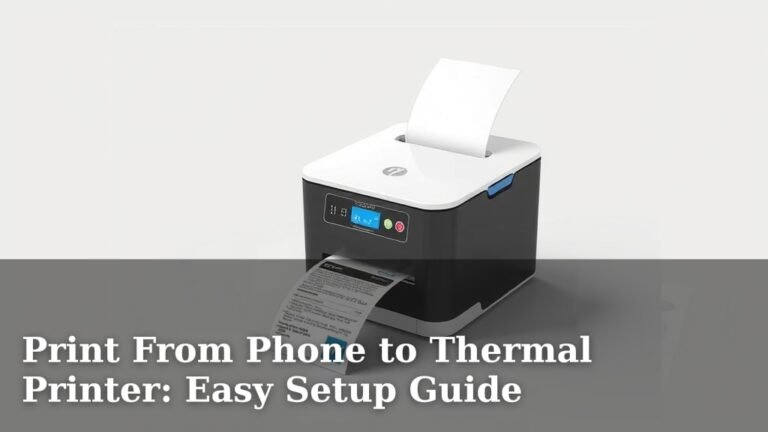
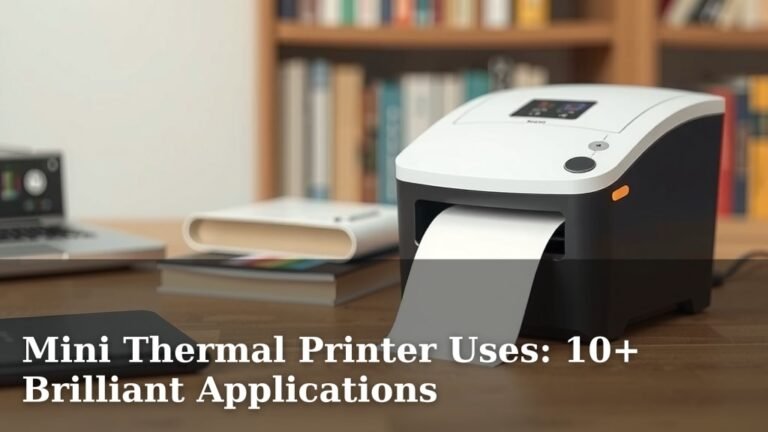
A thermal printer for receipts is a type of printer that uses heat to transfer an image onto paper. It’s incredibly fast and quiet. This makes it a popular choice for businesses that need to print many receipts quickly, like restaurants and retail stores. They are known for their reliability and low maintenance.
Think of it like a fancy, speedy fax machine for making paper copies. Unlike older printers that use ink or toner, thermal printers rely on a special kind of heat-sensitive paper. This method means fewer moving parts, which contributes to their long lifespan. Many businesses also appreciate that they are energy-efficient.
- Thermal printers use heat, not ink.
- They print quickly and quietly.
- Special paper is required.
- They are known for being reliable.
- They are a good choice for busy businesses.
So, how do these convenient devices actually work? We found that understanding the basics can really help you choose the right one for your needs. Let’s walk through exactly how they get the job done.
“`htmlHow Thermal Receipt Printers Work
We know you’re curious about what makes these printers tick. It’s actually a pretty neat process. Thermal printers use a special kind of paper and a heated print head. This combination creates your receipts without any ink cartridges. It’s a method that’s both simple and effective for creating quick, clear prints.
The Magic of Heat-Sensitive Paper
You might be wondering, what’s so special about this paper? It’s coated with a special dye and a developer. When heat is applied, these two elements react. This chemical reaction causes the paper to turn dark where it’s heated. Think of it like a temporary tattoo, but for your business transactions. We found this to be the core of their operation.
The Chemical Reaction Explained
The paper contains microscopic dye and developer molecules. These are usually clear or colorless. The print head applies heat to specific points on the paper. This heat causes the dye and developer to melt and combine. This combination creates a visible, dark mark. It’s a quick and permanent change on the paper surface. We found this to be fascinatingly simple.
The Role of the Thermal Print Head
The print head is the business end of the printer. It’s a long strip lined with tiny heating elements. These are called resistors. Each resistor can be turned on and off very quickly. When a resistor heats up, it transfers that heat to the paper. The pattern of activated resistors determines the image printed. We found this precision is key to clear receipts.
How the Print Head Creates Images
The printer’s internal software tells the print head which resistors to heat and for how long. This happens in tiny dots. The pattern of these hot dots forms the text and images on your receipt. The speed at which these resistors can activate is incredible. This allows for very fast printing. Many experts say this is why they are so speedy (National Technical Systems).
Understanding Direct Thermal vs. Thermal Transfer
While we’ve focused on the most common type, it’s good to know there are variations. Direct thermal printing is what we’ve described. It uses heat-sensitive paper. Thermal transfer printing is different. It uses a ribbon coated with wax or resin. The heat melts the ribbon onto the paper. This method is more durable but less common for simple receipts.
Direct Thermal: The Receipt Standard
Direct thermal is ideal for receipts because it’s cost-effective and simple. You only need the printer and the special paper. There are no inks or ribbons to replace. This means less maintenance and fewer consumables. For most businesses needing quick transaction records, this is the preferred method. We found this makes them very user-friendly.
Thermal Transfer: When Durability Matters
Thermal transfer is better for labels or barcodes that need to withstand harsh conditions. The resin or wax ribbon creates a more permanent image. It can resist fading from light and moisture. However, it requires more components: the printer, the paper, and the ribbon. This makes it a bit more complex and costly for everyday receipts.
Advantages of Using Thermal Printers for Receipts
Now that you know how they work, let’s talk about why they’re so popular. Businesses love them for good reason. They offer a blend of speed, reliability, and ease of use that’s hard to beat. We’ve gathered some of the top benefits for your business.
Speed and Efficiency
Receipt printing needs to be fast. Customers don’t want to wait. Thermal printers excel here. They can print an entire receipt in seconds. This speeds up checkout lines. It also keeps your staff focused on serving customers. We found that efficiency is a major selling point for many businesses.
Quiet Operation
Imagine a busy restaurant with multiple printers going. Loud printers can create a chaotic environment. Thermal printers are remarkably quiet. You might hear a slight whirring sound. But they are far less disruptive than older dot-matrix printers. This creates a calmer atmosphere for staff and customers alike. Many reviews highlight this quietness.
Low Maintenance and Durability
Fewer moving parts mean fewer things to break. Thermal printers have a simplified design. There are no ink cartridges to clog or replace. No toner to spill. The print head is the primary component that wears out. But they are built to last for millions of lines of print. We found that this translates to fewer service calls and less downtime.
Cost-Effectiveness Over Time
While the initial printer cost might seem similar to other types, the long-term savings are clear. You eliminate the recurring cost of ink or toner. The special thermal paper is also quite affordable. Plus, the reduced maintenance saves on repair costs. Many businesses find they save money within the first year of use.
Energy Efficiency
These printers only use energy when they are actively printing. When idle, they consume very little power. This makes them an environmentally friendly choice. It also helps keep your electricity bills down, especially if you have multiple printers running. We found this is a nice bonus for businesses focused on sustainability.
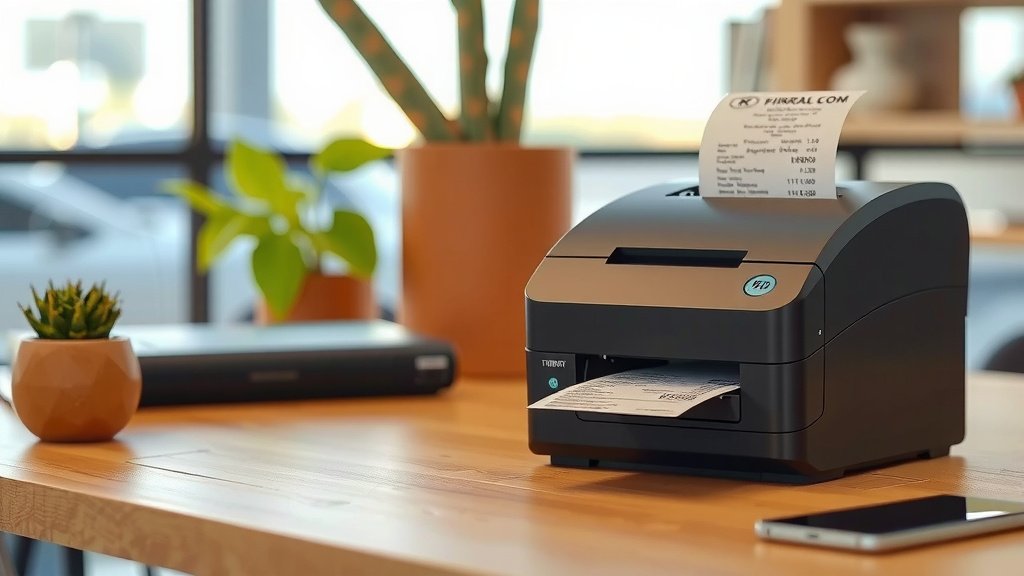
Key Features to Consider When Buying
Choosing the right thermal printer depends on your specific needs. It’s not a one-size-fits-all situation. We’ve looked at what factors make the biggest difference for businesses.
Print Speed and Resolution
Consider how fast you need receipts printed. Speeds are usually measured in millimeters per second (mm/s). For most retail and restaurant use, 150-200 mm/s is more than enough. Also, check the resolution, measured in dots per inch (dpi). 203 dpi is standard for clear text and simple graphics. Higher dpi means sharper images, but is often unnecessary for receipts.
Connectivity Options
How will the printer connect to your point-of-sale (POS) system? Common options include USB, Ethernet (network), and Bluetooth (wireless). USB is simple for a single computer. Ethernet allows multiple devices to share one printer. Bluetooth offers flexibility but can sometimes have connection quirks. Make sure it’s compatible with your existing setup.
Paper Width and Roll Size
Receipts typically come in standard widths, most commonly 80mm or 58mm. Ensure the printer you choose supports your preferred paper size. Larger paper rolls mean you’ll change them less often. This can save time during busy periods. We found that bigger rolls are a convenience many businesses appreciate.
Durability and Environment
Will the printer be used in a clean office or a busy, sometimes messy, kitchen? Some printers are built to be more rugged. They might have higher water or dust resistance ratings (IP ratings). If your environment is tough, look for a more durable model. This will ensure it lasts longer.
Here’s a quick checklist to help you decide:
- Do you need high print speed (over 150 mm/s)?
- What connectivity does your POS system require (USB, Ethernet, Bluetooth)?
- What paper width do you typically use (80mm or 58mm)?
- Is the printer’s location a dusty or damp environment?
- What is your budget for the printer and ongoing paper costs?
- Do you need to print logos or barcodes clearly?
Conclusion
You’ve now learned the ins and outs of thermal receipt printers. We’ve seen how their heat-sensitive paper and precise print heads create quick, quiet receipts. Remember, their low maintenance, cost-effectiveness, and speed make them a top choice for busy businesses. You can expect reliable performance without the hassle of ink. Now that you understand the technology and benefits, you can confidently choose the right printer to keep your operations running smoothly and efficiently. Take the next step by evaluating your business needs against the features we discussed.
Frequently Asked Questions
Do thermal receipts fade over time?
Yes, thermal receipts can fade over time. The heat-sensitive coating on the paper reacts to light, heat, and even some chemicals. We found that storing them in direct sunlight or in a hot car can speed up fading. For long-term record-keeping, consider making a photocopy or scanning the receipt.
Can I use regular paper in a thermal printer?
No, you cannot use regular paper in a thermal receipt printer. These printers require special heat-sensitive paper. This paper has a coating that reacts to the heat from the print head. Using regular paper will result in blank receipts, and it can also damage the printer.
How long does a thermal print head typically last?
A thermal print head is designed for durability. Most print heads can last for millions of lines of print. The exact lifespan depends on usage and environmental factors. We found that proper care, like keeping the printer clean, can help extend its life considerably.
Are there any environmental concerns with thermal paper?
Some environmental concerns exist regarding the chemicals used in thermal paper coatings. However, newer formulations are becoming more eco-friendly. The energy efficiency of the printers themselves is a positive aspect. Many businesses choose them for their overall lower environmental impact compared to older printing technologies.
What is the difference between direct thermal and thermal transfer for receipts?
For most receipts, you’ll be using direct thermal printing. This method uses heat-sensitive paper and requires no ink or ribbon. Thermal transfer printing uses a ribbon that melts onto the paper, creating a more durable print. We found that thermal transfer is better suited for labels or barcodes that need to withstand harsh conditions, not standard receipts.