Choosing a Thermal Printer: A Buyer’s Guide
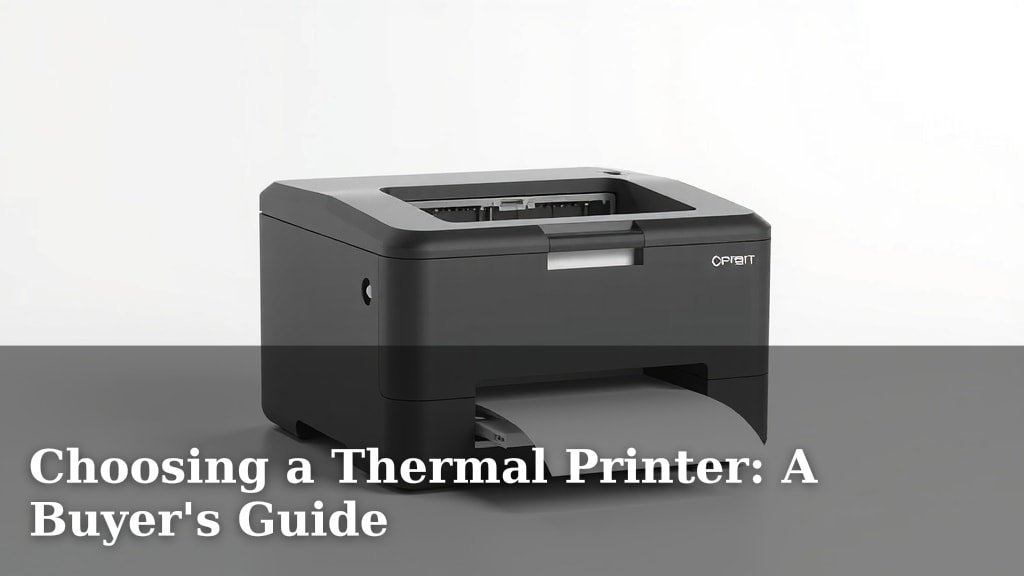
Choosing the right thermal printer depends on your specific needs, like print volume and material type. You’ll want to consider whether you need direct thermal or thermal transfer printing. Direct thermal is great for shipping labels and receipts, while thermal transfer excels with durable labels that need to last. Think about your budget and the size you need, too.
There are many factors to weigh when selecting this device. Understanding the difference between direct and transfer methods is key. We also found that considering the print speed and resolution can greatly impact your workflow. Your choice will affect everything from label quality to operational efficiency.
- Direct thermal vs. thermal transfer: know the difference.
- Consider print speed and resolution for efficiency.
- Think about your budget and the printer’s size.
- Durable labels often require thermal transfer printing.
Let’s walk through exactly how to pick the best thermal printer for your situation.
Picking the Right Thermal Printer for Your Needs
Choosing a thermal printer might seem tricky at first. But don’t worry, we’re here to make it easy. You’ve got specific tasks in mind, and we’ll help you find the perfect tool. Think of it like picking the right tool for a DIY project. You wouldn’t use a hammer to screw in a bolt, right? Same idea here.
We found that understanding a few key differences makes all the difference. This guide will help you match your printing needs with the right thermal printer technology. Your goal is efficiency and clear, lasting prints. Let’s get started on finding that ideal match.
Understanding Thermal Printing Technologies
The main thing to know is there are two ways thermal printers work. They’re called direct thermal and thermal transfer. Each has its own strengths and best uses. Getting this right is your first big step.
Direct Thermal Printing: The Quick and Easy Way
Direct thermal printing is like a magic trick. It uses heat to create an image. The printer head heats up special paper. This paper has a coating that turns black when heated. It’s a simple process with fewer moving parts.
This method is fantastic for things that don’t need to last forever. Think of your grocery store receipts or shipping labels. They get the job done quickly. We found that for high-volume, short-term needs, direct thermal is a winner.
Pros of Direct Thermal
- Fast printing speeds.
- No ink or toner needed, saving you money.
- Simpler design means fewer maintenance issues.
- Great for coupons, event tickets, and name tags.
Cons of Direct Thermal
- Prints can fade over time, especially with heat or sunlight exposure.
- Labels can be sensitive to scratching.
- Requires special heat-sensitive paper.
Thermal Transfer Printing: For Durability and Longevity
Thermal transfer printing is a bit more involved. It uses heat, too, but with an added element: a ribbon. The printer head heats the ribbon. This transfers ink from the ribbon onto the label material. It’s like a sophisticated stamp.
This technology creates prints that are much more durable. They resist fading, smudging, and harsh environments. Many experts say this is the way to go for product labeling, asset tags, and anything that needs to last for years. We found this method offers superior print quality for demanding applications.
Pros of Thermal Transfer
- Prints are very durable and long-lasting.
- Resistant to UV light, water, and chemicals.
- Works on a wider range of materials, not just special paper.
- Produces sharp, high-quality images and text.
Cons of Thermal Transfer
- Requires purchasing and replacing ink ribbons.
- Can be slightly slower than direct thermal printing.
- More components mean potentially more maintenance.
Key Features to Consider for Your Printer
Beyond the basic technology, several features impact performance. These details can make a big difference in your daily operations. Let’s look at what really matters when you’re comparing models.
Print Resolution: Sharpness Matters
Print resolution is measured in dots per inch (DPI). Higher DPI means sharper, clearer prints. For basic text and barcodes, 203 DPI is usually fine. If you need to print small fonts, detailed graphics, or complex barcodes, you’ll want 300 DPI or even 600 DPI.
We found that investing in higher resolution pays off for clarity. It ensures that even tiny text is readable. This can prevent errors, especially with scannable information.
Print Speed: How Fast Do You Need It?
Print speed is measured in inches per second (IPS). How many labels do you need to print in an hour? If you have a high volume, you’ll need a faster printer. Slow printers can create bottlenecks in your workflow.
For busy warehouses or retail environments, speed is essential. We found that printers offering 5 IPS or more are great for high demand. Slower speeds, like 2-3 IPS, might be okay for lower-volume needs.
Connectivity Options: How Will It Talk to Your Computer?
Printers connect in various ways. Most thermal printers offer USB, which is standard. Many also come with Ethernet for network printing. This is handy if multiple users need to access the printer.
Some printers have Wi-Fi or Bluetooth for wireless convenience. Think about your existing setup. Do you need to connect multiple computers? A network option like Ethernet or Wi-Fi might be best. We found that robust connectivity is key for smooth integration.
Durability and Build Quality: Will It Last?
Where will your printer live? If it’s in a clean office, you might not need a heavy-duty model. But if it’s going into a factory or a warehouse, you need something built tough. Look for printers with sturdy casings and components designed for industrial use.
Many manufacturers offer ruggedized printers. These can withstand dust, moisture, and bumps. We found that for demanding environments, paying a bit more for durability saves headaches later.
Considering Your Printing Volume and Material
Your printing needs dictate a lot about the printer you should choose. How much will you print? What are you printing on?
Print Volume: Daily, Weekly, or Monthly Needs
This is a big one. If you print a few labels a day, a small, basic model will work. If you print hundreds or thousands, you need a robust, high-speed printer. Manufacturers often provide duty cycle ratings, indicating how many labels a printer can handle daily.
We found that exceeding a printer’s recommended duty cycle can lead to premature wear. It’s better to get a printer rated for more than you think you’ll need. This ensures reliability and longevity.
Label Material: Paper, Film, or Other?
What are your labels made of? Direct thermal works best on coated paper labels. These are often used for shipping labels and receipts. For more demanding applications, like harsh industrial settings or outdoor use, you’ll need thermal transfer.
Thermal transfer can print on a wide array of materials. This includes synthetics like polyester, vinyl, and even metal tags. For these, you’ll also need a compatible ribbon. The ribbon material needs to match the label material for the best results. Many sources suggest testing different combinations for your specific environment (e.g., chemical resistance testing).
Budget and Size: Practical Considerations
Let’s talk money and space. These practicalities are just as important as technical specs.
Printer Cost: Initial Investment vs. Long-Term Savings
Thermal printers range in price. You can find basic models for under $200. High-end industrial printers can cost thousands. Consider the total cost of ownership. This includes the printer itself, plus ribbons, labels, and any maintenance.
Direct thermal printers usually have a lower initial cost. However, you’re tied to specific paper. Thermal transfer printers might cost more upfront but offer more versatility and durability. We found that many businesses find the long-term savings in durability and versatility outweigh the initial cost of thermal transfer.
Physical Size and Placement
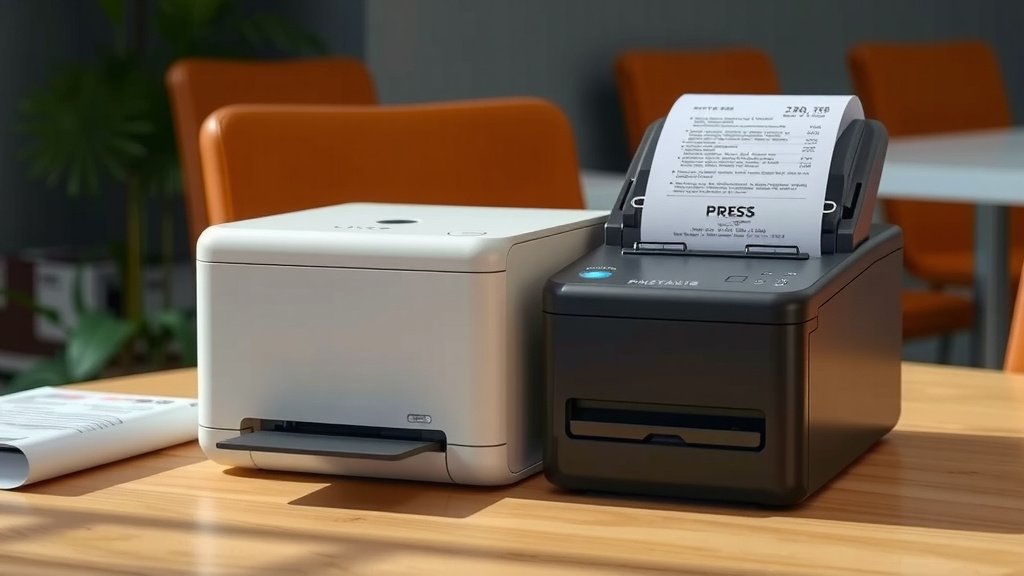
How much space do you have? Some printers are compact and fit easily on a desk. Others are larger and designed for industrial settings, needing more floor space. Measure your intended spot before you buy. Ensure you have enough room for ventilation and easy access for maintenance.
Think about where the printer will be. Does it need to be portable? Some models are designed for mobile use, smaller and lighter. For a fixed location, a larger, more robust unit might be better.
Putting It All Together: Your Checklist
Making the final decision can feel like a lot. Let’s simplify it with a quick checklist to ensure you haven’t missed anything.
- What will you print? (e.g., shipping labels, product tags, receipts)
- How many prints per day? (Estimate your volume)
- Direct thermal or thermal transfer needed? (Consider durability)
- What materials will you print on? (Paper, synthetic, etc.)
- What’s your budget? (Initial cost and ongoing supplies)
- Where will it go? (Desk, factory floor, mobile)
Conclusion
You’ve now got a clear path to selecting the perfect thermal printer. Remember, the key is matching the printer’s capabilities to your specific tasks. Consider if direct thermal’s simplicity or thermal transfer’s durability is best for your needs. Don’t forget to factor in print resolution, speed, and your budget for the best long-term fit. With these points in mind, you’re ready to make a smart choice.
Take a moment to review your daily printing volume and material requirements. Then, compare those needs against the features we discussed. Your next step is to start looking at models that fit your checklist!
Frequently Asked Questions
What’s the main difference between direct thermal and thermal transfer?
Direct thermal uses heat to print on special heat-sensitive paper, making it simpler and cheaper for short-term use like receipts. Thermal transfer uses a heated ribbon to transfer ink onto the label material, creating durable, long-lasting prints suitable for harsh conditions or items needing longevity.
How do I know if I need high resolution for my thermal printer?
You’ll likely benefit from higher resolution (300 DPI or more) if you need to print very small text, detailed graphics, complex barcodes, or logos. For basic text and standard barcodes, 203 DPI is usually sufficient, but clear readability is the goal.
Can I use any label material with a thermal printer?
No, the material depends on the printing technology. Direct thermal printers require special heat-sensitive paper. Thermal transfer printers are more versatile and can print on a wider range of materials, including synthetics like polyester or vinyl, but you’ll also need a compatible ribbon.
How important is print speed for my thermal printer?
Print speed, measured in inches per second (IPS), is very important if you have a high volume of labels to print regularly. A faster printer can prevent workflow bottlenecks in busy environments like warehouses or retail operations. If you print infrequently, a slower speed might be fine.
What is the “duty cycle” of a thermal printer?
The duty cycle indicates the recommended number of labels a printer can reliably handle per day. Exceeding this rating can cause premature wear and tear on the printer. It’s wise to choose a printer with a duty cycle that comfortably exceeds your estimated daily printing needs to ensure longevity and reliability.