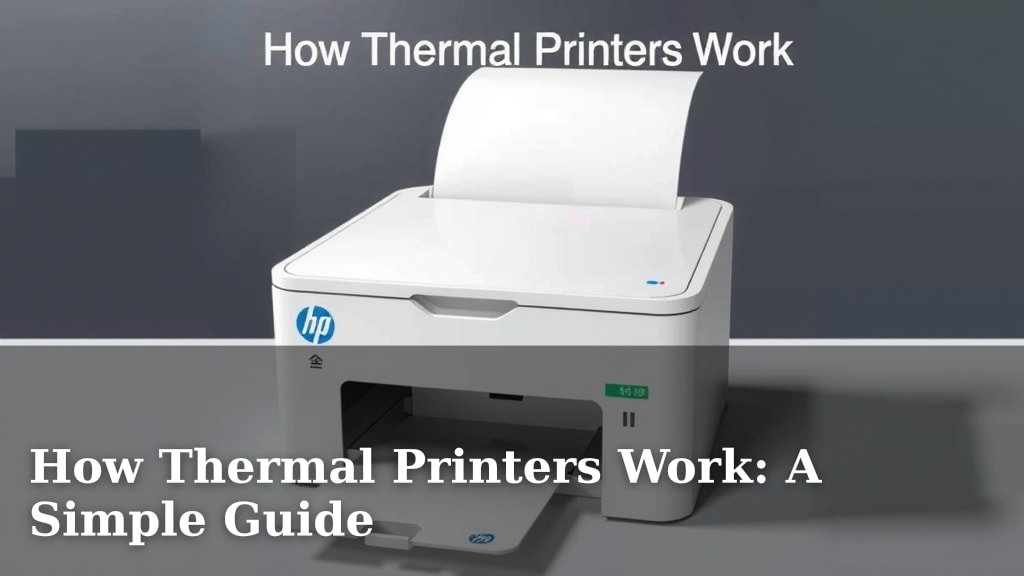
How Thermal Printers Work: A Simple Guide
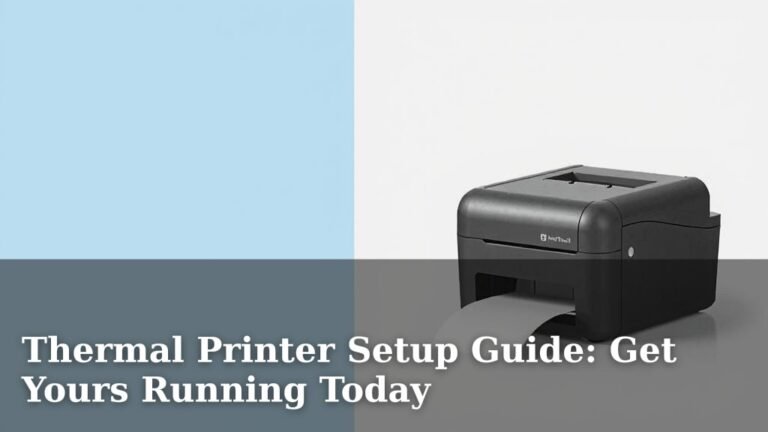
A thermal printer works by heating a special kind of paper as it passes over a print head. This heat causes the paper to turn black, creating your printed text or image. It’s a surprisingly simple and effective technology for quick prints.
Unlike traditional printers that use ink or toner, thermal printers rely on heat and a special coating. This makes them ideal for receipts, labels, and tickets where speed and low maintenance are key. You’ve likely seen them in action at the grocery store or your favorite coffee shop!
- Thermal printers use heat, not ink.
- A special coated paper turns black when heated.
- They are common for receipts and labels.
- They are generally quiet and fast.
- Maintenance is typically very low.
Let’s walk through exactly how this magic happens, step by step, so you can understand your receipt printer like a pro.
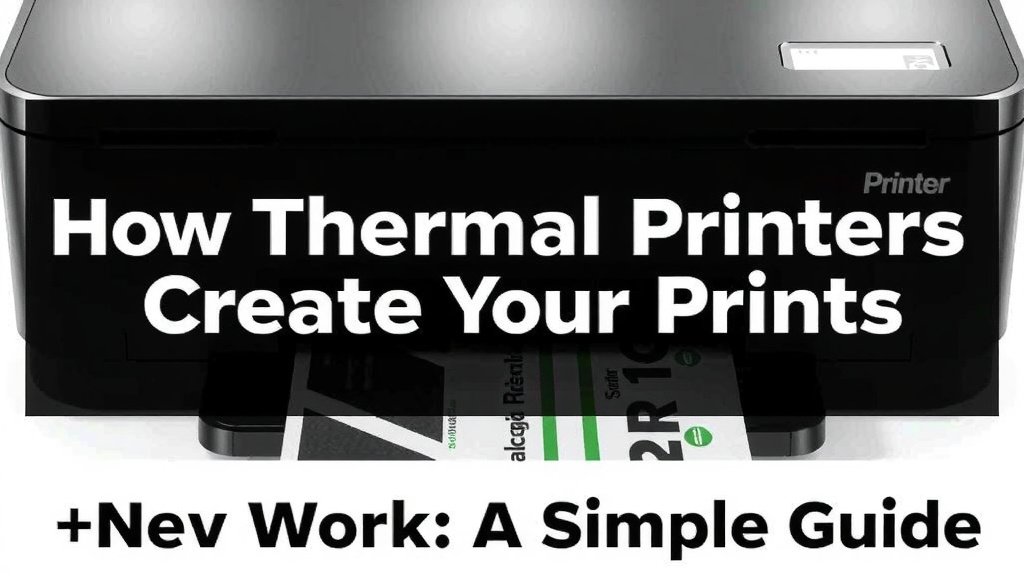
How Thermal Printers Create Your Prints
Thermal printers are pretty neat! They create images by selectively heating a special type of paper. This means no ink cartridges or toner powders are involved. Instead, it’s all about heat and chemistry. You’ll find them everywhere, from grocery store receipts to shipping labels.
The Magic Behind Thermal Paper
So, what makes this paper so special? It’s coated with a special material. This material is a mix of a dye and a developer. When heated, these two chemicals react. This reaction causes the paper to turn black right where it’s heated.
Understanding the Components
Think of it like a tiny, controlled chemical reaction happening just for your printout. The paper itself is usually white. The special coating is applied to one side. This coating is sensitive to heat. It’s the key to how the printer works its magic.
The Role of Heat
The heat is applied by a print head. This print head has tiny heating elements. These elements are arranged in a line, like a row of very small light bulbs. As the paper passes over this print head, specific elements get hot.
A Precise Heating Process
It’s not just random heating. The printer knows exactly which dots need to be heated. This information comes from the data being printed. When the paper moves, the print head heats up precisely. This creates the text or images you see. It’s like drawing with heat!
Inside the Thermal Printer: Key Parts
Let’s peek inside and see what makes a thermal printer tick. It’s a fairly simple machine, which is part of its charm and reliability. The main players are the print head, the platen roller, and the paper itself.
The Print Head: The Heart of the Operation
The thermal print head is the most important part. It’s a line of tiny resistors. Each resistor acts as a miniature heater. When an electrical current flows through a resistor, it heats up. The printer’s logic controls which resistors heat up and for how long.
Tiny Resistors, Big Impact
These resistors are incredibly small. They are packed closely together. This allows for high-resolution printing. The finer the dots, the sharper your text and images will be. Many printers have a resolution of 203 dots per inch (dpi) or higher.
The Platen Roller: Guiding the Paper
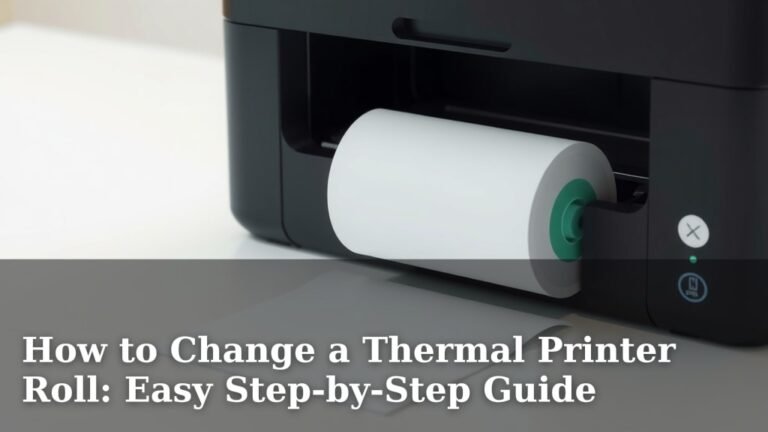
Behind the print head, you’ll find the platen roller. This is a rubber roller. Its job is to feed the paper smoothly. It presses the paper against the print head. This ensures good contact for even heating. Without the roller, the paper wouldn’t move or press properly.
A Dynamic Duo
The print head and the platen roller work in tandem. The roller turns, moving the paper forward. As the paper moves, the print head heats specific spots. This creates the printed line. Then the paper moves again, and the next line is printed.
The Printing Process Step-by-Step
Let’s break down the journey of your printout. It starts with a command and ends with a crisp black mark on paper. This process is incredibly fast.
Step 1: Receiving the Data
First, your device sends information to the printer. This could be text for a receipt or an image for a label. The printer’s internal electronics receive this data. They translate it into instructions for the print head.
Step 2: Heating the Paper
The paper is fed through the printer. It moves over the thermal print head. The print head’s resistors heat up. They heat specific areas of the thermal paper. The paper’s coating reacts instantly to this heat. It turns black where it’s heated.
Step 3: Creating the Image
By controlling which resistors heat up, the printer forms characters and images. It’s like a mosaic of tiny black dots. The density and pattern of these dots create the final output. This happens very quickly, line by line.
Step 4: Completing the Printout
As the paper continues to move, more lines are printed. The process repeats until the entire document or label is formed. The result is a permanent black image. Many experts agree this method is highly efficient for its purpose (National Institute of Standards and Technology).
Types of Thermal Printing Technologies
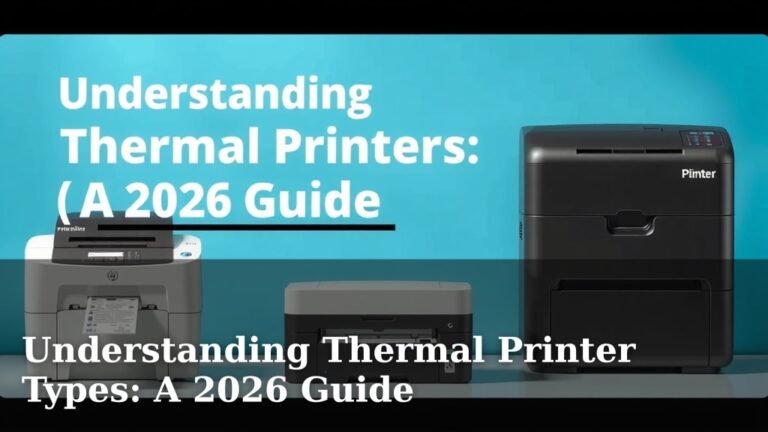
While the core idea is the same, there are two main types of thermal printing. They achieve the same result but use slightly different approaches. Understanding these can help you choose the right printer.
Direct Thermal Printing
This is the most common type for receipts and labels. It uses heat-sensitive paper. The print head heats the paper directly. This causes the chemical reaction and the image appears. Direct thermal printers don’t use ink or toner.
The main advantage is simplicity. You only need the special paper. This means fewer moving parts and less maintenance. However, direct thermal prints can fade over time. They are sensitive to heat and light. We found that prints can become unreadable after prolonged exposure (U.S. Food & Drug Administration). This is why they aren’t ideal for long-term archiving.
Thermal Transfer Printing
Thermal transfer printers use a different method. They use a ribbon made of ink. This ribbon is heated by the print head. The heat transfers the ink from the ribbon onto the label or paper. This creates a very durable print.
These printers require both special labels and ink ribbons. This adds a bit more complexity and cost. But the prints are much more resistant to fading and abrasion. Many industries use thermal transfer for durable labels on products or equipment. Research suggests these prints can last for decades with proper care.
Why Choose Thermal Printers?
You might be wondering why thermal printers are so popular. Their design leads to several key benefits. They are a practical choice for many businesses and applications.
Speed and Quiet Operation
Thermal printers are known for being fast. They don’t have print heads that move back and forth like inkjet printers. The print head is stationary. It just heats the paper as it passes. This allows for very quick printing. They also operate very quietly. You won’t hear much noise from them.
Low Maintenance and Cost
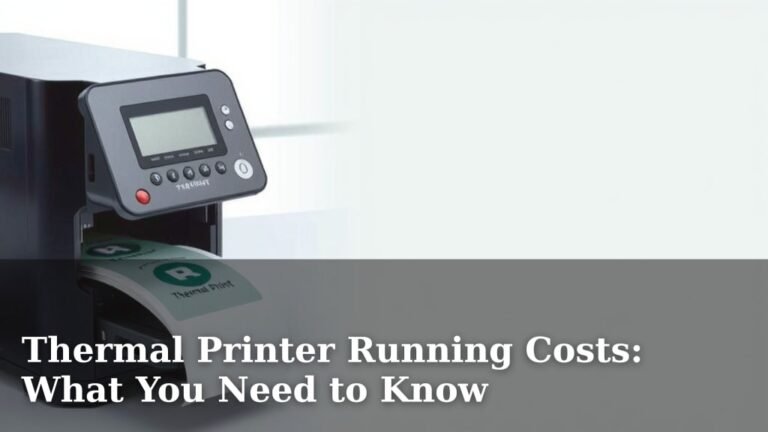
Since there’s no ink or toner, you avoid messy refills. There are fewer parts that can break down. This means lower maintenance costs over time. The initial cost of a thermal printer can also be quite reasonable. We’ve seen that businesses often choose them for their reliability and lower operating expenses.
Compact and Durable
Many thermal printers are designed to be compact. They don’t take up much space. This is great for busy countertops or small offices. The technology itself is robust. Fewer parts mean less can go wrong.
Keeping Your Thermal Printer in Good Shape
While thermal printers are low-maintenance, a little care goes a long way. Here’s a quick checklist to help you keep yours running smoothly:
- Keep it Clean: Dust and debris can affect print quality. Wipe down the print head and rollers gently.
- Use the Right Paper: Always use paper recommended for your printer. Poor quality paper can damage the print head.
- Avoid Direct Sunlight/Heat: Especially for direct thermal prints, keep them away from heat sources.
- Handle with Care: Thermal print heads are sensitive. Avoid touching them directly with your fingers.
- Regular Checks: Listen for any unusual noises. Check if prints are coming out clear.
By following these simple tips, you can ensure your thermal printer serves you well for a long time. It’s a small effort for consistent, reliable printing.
Conclusion
You now understand the magic behind your thermal printer. It’s a clever process of selective heating and chemical reactions. By using specialized paper and a precise print head, these printers offer speed and efficiency without ink. Whether you’re printing a quick receipt or a durable label, thermal technology is a reliable workhorse. Keep these simple maintenance tips in mind. This will help ensure your printer continues to perform optimally for a long time to come. Consider the type of thermal printing you need for your next project.
Frequently Asked Questions
How long do thermal prints last?
The lifespan of thermal prints depends on the type of technology used. Direct thermal prints can fade over time, especially when exposed to heat, light, or certain chemicals. Thermal transfer prints, on the other hand, are much more durable and can last for decades.
Can I use regular paper in a thermal printer?
No, you cannot use regular paper in a thermal printer. Thermal printers require special heat-sensitive paper that has a coating that reacts to heat. Using regular paper will result in blank prints and could potentially damage the printer.
Why are my thermal prints turning black all of a sudden?
If your thermal prints are turning black spontaneously, it’s likely due to exposure to heat or light. Direct thermal paper reacts to thermal energy. Even ambient heat or sunlight can cause the dye in the coating to activate and darken the paper.
Are thermal printers safe to use around food?
While the printing process itself doesn’t involve harmful inks, some direct thermal papers contain chemicals like Bisphenol A (BPA). Research from institutions like the FDA suggests caution. We recommend checking the paper specifications if food contact is a concern and opting for BPA-free options.
What’s the main difference between direct thermal and thermal transfer printing?
The main difference lies in how the image is created. Direct thermal printers use heat-sensitive paper that turns black when heated. Thermal transfer printers use a heated ribbon that transfers ink onto the label material, creating a more durable image.