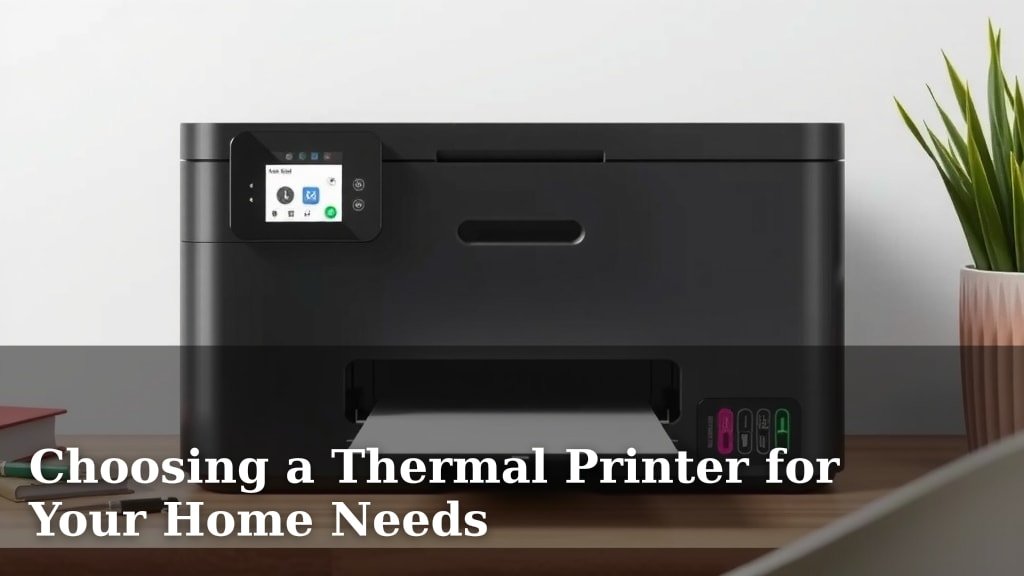
Choosing a Thermal Printer for Your Home Needs
Yes, a thermal printer can be a great addition to your home, especially if you need to print labels, receipts, or small documents quickly and affordably. They are known for their speed and low operating costs since they don’t use ink or toner cartridges.
Many people find thermal printers useful for organizing their homes, managing small online businesses, or even for creative projects. Unlike traditional printers, they work by heating a special thermal paper, which makes them incredibly quiet and maintenance-free. This technology offers a unique printing experience for everyday tasks.
- Thermal printers are ideal for home use, especially for labels and receipts.
- They are fast and economical because they don’t use ink.
- Enjoy quiet operation and minimal upkeep.
- Perfect for home organization and small business needs.
Ready to see if a thermal printer is right for your home setup? Let’s dive into what makes them tick and what you should look for when choosing one.
Bringing Thermal Printing Into Your Home Office
You might be wondering if a thermal printer is truly suited for home use. The answer is a resounding yes, especially for specific tasks. Think about the convenience of printing shipping labels for online sales, creating personalized gift tags, or even whipping up quick ingredient lists for your recipes. They excel where speed and affordability matter most.
Unlike the whirring and clunking of an inkjet, thermal printers are remarkably quiet. They use heat to create an image on special paper. This means no ink cartridges to replace and no messy toner spills. This makes them a low-maintenance choice for busy households.
How Does Thermal Printing Actually Work?
It’s pretty neat science, really! Thermal printers use a thermal print head. This head contains tiny heating elements. When you send a print job, these elements heat up. They selectively warm spots on the special thermal paper. This heat causes a chemical reaction in the paper. It turns those heated spots dark, forming your text or image.
There are two main types of thermal printing: direct thermal and thermal transfer. For most home users, direct thermal is the way to go. It’s simpler. It only requires the special thermal paper. Thermal transfer uses a ribbon to imprint the image. It’s more durable but usually overkill for home tasks.
Direct Thermal: The Home User’s Friend
Direct thermal is popular for a reason. You print directly onto heat-sensitive paper. This means fewer supplies to buy. No ribbons, no ink, just the paper. This keeps your running costs very low. It’s why many small businesses and home offices prefer this method for labels and receipts.
Thermal Transfer: When Durability Matters
Thermal transfer is a bit more involved. It uses a heated ribbon. This ribbon transfers a wax or resin onto the label material. The result is a print that’s more resistant to fading and smudging. You’ll see this used for more permanent labels, like those on outdoor equipment or in harsh environments. It’s less common for typical home use but good to know it exists.
What Can You Print with a Thermal Printer at Home?
The possibilities might surprise you! Beyond the obvious shipping labels, thermal printers are fantastic for organization. Imagine printing clear labels for your pantry items, storage bins, or even your spice rack. This can bring a new level of order to your home.
For hobbyists and crafters, they offer unique possibilities. You can create custom tags for handmade gifts, price tags for craft fairs, or even unique elements for scrapbooking projects. Some models can even print in different colors, though black is the most common and cost-effective.
Shipping Labels Made Easy
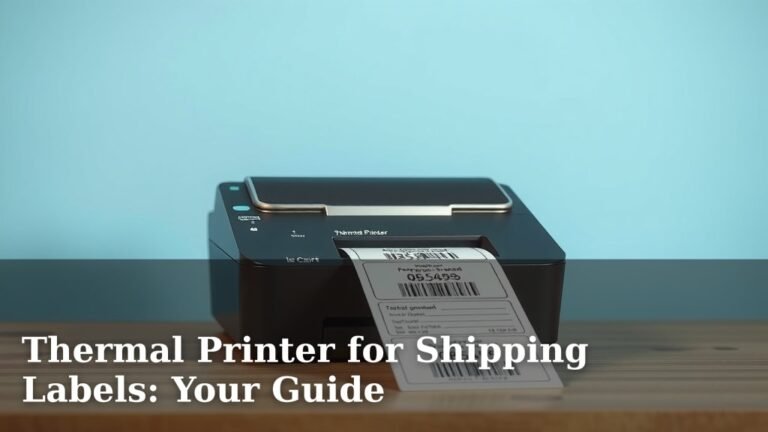
If you sell items online, a thermal printer is a game-changer for shipping. Printing labels from home saves you trips to the post office. You can quickly print labels for packages from carriers like USPS, FedEx, and UPS. This efficiency can save you significant time each week.
Organization and Labeling
Let’s talk about home organization. Picture this: all your Tupperware labels are uniform and easy to read. Your craft supplies are neatly categorized with clear labels. Your files in the office are perfectly identified. A thermal printer can help you achieve this level of neatness.
Receipts and Small Documents
Some thermal printers are designed to print small receipts. This can be handy for home-based businesses or even for tracking personal expenses. Think about keeping a simple log of household maintenance costs or small reimbursements. It’s a tidy way to keep records.
Choosing the Right Thermal Printer for Your Needs
Not all thermal printers are created equal. When you’re looking for one for your home, consider a few key factors. You’ll want a printer that fits your budget and your printing needs. Think about the types of things you’ll be printing most often.
Connectivity is another big one. How will you connect it to your computer or devices? Most home users will want USB connectivity. Wi-Fi or Bluetooth can add convenience, letting you print wirelessly from laptops, tablets, or even smartphones. Ease of setup is also important. You don’t want to spend hours troubleshooting.
Key Features to Look For
When you start browsing, you’ll see different specifications. Print resolution is measured in dots per inch (DPI). For most label and receipt printing, 203 DPI is perfectly fine. If you need to print very detailed graphics, you might consider 300 DPI, but it’s often unnecessary for home use. Print speed is also a factor. Faster is generally better, especially if you print in bulk.
Consider the size of the labels or paper the printer can handle. Most common label sizes are well within the capabilities of standard home thermal printers. Also, check for compatibility with your operating system. Most modern printers work with Windows and macOS, but it’s always good to confirm.
Connectivity Options Explained
As mentioned, connectivity is key. USB is the most common and reliable. It’s plug-and-play for most setups. Wi-Fi offers wireless convenience. You can place the printer anywhere with a Wi-Fi signal and print from any connected device. Bluetooth offers a similar wireless experience but is usually a shorter range and connects directly to one device at a time.
Paper and Supplies: What You Need to Know
Remember, thermal printers use special paper. For direct thermal printers, this is called thermal paper. It’s coated with chemicals that react to heat. It can be sensitive to light and heat, so keep that in mind for storage. For thermal transfer, you’ll need both the label material and the ink ribbon.
The cost of these supplies is part of your ongoing expense. Thermal paper is generally affordable. However, it can degrade over time, especially if exposed to heat or sunlight. Many experts suggest using your printed thermal labels within a year for best results (National Archives and Records Administration).
A Quick Comparison: Thermal vs. Traditional Printers
It’s helpful to see how thermal printers stack up against the inkjet or laser printers you might already have. They really serve different purposes.
| Feature | Thermal Printer | Inkjet/Laser Printer |
|---|---|---|
| Printing Method | Heat reacts with special paper | Ink spray or toner powder |
| Speed | Very fast for labels/receipts | Varies, can be slower for small jobs |
| Cost per Print | Very low (no ink/toner) | Higher (ink/toner cartridges) |
| Maintenance | Minimal, no ink refills | Requires ink/toner replacement, cleaning |
| Print Quality | Excellent for text and basic graphics | Better for photos and high-detail images |
| Paper Type | Special thermal paper required | Standard paper, photo paper, etc. |
As you can see, thermal printers shine in their niche. They offer speed and low running costs for specific jobs. Inkjets and lasers are more versatile for general printing and photos.
Getting Started: Your Thermal Printer Checklist
Ready to take the plunge? Here’s a quick checklist to help you choose and set up your new home thermal printer:
- Identify Your Main Use: Will it be for shipping, organizing, or crafting?
- Check Connectivity: Ensure it works with your computer or devices (USB, Wi-Fi, Bluetooth).
- Consider Print Width: Make sure it handles the label or paper sizes you need.
- Research Supply Costs: Factor in the price of thermal paper or ribbons.
- Read Reviews: See what other home users say about ease of use and reliability.
- Verify Software Compatibility: Ensure it works with your operating system and any design software you use.
Conclusion
You’ve seen how a thermal printer can be a fantastic fit for your home. They offer speed and cost savings by ditching ink. Whether you’re shipping packages, organizing your pantry, or crafting unique gift tags, a thermal printer streamlines these tasks. Remember to consider your primary needs and desired connectivity when choosing the right model. Now that you’re armed with this information, you can confidently decide if a thermal printer is the next smart addition to your home office setup.
Frequently Asked Questions
How long do thermal prints last?
Direct thermal prints are sensitive to heat, light, and chemicals. They can fade over time, typically within 6-12 months if stored properly. For longer-lasting prints, consider using thermal transfer printers or printing on archival-quality thermal paper. You can also take a photo of the printed label as a backup.
Can I print in color with a thermal printer at home?
Most standard thermal printers for home use print only in black and white. Some specialized thermal transfer printers can use colored ribbons, but this is less common for typical home applications. For color printing, you’ll likely need to stick with your inkjet or laser printer.
Do thermal printers need special software to work?
Typically, thermal printers come with basic driver software for your operating system (Windows or macOS). You can then use standard design or label-making software, or even built-in features of e-commerce platforms, to create your designs. Some manufacturers offer their own user-friendly design apps.
Are thermal printers noisy?
No, thermal printers are known for being very quiet. They operate by heating a print head that interacts with the special paper. You won’t hear the loud clicking or whirring associated with inkjet or laser printers. This makes them ideal for a quiet home office or shared living space.
Can I use regular paper in a thermal printer?
No, you cannot use regular paper in a thermal printer. They require special heat-sensitive thermal paper for direct thermal models or specific label stock and ribbons for thermal transfer models. Using regular paper will not produce any print and could potentially damage the printer’s components.