Thermal Printer Components: A Deep Dive
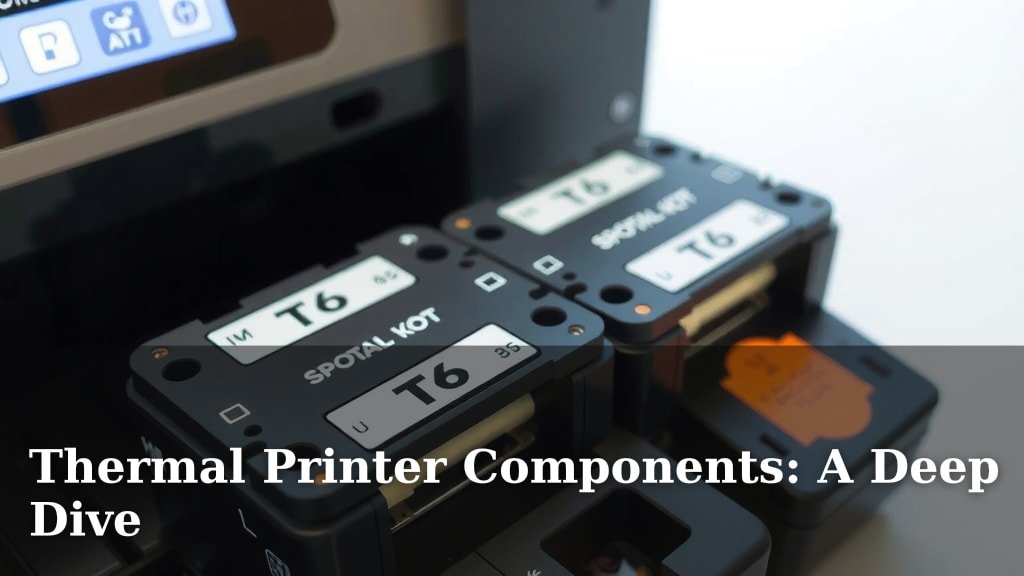
A thermal printer works using a few key components that work together to create your prints. The main parts include a print head, a platen roller, and a circuit board. These work in concert to heat special thermal paper and produce images or text quickly and quietly. It’s pretty neat science when you think about it!
Understanding these elements helps you troubleshoot issues and appreciate the printer’s design. We’ve found that knowing about the heater elements and the paper feed mechanism can also be very helpful. Think of them as the printer’s muscles and nerves, making sure everything moves and gets heated just right for a crisp, clear output.
- Print Head: Heats up to create the image.
- Platen Roller: Moves the paper through the printer.
- Circuit Board: The printer’s “brain.”
- Heater Elements: Part of the print head, they get hot.
- Paper Feed: Guides the special thermal paper.
Ready to dive into the nitty-gritty? Let’s walk through each of these thermal printer components and see exactly how they contribute to getting your labels, receipts, or tickets printed.
So, you’ve got a thermal printer and you’re curious about what makes it tick? It’s like looking under the hood of a car, but way less greasy. We’re going to break down the main players inside your thermal printer. Understanding these parts will help you troubleshoot if things go awry or simply appreciate the clever engineering. Let’s get started!
How Your Thermal Printer Gets the Job Done
Think of your thermal printer as a very specialized artist. It uses heat and special paper to create images and text. We found that the core of this magic lies in a few key components working in perfect harmony.
The Mighty Print Head: Where the Heat Happens
This is arguably the most important part. The print head is a strip of tiny heater elements. These elements look like little dots or lines. They are arranged in a precise pattern. This pattern is what forms the text and images you see on your printouts.
What are Heater Elements?
These are the workhorses. When the printer’s brain tells them to, these elements heat up very quickly. They get hot enough to interact with the thermal paper. Different elements heat up to create different patterns. This is how your message gets transferred to the paper.
Why Thermal Paper is Special
You can’t just use any old paper. Thermal printers need special thermal paper. This paper has a coating that changes color when exposed to heat. The heater elements in the print head activate specific areas. This causes the coating to turn black or another color.
We found that the quality of the thermal paper can really affect print clarity. Using lower-quality paper might result in faded prints or even damage to the print head over time. Always try to use paper recommended for your specific printer model.
The Smooth Operator: The Platen Roller
While the print head is busy heating, something else needs to happen. The paper needs to move. That’s where the platen roller comes in. This is a hard rubber or silicone roller. It sits directly behind the paper, opposite the print head.
How the Roller Guides the Paper
As the print head heats the paper, the platen roller spins. It grips the paper gently. This controlled movement feeds the paper through the printer at the right speed. It ensures that each part of the image is printed in the correct place. It’s a synchronized dance of heat and motion!
The Role of Pressure
The roller doesn’t just move the paper. It also applies even pressure. This pressure is essential. It presses the paper firmly against the heater elements. Without this firm contact, the heat wouldn’t transfer efficiently. This would lead to patchy or incomplete prints.
The Brains of the Operation: The Circuit Board
Every complex device needs a command center. In a thermal printer, that’s the circuit board. This is where all the electronic instructions live. It’s a small printed circuit board packed with components.
Processing Print Commands
When you send a document or label to print, the circuit board receives the data. It interprets this data. Then, it translates it into signals. These signals tell the print head exactly which heater elements to activate. It also controls the motor that turns the platen roller.
Controlling Speed and Power
The circuit board also manages the printer’s operational parameters. This includes things like print speed and the amount of heat applied. It ensures that each print job is executed perfectly. Many of these boards are quite sophisticated. They can manage diagnostics too.
Keeping Things Moving: The Paper Feed Mechanism
Beyond the main platen roller, there’s a whole system dedicated to moving paper. This is the paper feed mechanism. It’s a series of gears, rollers, and sensors. Its job is to smoothly load and advance the paper.
Loading and Advancing Paper
This mechanism takes the paper from its roll or stack. It guides it into position under the print head. Once printing is complete, it advances the paper to the next section. Or it ejects the finished print. Some printers have sensors. These detect when the paper is low or jammed.
Handling Different Paper Sizes
Advanced mechanisms can handle various paper widths. This is especially useful for printers that produce different types of output. Think receipts, labels, and tickets. The system must be precise to avoid misfeeds or skewed prints.
The Outer Shell: The Printer Casing and Frame
While not directly involved in the printing process, the external components are vital. The printer casing protects the delicate internal parts. It also provides a stable structure.
Protection and Stability
The sturdy frame holds everything in place. This ensures alignment of the print head and roller. The casing keeps dust and debris out. This helps maintain the printer’s longevity and performance. It also gives you a place to interact with the printer, like loading paper.
Putting It All Together: A Quick Summary
Let’s do a quick recap of how these parts work as a team. It’s a fascinating process once you see it:
- The circuit board receives your print command.
- It signals the paper feed mechanism to advance the paper.
- The platen roller ensures the paper is held firmly in place.
- The circuit board then tells specific heater elements on the print head to heat up.
- These hot elements touch the thermal paper, creating the dark marks.
- The platen roller moves the paper along, and the cycle repeats.
Common Thermal Printer Component Checks
If your printer isn’t performing as expected, checking a few key areas can often resolve the issue. We found these simple checks can save you a lot of hassle:
- Is the paper loaded correctly and feeding smoothly?
- Is the print head clean and free from debris?
- Are there any obvious obstructions in the paper path?
- Is the printer receiving power and data correctly?
- Has the printer been reset recently?
Conclusion
You’ve now seen how the seemingly simple thermal printer is a marvel of coordinated engineering. From the precise heat of the print head’s elements to the steady guidance of the platen roller and the smart control of the circuit board, each component plays a vital role. The paper feed mechanism ensures everything moves smoothly, bringing your labels and receipts to life. Understanding these parts means you’re better equipped to keep your printer running smoothly.
So, the next time you print a receipt or label, take a moment to appreciate the teamwork happening inside. If you encounter any printing issues, remember to check the paper path and the cleanliness of your print head. Taking these simple steps can often resolve common problems, keeping your operations efficient.
Frequently Asked Questions
What’s the most common reason a thermal printer stops printing?
Often, the issue stems from the paper feed mechanism or the print head. We’ve found that a dirty print head can prevent heat transfer, leading to faded or blank prints. Also, check if the paper is loaded correctly and hasn’t jammed.
Can I use regular paper in a thermal printer?
No, you absolutely cannot. Thermal printers require special thermal paper that has a heat-sensitive coating. Regular paper won’t react to the heat from the print head, so you won’t get any printout.
How do I clean the print head on my thermal printer?
You can clean the print head using a specialized printer cleaning pen or a soft, lint-free cloth lightly dampened with isopropyl alcohol. Gently wipe the print head element from one side to the other. Always ensure the printer is turned off and unplugged before cleaning.
Why are some of my thermal prints fading quickly?
This usually happens if you’re using lower-quality thermal paper, or if the paper is exposed to heat or direct sunlight after printing. The heat-sensitive coating on the paper can degrade over time, causing prints to fade. We recommend using high-quality, recommended paper for longevity.
What does the circuit board actually do?
Think of the circuit board as the printer’s brain. It receives the print data from your computer or device. It then translates that data into precise commands for the print head and the paper feed motor, controlling exactly which elements heat up and when the paper moves.