How Receipts Are Printed: The Science Behind Thermal Paper
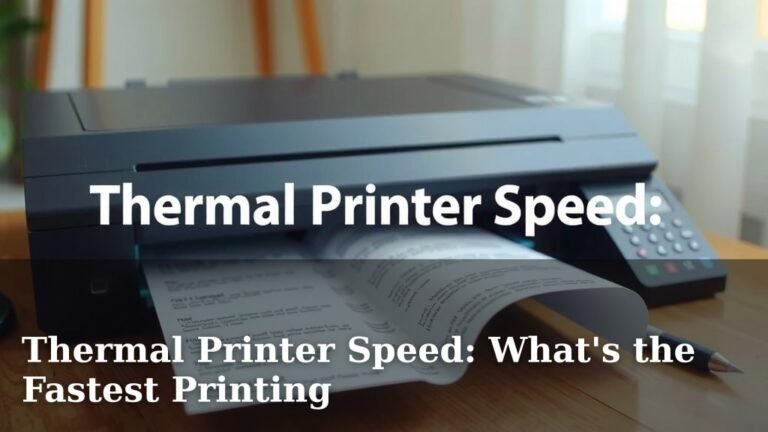
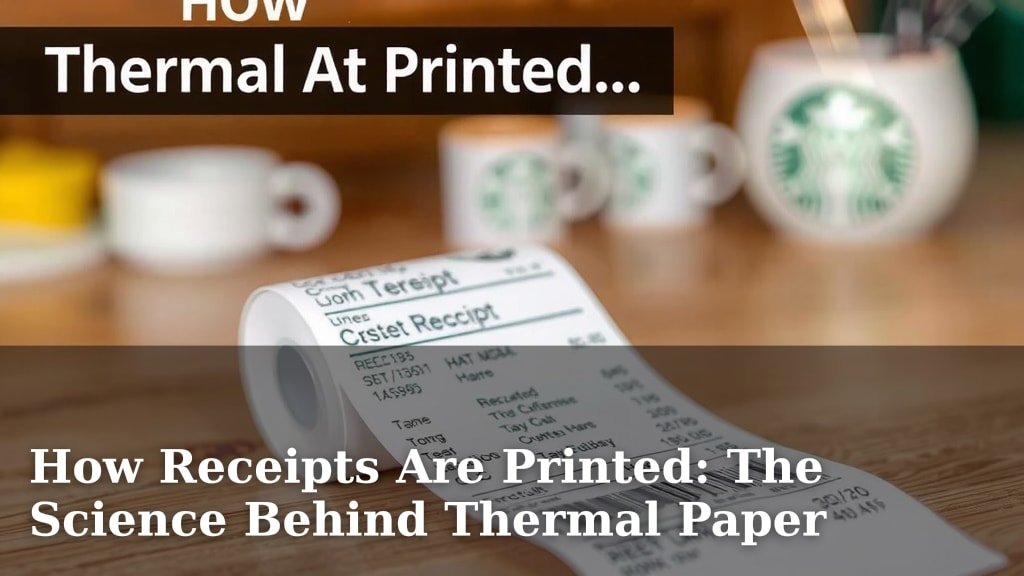
Receipts are printed using a thermal printer. This technology heats up special thermal paper, causing it to turn black. It’s the same technology used in many credit card machines and cash registers you see every day. This method is fast and doesn’t require ink.
Ever wondered how those tiny slips of paper appear so quickly? Thermal printing is a popular choice for businesses because it’s efficient and cost-effective. While other printing methods exist, like inkjet or laser, thermal printing excels for its speed and simplicity in point-of-sale environments. It’s a reliable way to give you proof of purchase.
TL;DR:
- Receipts mostly use thermal printers.
- Special paper turns black when heated.
- This method is quick and ink-free.
- Common in credit card machines and cash registers.
Ready to see how this handy technology works behind the scenes? Let’s walk through exactly how those important slips of paper get made.
“`htmlUnderstanding How Your Receipts Get Made
So, you’ve just made a purchase and are handed a small slip of paper. Ever pause to wonder how that receipt magically appears? It’s a simple process, but quite clever. Most of your everyday receipts are printed using a technology called direct thermal printing. Think of it as a specialized, super-fast form of printing that uses heat instead of ink. This method has become the go-to for businesses for several good reasons.
This system is designed for speed and reliability. When you’re at the checkout, the last thing you or the cashier needs is a printer jam or smudged ink. Thermal printing avoids those headaches. Let’s break down exactly how this handy technology works its magic.
The Heart of the Receipt: The Thermal Printer
At the core of every receipt printer is a thermal print head. This is a strip of tiny heating elements, like a miniature electric grid. It’s the part that actually does the printing. When the printer is activated, these heating elements get very hot, very quickly. They are arranged in precise patterns to form letters, numbers, and symbols.
These heating elements are the secret sauce. They don’t melt anything or burn the paper. Instead, they apply controlled heat to a special kind of paper. This special paper is the key to the whole operation. Without it, the heat wouldn’t do anything.
What’s So Special About Thermal Paper?
You might have noticed that receipts can fade over time, especially if exposed to heat or sunlight. That’s because of the special coating on thermal paper. This paper is actually a multi-layered material. The base is regular paper, but it’s coated with a heat-sensitive dye and a developer chemical.
When the thermal print head heats specific spots on this paper, the dye and developer react. This reaction causes the heated spots to turn black. It’s a chemical change triggered by heat. Think of it like a very controlled version of leaving a crayon in the sun – the color changes!
The Layered Design of Thermal Paper
Understanding the layers helps explain why it works. You have:
- Base Paper: The sturdy foundation.
- Thermal Coating: This is where the magic happens. It contains the dye and developer.
- Protective Layer: Some papers have a top coating. This protects the thermal layer from scratches and premature fading. It helps keep your receipt readable for longer.
How the Image Forms: A Dot-by-Dot Process
The print head isn’t a solid block. It’s made up of many tiny dots. Each dot can be heated independently. As the paper moves past the print head, the printer ‘draws’ the receipt. It does this by selectively heating these dots in specific patterns. For example, to print an ‘A’, a specific sequence of dots gets hot. This creates the shape of the letter.
It’s a bit like an old-school dot-matrix printer, but much faster and more precise. Instead of hitting an ink ribbon, the heat directly changes the paper’s color. This allows for very fine detail, making even small text perfectly legible. The speed at which these dots heat up and cool down is astonishing.
The Printing Process Step-by-Step
When you authorize a transaction, a signal goes to the printer. This signal tells it what information needs to be printed. That includes the store name, the items purchased, prices, the date and time, and the payment method. The printer then translates this data into commands for the thermal print head.
The paper is fed through the printer at a consistent speed. As it moves, the print head energizes its dots according to the data. This creates the black marks that form your receipt. The whole process takes just a few seconds, which is why you get your receipt almost instantly.
Why Direct Thermal Printing is King for Receipts
There are many ways to print things, but direct thermal printing offers unique advantages for this specific task. It’s not just about speed; it’s about practicality and cost-effectiveness for businesses.
Simplicity and Fewer Moving Parts: Unlike inkjet or laser printers, thermal printers don’t use ink cartridges, toner, or ribbons. This means fewer parts that can break or run out. It simplifies maintenance for businesses. Fewer parts also mean lower operational costs.
Speed: As we’ve seen, thermal printing is incredibly fast. This is essential in busy retail environments. It helps keep checkout lines moving smoothly. The rapid heating and cooling of the print head allow for near-instantaneous printing.
Quiet Operation: Compared to impact printers that strike paper, thermal printers are very quiet. This contributes to a more pleasant shopping experience. You won’t hear a lot of clunking and whirring.
Cost-Effectiveness: While the initial cost of thermal printers might be comparable to other types, the ongoing costs are generally lower. The main recurring expense is the special thermal paper itself. There are no expensive ink or toner refills to buy.
Common Uses Beyond Just Receipts
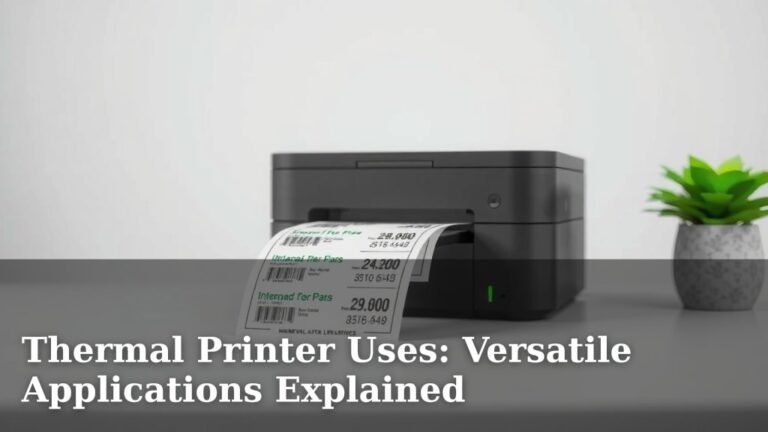
You might be surprised to learn where else this technology pops up. Direct thermal printing isn’t just for your grocery store receipt. It’s used in many places where quick, on-demand printing is needed.
- Shipping Labels: Companies like UPS and FedEx use thermal printers for their labels. This ensures clear, scannable barcodes.
- Boarding Passes: Airlines often print your boarding pass on thermal paper.
- Event Tickets: Many event venues use thermal printers for quick ticket production.
- Medical Wristbands: Hospitals use them for patient identification due to their durability and quick printing.
- ATM Receipts: Similar to retail receipts, ATMs use thermal printers for transaction records.
The reliability and speed make it a winner in many industries. It’s a workhorse technology that often goes unnoticed until you need it.
A Quick Look at Other Printing Methods
While thermal printing is dominant for receipts, it’s good to know what else is out there. Other technologies serve different purposes, and sometimes businesses might use them for other printing needs.
Inkjet vs. Laser vs. Thermal: A Simple Comparison
Let’s put them side-by-side so you can see the differences:
| Printing Method | How it Works | Best For | Receipts Use It? |
|---|---|---|---|
| Direct Thermal | Heats special paper to create black marks. | Short-term documents, labels, receipts. | Yes, primarily. |
| Inkjet | Sprays tiny droplets of ink onto paper. | Photos, color documents, home printing. | No, not typically for receipts. |
| Laser | Uses a laser to fuse toner (powdered ink) onto paper. | High-volume text documents, professional printing. | No, not typically for receipts. |
As you can see, each has its place. Inkjet and laser printers are great for producing vibrant, long-lasting documents. However, for the quick, efficient, and cost-effective printing of receipts, direct thermal wins hands down.
Caring for Your Receipts (and Understanding Their Limits)
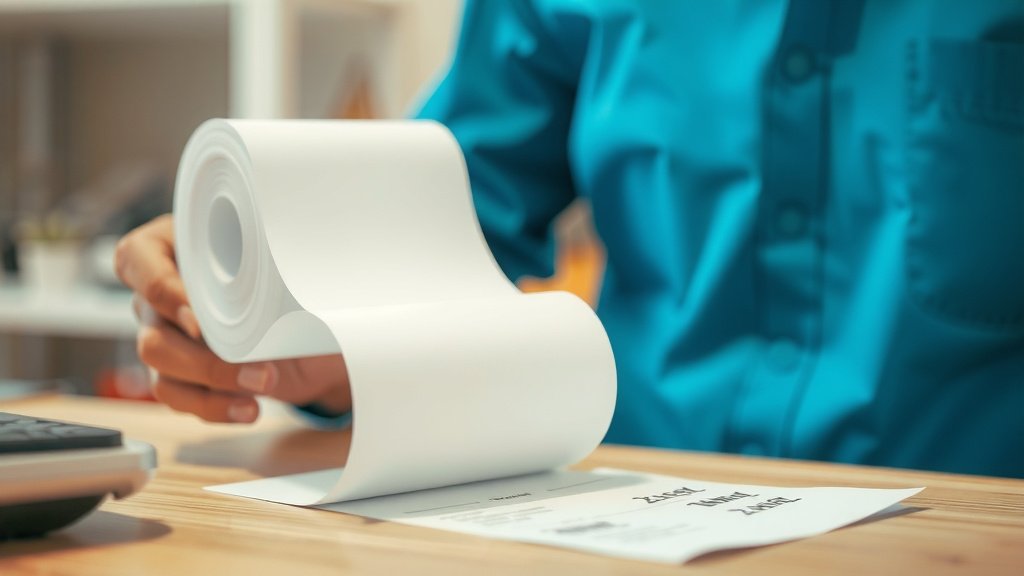
Now that you know how they’re made, you might be curious about how long they last. Because thermal paper relies on a chemical reaction to heat, it’s susceptible to certain conditions. Understanding this can help you keep important receipts readable.
What Can Make Receipts Fade?
Several factors can cause the print on thermal receipts to fade over time:
- Heat: Leaving receipts in a hot car, on a dashboard, or near a heat source can accelerate fading.
- Sunlight (UV Rays): Direct sunlight is a major culprit. It breaks down the dye in the thermal coating.
- Friction: Constantly rubbing the receipt, especially against other surfaces or in a wallet, can wear away the coating.
- Chemicals: Contact with certain plastics, hand sanitizers, or even some types of tape can cause discoloration.
Tips for Keeping Receipts Legible
If you need to keep a receipt for warranty purposes or tax records, it’s wise to take a photo of it with your phone. This creates a digital backup that won’t fade. You can also:
- Make a photocopy of the receipt.
- Store receipts flat in a cool, dark place.
- Avoid folding them too tightly or crumpling them.
- Consider using a dedicated receipt scanning app.
Being mindful of these factors can help ensure your important transaction records remain clear.
The Future of Receipt Printing
While thermal printing is the current standard, technology is always advancing. We’re seeing more businesses offer digital receipts. These are sent directly to your email or can be accessed through a store’s app.
This shift reduces paper waste, which is great for the environment. However, for many people, the tangible slip of paper is still a comforting confirmation of a transaction. For now, the trusty thermal printer is likely here to stay, quietly churning out those essential little slips of paper.
“`Conclusion
You’ve learned how your everyday receipts are made with clever direct thermal printing. This quick, ink-free method uses a heated print head to react with special paper, creating your proof of purchase. While technology like digital receipts is growing, the reliable thermal printer remains a workhorse. Understanding how these slips are made helps you appreciate their speed and why they can fade. For important records, remember to keep a backup, perhaps by taking a quick photo!
Frequently Asked Questions
How long do thermal receipts usually last?
Thermal receipts typically last anywhere from a few months to a couple of years if stored properly. However, they are sensitive to heat, sunlight, and friction. Leaving them in your car or exposed to bright light can cause them to fade much faster.
Can I reprint a lost receipt using a thermal printer?
Generally, you cannot simply “reprint” a lost receipt on a standard thermal printer. The printer only outputs information sent to it during a specific transaction. You would need to contact the business directly, and they might be able to look up your transaction in their system and provide a reprint or a digital copy.
Why do my receipts feel waxy or slightly shiny?
That waxy or shiny feel comes from the special heat-sensitive coating on thermal paper. This coating contains dyes and chemicals that react when heated by the printer. This is what allows the image to form without any ink.
Is thermal paper safe to handle?
Yes, handling thermal receipts is generally considered safe. While the paper contains chemicals, research suggests the amount transferred to your hands is very small. If you have concerns, washing your hands after handling them is always a good practice.
Are there any eco-friendly alternatives to thermal receipts?
Many businesses are moving towards offering digital receipts sent via email or through an app. This significantly reduces paper waste. Some companies are also exploring receipts made from recycled paper or using plant-based coatings, though direct thermal remains the most common for its efficiency.