Your Top Thermal Printer FAQs Answered
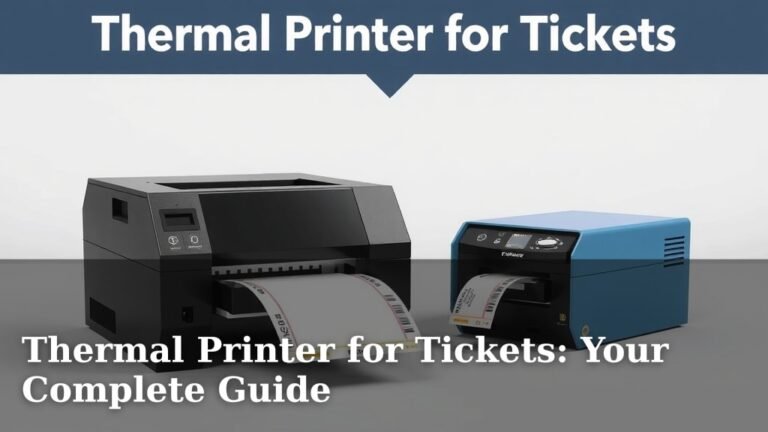
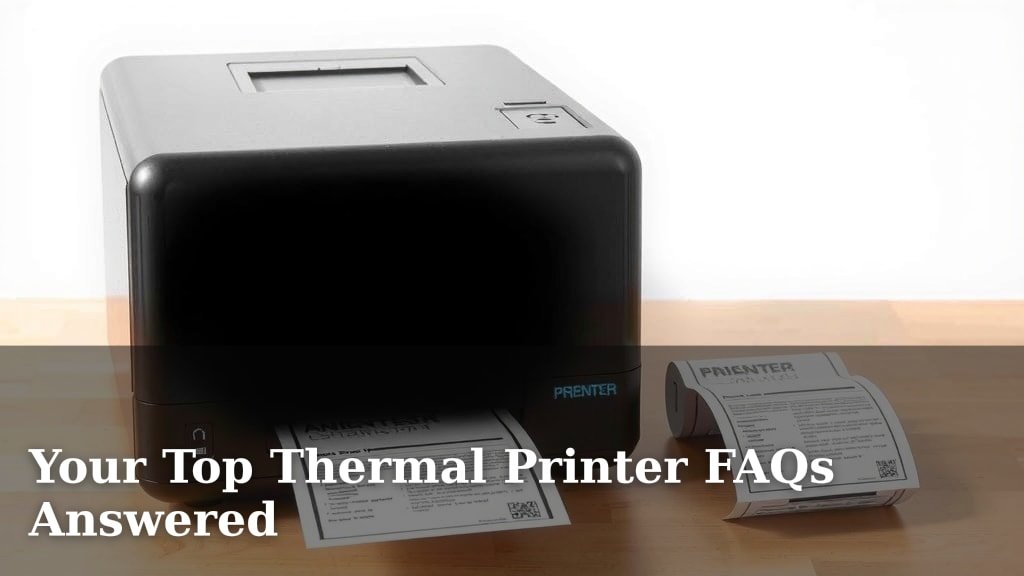
Thermal printers are a type of printer that works by heating specially coated paper. This process creates clear, **smudge-proof prints** quickly and quietly. They are ideal for receipts, labels, and tickets because of their **speed and durability.
You’ll find thermal printers in many places, from retail stores to shipping operations. They’re known for their low running costs and simple design. This means fewer moving parts and less maintenance for you.
- Thermal printers heat special paper to print.
- They are fast, quiet, and produce smudge-proof results.
- Common uses include receipts, labels, and tickets.
- They generally have lower running costs and require less maintenance.
Ready to understand how these work and answer your burning questions? Let’s dive into the most common things people want to know about thermal printers.
“`htmlUnderstanding Your Thermal Printer Questions
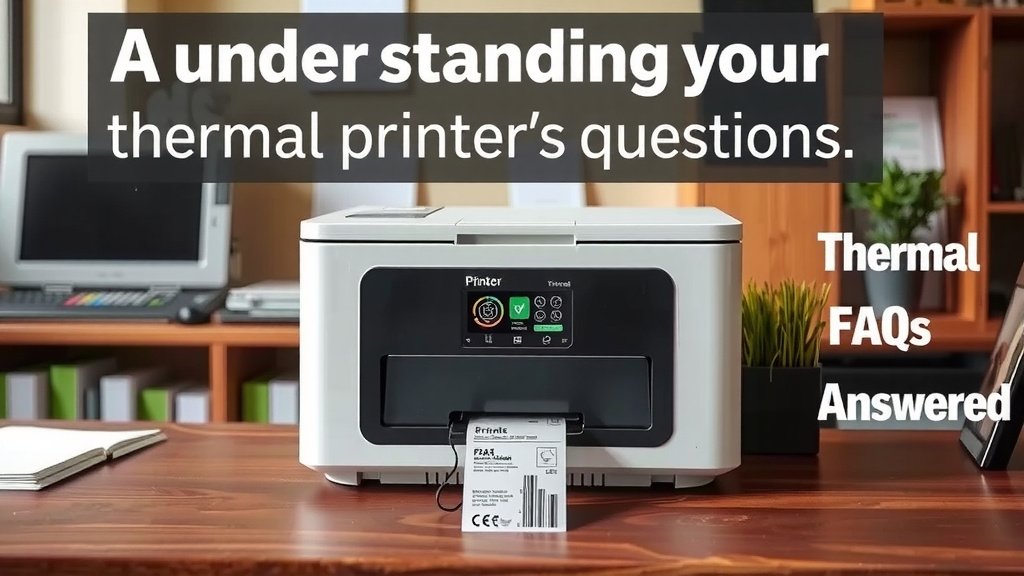
Thermal printers are quite clever devices. They use heat to make your prints appear. It’s a bit like magic, but it’s really just science at work. Many people wonder about the specifics. You might be asking yourself, “How do they really work?” or “What kind of paper do I need?” We’re here to clear up all your thermal printing curiosities.
How Does a Thermal Printer Actually Print?
It all starts with the print head. This special part has tiny heating elements. These elements are arranged in a line. When you send something to print, the print head heats up. It presses against the thermal paper. This heat activates a chemical coating on the paper. The heat causes a color change where it’s applied. This forms the text and images you see. It’s a direct thermal process. No ink or toner cartridges are involved!
The Role of Thermal Paper
You can’t just use any old paper. Thermal printers require special thermal paper. This paper has a coating that reacts to heat. This coating is usually made of a dye and a developer. When heated, they combine to create a visible mark. Without this special coating, your prints would be blank. It’s like trying to draw on regular paper with a magic marker that only works on special surfaces.
Direct Thermal vs. Thermal Transfer: What’s the Difference?
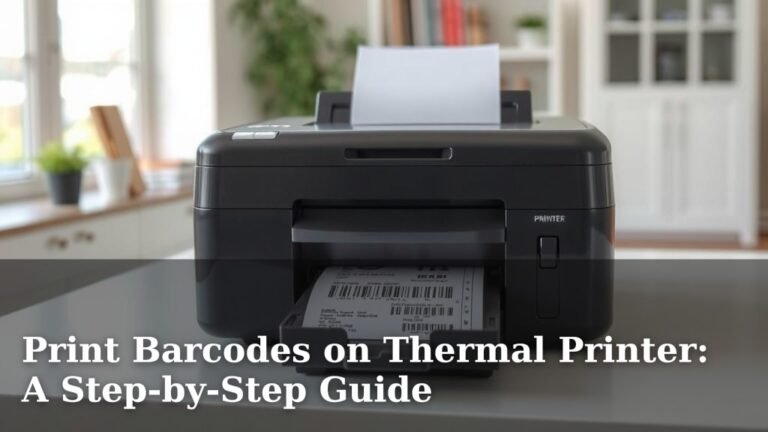
While we’re talking about how they print, it’s good to know there are two main types. The most common type is direct thermal. This is what most receipt printers use. They rely on that special heat-sensitive paper. The other type is thermal transfer. This method uses a ribbon. The print head heats the ribbon. The ribbon then transfers ink onto the label or paper. Thermal transfer prints are more durable and fade-resistant. They’re often used for barcodes and long-lasting labels. We found that direct thermal is simpler for everyday receipts.
What Can I Print With a Thermal Printer?
These printers are incredibly versatile. They excel at producing short, clear printouts. You’ll see them most often generating receipts. Think about your last trip to the grocery store or a restaurant. That’s likely a thermal printer at work. They are also fantastic for labels. Shipping labels, product labels, and inventory tags are common uses. Many ticketing systems also use thermal printers for event tickets or boarding passes. Their speed and smudge-proof nature make them ideal for these tasks.
Common Applications
- Retail point-of-sale (POS) receipts
- Shipping and mailing labels
- Product identification tags
- Restaurant order tickets
- Event and admission tickets
- Laboratory sample labels
How Long Do Thermal Prints Last?
This is a great question, and the answer depends on a few things. Direct thermal prints are sensitive to heat, light, and friction. If exposed to direct sunlight or stored in a warm place, they can fade over time. We found that some receipts can start to fade within months if not handled carefully. However, for everyday use, they hold up perfectly fine. Thermal transfer prints, on the other hand, are much more permanent. They are resistant to fading and abrasion.
Factors Affecting Print Longevity
Environmental conditions play a big role. Storing prints in a cool, dark place is best. Avoid direct sunlight and high humidity. Even handling the paper can affect it. For applications where long-term durability is key, like asset tracking, thermal transfer is often the preferred technology. Many experts suggest using archival-quality thermal paper for critical documents.
Are Thermal Printers Expensive to Run?
One of the biggest appeals of thermal printers is their low running costs. You don’t have to buy ink or toner cartridges. These can be quite expensive over time. Your main ongoing cost is the special thermal paper. While it costs more than regular paper, you’re saving on ink. We’ve seen studies suggesting that the lack of ink costs makes thermal printing cheaper in the long run for high-volume users. This makes them a very cost-effective solution for many businesses.
Comparing Costs: Thermal vs. Inkjet/Laser
When you compare the total cost of ownership, thermal printers often win. Inkjet and laser printers require frequent replacement of expensive ink or toner. Plus, they might need more maintenance. Thermal printers have fewer moving parts. This means less chance of breakdowns and fewer repair bills. Your primary investment is the printer itself and the thermal paper supply. This simplicity translates directly into savings for your business.
Do Thermal Printers Need Much Maintenance?
Generally, no. Thermal printers are known for their minimal maintenance requirements. Since there’s no ink to manage, you avoid clogs and spills. The print head is the main component that might need occasional cleaning. Dust or debris can accumulate on it. You can usually clean it with a special thermal print head cleaning pen or a soft, lint-free cloth dampened with isopropyl alcohol. It’s a quick process that keeps your printer running smoothly. We found that a quick wipe-down every few months is often enough.
Simple Maintenance Steps
Regularly check the print head for any buildup. A clean print head ensures clear, crisp prints. Make sure you are using the correct type of thermal paper. Using the wrong paper can sometimes lead to issues. Keep the printer itself clean from dust and dirt. These simple steps will help your thermal printer last for years. Think of it like taking care of any other reliable tool.
Troubleshooting Common Thermal Printer Issues
Even the best printers can have occasional hiccups. What happens if your print comes out faint? Or perhaps it’s got lines through it? Don’t panic! Most issues are easily resolved.
Faint or Blank Prints
This is often a print head temperature issue. The printer might not be getting hot enough. Check your printer settings. Ensure the darkness or temperature setting isn’t too low. It could also be the thermal paper itself. Try a different roll from a reputable supplier. We found that sometimes the paper is just old or has been stored improperly.
Lines or Gaps in Prints
This usually points to a dirty or damaged print head. Try cleaning the print head first. If that doesn’t work, a damaged print head might need replacement. It’s a relatively simple part to swap out on many models. Always ensure there’s no debris stuck between the print head and the platen roller.
Paper Jams or Feed Issues
Check for any obstructions inside the printer. Make sure the paper is loaded correctly. The paper guide should be snug against the edge of the paper roll. Sometimes, using a different brand or thickness of paper can help. Ensure the paper roll isn’t too loose on its core.
What Kind of Software Do I Need?
Most thermal printers connect to your computer or POS system. You’ll typically need a printer driver. This is special software that allows your operating system to communicate with the printer. You can usually download the latest drivers directly from the printer manufacturer’s website. Many modern thermal printers also work with popular POS software or label design programs. These programs help you create and format your prints.
Label Design and POS Integration
For label printers, you might use software like BarTender or Seagull Scientific. These tools offer advanced design features. For receipt printers, they integrate with your existing point-of-sale system. Your POS software handles the transaction data. It then sends it to the thermal printer for a receipt. We found that checking compatibility before you buy is always a smart move.
Making a Smart Choice for Your Needs
Choosing the right thermal printer comes down to your specific requirements. Consider what you’ll be printing most often. Think about the volume of printing you do. Also, think about the environment where the printer will be used. With so many options available, you can find a solution that’s both efficient and budget-friendly. Knowing the answers to these common questions puts you in a great position to make an informed decision.
Here’s a quick checklist to help you remember the key points:
- Understand the difference between direct thermal and thermal transfer.
- Always use the correct type of thermal paper.
- Consider print longevity based on your application.
- Factor in the low running costs and minimal maintenance.
- Ensure you have the correct printer drivers or software.
- Clean the print head periodically for best results.
Conclusion
You’ve now got a clear picture of how thermal printers work and what makes them so practical. Remember, their magic lies in heat-activated paper, making them ideal for quick, smudge-proof prints like receipts and labels. We found that their low running costs and simple maintenance make them a smart choice for many. By understanding the difference between direct thermal and thermal transfer, and always using the right paper, you’ll keep your printer running smoothly for years. Now you’re ready to choose the perfect thermal printer for your needs!
Frequently Asked Questions
Can I use regular paper in my thermal printer?
No, you absolutely cannot use regular paper. Thermal printers require special thermal paper. This paper has a heat-sensitive coating that reacts to the printer’s heating elements to create the print. Using regular paper will result in blank prints.
How often should I clean my thermal print head?
It’s a good idea to clean your print head every few months, or whenever you notice print quality declining. Dust or debris can build up and affect the clarity of your prints. A quick wipe with a specialized cleaning pen or a soft cloth dampened with isopropyl alcohol usually does the trick.
What’s the main difference between direct thermal and thermal transfer?
Direct thermal printers use heat to activate a special coating on the paper, printing directly onto it. Thermal transfer printers use a heated ribbon to transfer ink onto the label or paper. Thermal transfer prints are generally more durable and fade-resistant.
Why are my thermal prints fading so quickly?
Direct thermal prints can fade if exposed to heat, direct sunlight, or harsh chemicals. We found that improper storage is often the culprit. For prints that need to last longer, consider using thermal transfer technology or a higher-quality archival thermal paper.
Where can I find the correct software or drivers for my thermal printer?
You can usually find the necessary printer drivers and software on the manufacturer’s official website for your specific printer model. Many point-of-sale (POS) systems also have built-in compatibility or specific integrations for common thermal receipt printers.