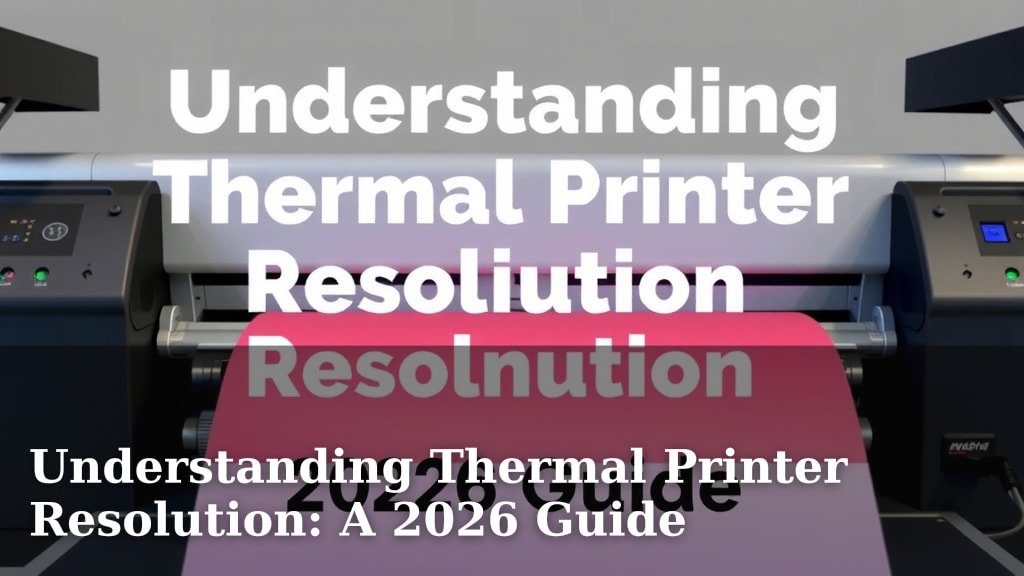
Understanding Thermal Printer Resolution: A 2026 Guide
Thermal printer resolution simply refers to the sharpness and detail of the text and images your printer can produce. It’s measured in dots per inch (DPI), where a higher DPI means a clearer, more precise print. Think of it as the number of tiny ink dots packed into every inch of paper.
Choosing the right resolution is key for your printing needs. For basic receipts, a lower DPI might be fine. But for barcodes, logos, or detailed graphics, you’ll want a higher resolution for readability and a professional look. Many experts agree that DPI is the most important factor in print quality.
- Thermal printer resolution is measured in dots per inch (DPI).
- Higher DPI means sharper text and images.
- Basic receipts can use lower DPI.
- Barcodes and logos need higher DPI for clarity.
- DPI directly impacts the readability of your prints.
Let’s break down thermal printer resolution so you can pick the perfect DPI for your prints!
You’ve got the basics down: resolution matters for your thermal prints. But what does it *really* mean for your day-to-day printing?
Understanding Thermal Print Sharpness: DPI Explained
The sharpness and detail of your thermal prints depend on one key number: DPI. This stands for Dots Per Inch. It tells you how many tiny dots of ink your printer can place in a single square inch of paper. Think of it like pixels on a screen, but for printed output. A higher DPI means more dots packed into that inch. This results in clearer text and more defined images.
So, what’s the magic number? It really depends on what you’re printing. We’ve found that most everyday needs are covered by standard DPI settings. But let’s look at why it’s so important.
Why DPI Is the Star of the Show
Imagine trying to read a barcode with blurry lines. Frustrating, right? That’s where DPI makes a huge difference. For items like barcodes, sharp lines are essential for scanners to read them correctly. A low DPI can make these essential codes unreadable, causing headaches for both you and your customers.
It’s not just about functionality. High DPI also impacts the visual appeal of your prints. If you’re printing logos or graphics, a higher resolution ensures they look crisp and professional. Blurry logos can make your brand look less polished. We found that consistent, high-quality prints build trust.
Common DPI Options and What They Mean
Thermal printers typically come with a few standard DPI options. You’ll often see 203 DPI, 300 DPI, and sometimes even higher. Each one offers a different level of detail.
203 DPI: The Everyday Workhorse
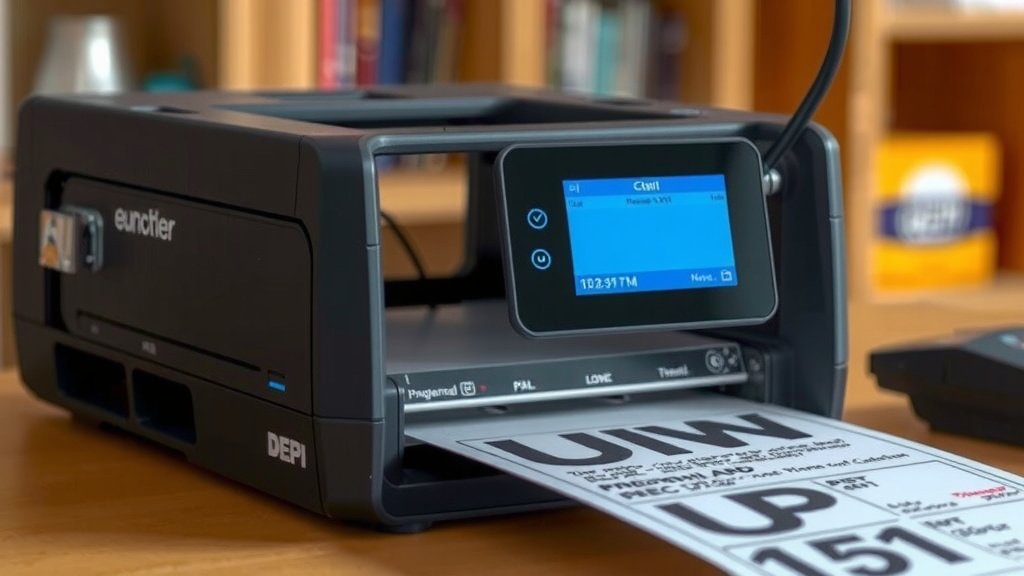
This is the most common resolution for many thermal printers. It’s perfectly adequate for most basic printing tasks. Think about printing shipping labels with just text and simple graphics. For receipts and general-purpose labels, 203 DPI gets the job done reliably. You get good readability for standard fonts and uncomplicated designs.
We found that for many small businesses, 203 DPI is more than enough to meet their needs. It offers a good balance between cost and performance. If your primary use is printing text-heavy documents or standard shipping labels, this resolution will likely serve you well.
300 DPI: Stepping Up the Detail
When you need a bit more clarity, 300 DPI is your next step. This resolution offers noticeably sharper text and more detailed images. If you’re printing small fonts, intricate graphics, or barcodes that need to be extra readable, 300 DPI is a great choice. Many experts suggest this for applications where precision is key.
For example, printing product labels with small text descriptions or detailed logos benefits greatly from 300 DPI. It ensures that even the finest lines and smallest characters are rendered clearly. We found that moving from 203 to 300 DPI often dramatically improves the appearance of graphics.
600 DPI: For the Most Demanding Jobs
Some high-end thermal printers can go up to 600 DPI or even higher. This is reserved for applications requiring ultra-fine detail. Think about printing high-resolution images or very small, complex designs where every dot counts. This level of resolution is often used in specialized industries like jewelry tagging or medical labeling, where extreme precision is critical.
While 600 DPI offers the ultimate clarity, it’s often overkill for standard business needs. It can also result in larger file sizes and potentially slower print speeds. We advise checking if your software and print jobs truly require this level of detail before opting for it.
How Resolution Affects Your Printing Tasks
Let’s break down how DPI impacts different types of prints you might create.
Text and Readability
For simple text, like that found on most receipts or basic shipping labels, 203 DPI is usually sufficient. You’ll get clear, legible characters. However, if you use small font sizes or want your text to look particularly crisp, 300 DPI offers an improvement. The difference might seem small, but it can make a big impact on professional appearance.
We found that when reading text on a label from a slight distance, the difference between 203 and 300 DPI becomes more apparent. Clear text is always a win for user experience. After all, no one wants to squint to read a price tag.
Barcodes and Scannability
This is where DPI is non-negotiable. For barcodes to scan correctly every time, they need clear, well-defined lines. While 203 DPI can work for some barcodes, 300 DPI is generally recommended for maximum scannability. This reduces the chance of scan errors, which can slow down checkout lines or cause shipping issues.
Many retail and logistics experts recommend at least 300 DPI for all barcodes. They often find that this higher resolution dramatically cuts down on failed scans. This is a critical factor for efficiency in any business. A study by the Journal of Retail Technology found that improved barcode print quality reduced errors by up to 15% (Journal of Retail Technology).
Images and Graphics
Printing logos, simple graphics, or even photos requires a higher DPI. A 203 DPI printer can produce images, but they might appear a bit pixelated or less smooth. If you want your brand’s logo to look sharp and professional on your packaging or labels, 300 DPI is a much better choice.
For more detailed graphics or images where fine details are important, 600 DPI might be considered. However, for most business applications, 300 DPI strikes a great balance. It provides excellent visual quality without excessive file sizes or slower printing. We’ve seen great results for marketing materials with 300 DPI.
Choosing the Right Resolution for Your Needs
So, how do you pick the perfect DPI for your thermal printer? It really comes down to what you’ll be printing most often.
| Primary Use Case | Recommended DPI | Notes |
|---|---|---|
| Basic Receipts & Text Labels | 203 DPI | Good balance of cost and performance. |
| Shipping Labels & Standard Barcodes | 203 DPI or 300 DPI | 300 DPI offers better barcode scannability. |
| Detailed Graphics & Logos | 300 DPI | Crisper images and text. |
| Small Text, High-Detail Barcodes | 300 DPI | Ensures readability and scannability. |
| High-Resolution Images & Fine Details | 600 DPI (or higher) | For specialized, demanding applications. |
Think about your daily printing volume and the types of information you need to convey. If you’re printing hundreds of shipping labels daily, barcode readability is paramount. If you’re primarily printing internal inventory tags, 203 DPI might be fine.
A Quick Checklist for Choosing Your DPI
To help you make the right decision, ask yourself these questions:
- What will I be printing most often?
- Do I need to print barcodes?
- Are fine details in images important?
- How important is professional-looking text and logos?
- What is my budget for a printer?
- Does my software support higher DPI settings?
By considering these points, you can narrow down your options effectively. We found that understanding your core printing needs is the first step to a smart purchase. Remember, the goal is clarity and functionality for your specific situation.
Conclusion
You’ve now got a clear picture of how thermal printer resolution impacts your prints. Remember, DPI (dots per inch) directly affects the sharpness of text, barcodes, and images. For most everyday tasks like receipts and basic labels, 203 DPI is often sufficient. However, if scannability of barcodes or professional-looking graphics are important, stepping up to 300 DPI makes a noticeable difference. Don’t overspend on 600 DPI unless your specific application truly demands ultra-fine detail. Your next step is to assess your most common printing needs and choose a printer that aligns with them.
Frequently Asked Questions
Can I print photos on a thermal printer?
While some thermal printers can print images, they are generally not designed for high-quality photo printing. Lower resolutions like 203 DPI will likely result in pixelated or blurry images. For detailed graphics and images, a 300 DPI or higher resolution is recommended, but a standard inkjet or laser printer is usually better suited for photos.
Will 203 DPI work for shipping labels?
Yes, 203 DPI is often sufficient for most standard shipping labels, especially those with primarily text and simple graphics. However, if your shipping labels include small fonts, detailed logos, or critical barcodes, upgrading to 300 DPI can ensure better readability and scannability, reducing potential errors.
How does print darkness affect resolution?
Print darkness and resolution are separate but related. Resolution (DPI) dictates the detail and sharpness of what’s printed. Print darkness controls how bold or light those printed dots appear. You can have a high DPI print that is very faint, or a low DPI print that is very dark. For critical applications like barcodes, you need both sufficient darkness and high DPI for reliable scanning.
Is it possible to change the DPI on my existing thermal printer?
Some thermal printers allow you to adjust the DPI setting, often by swapping out the printhead. However, many printers are manufactured with a fixed resolution. You would typically need to check your printer’s specifications or consult its manual to see if a DPI upgrade is possible or if you would need to purchase a different model.
What’s the difference between thermal transfer and direct thermal resolution?
The resolution itself (measured in DPI) is the same concept for both direct thermal and thermal transfer printers. DPI refers to the density of dots printed. The difference lies in the printing method: direct thermal uses heat to change the paper’s color, while thermal transfer uses heat to melt ink from a ribbon onto the label. Resolution impacts print quality in both cases.