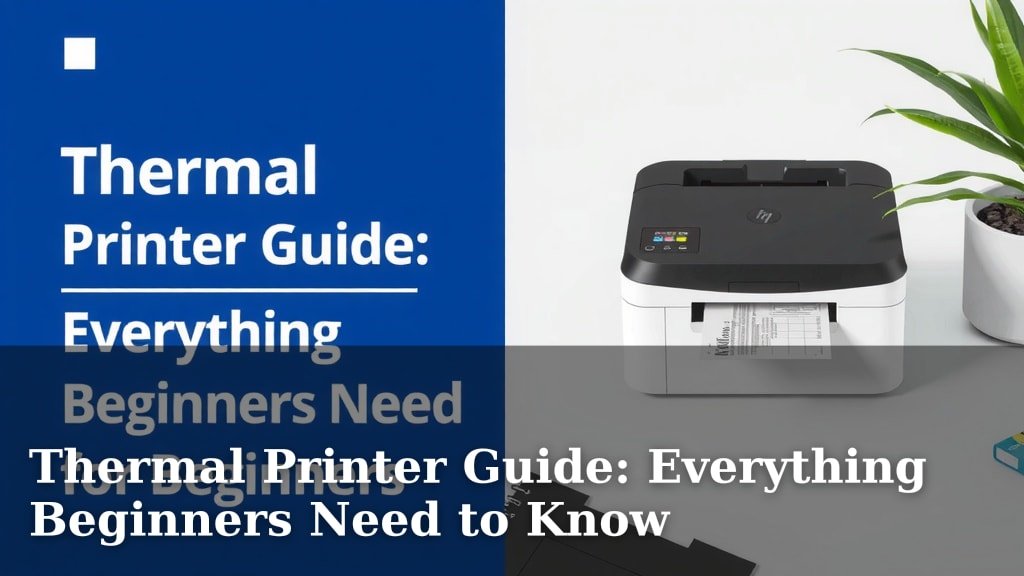
Thermal Printer Guide: Everything Beginners Need to Know
So, you’re curious about thermal printers for beginners? You’ve come to the right place! A thermal printer is a fantastic choice for beginners because it’s easy to use and requires minimal supplies. They print using heat, making them super simple and mess-free.
Unlike inkjet or laser printers, thermal printers don’t use ink cartridges or toner. Instead, they rely on special heat-sensitive paper. This unique printing method means you won’t deal with dried-out ink or messy refills. It’s a cost-effective solution for many small tasks.
- Thermal printers are beginner-friendly.
- They use heat, not ink.
- Special paper is required.
- They are generally low-maintenance.
- Great for simple printing needs.
Let’s dive into what makes these printers so great for newcomers and how you can get started with one.
Getting Started with Your First Thermal Printer
So, you’re thinking about a thermal printer? That’s a smart move for many tasks! These printers are surprisingly simple to operate. They’re a favorite for small businesses and individuals alike. Let’s break down why and how you can start using one right away.
How Does a Thermal Printer Actually Work?
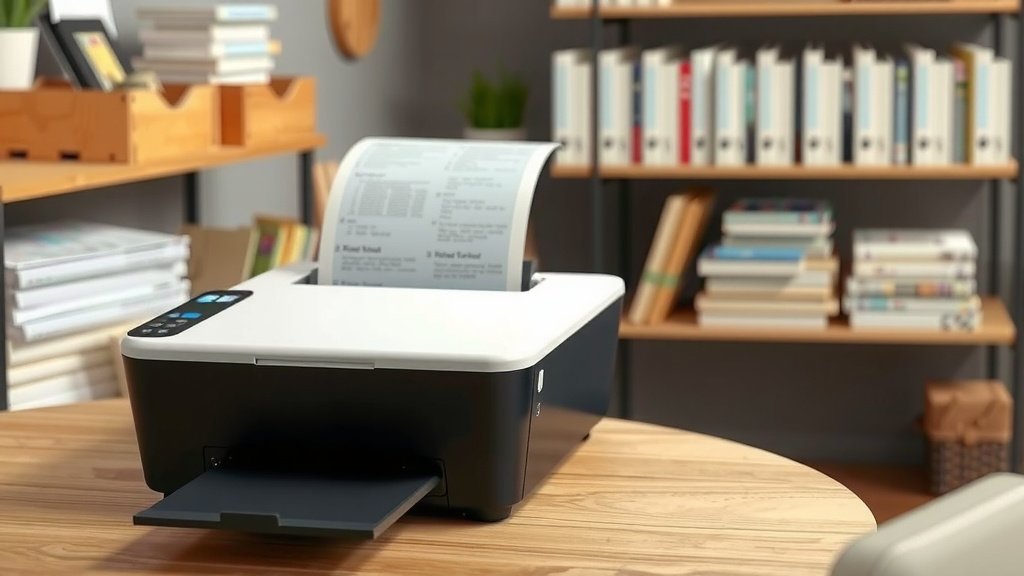
It all comes down to heat! Thermal printers use a special print head. This head has tiny heating elements. When you print something, these elements get hot. They transfer the image or text onto special thermal paper. There are no ink cartridges or toner involved. It’s like a mini-hot stamp. This makes them very clean and mess-free.
Direct Thermal vs. Thermal Transfer
You might hear about two types: direct thermal and thermal transfer. For beginners, direct thermal is usually what you’ll encounter. It’s the most straightforward. It uses that special heat-sensitive paper we mentioned. Thermal transfer uses a ribbon to create the image. It’s more durable but adds another supply to manage. Stick with direct thermal for ultimate simplicity.
What Can You Print With a Thermal Printer?
These printers excel at specific jobs. They are fantastic for printing labels. Think shipping labels for your online store, product labels for crafts, or even organizing labels for your home. They are also great for printing receipts. Many small businesses use them for customer transactions. Some people use them for printing small, simple graphics or QR codes.
Common Beginner Use Cases
- Shipping labels for e-commerce
- Product labels for small businesses
- Name tags for events
- QR codes for marketing
- Receipts for point-of-sale systems
- Organization labels around the house
Why Thermal Printers Are Perfect for New Users
Several reasons make thermal printers a top choice for beginners. Firstly, they have very few moving parts compared to other printers. This means less can go wrong. Secondly, the supply situation is simple. You only need the special thermal paper. No messy ink spills or toner dust to worry about. Finally, they are generally low maintenance. You won’t spend hours troubleshooting print quality issues.
Ease of Setup and Use
Most thermal printers are designed for quick setup. You typically plug them in, connect them to your computer or device, and install a small driver. Many come with user-friendly software too. This helps you design your labels or receipts easily. The printing process itself is usually just a click away. You’ll be printing in no time!
Cost-Effectiveness Over Time
While the initial printer cost can vary, the ongoing expenses are very low. Because there’s no ink or toner, your main cost is the specialized paper. This paper is readily available and reasonably priced. Over time, this can be much cheaper than buying ink cartridges. Many experts find them to be a cost-effective solution for high-volume printing needs (Small Business Administration).
Choosing Your First Thermal Printer
With so many options, how do you pick the right one? Consider what you’ll be printing most often. Are you printing large shipping labels or small product tags? Think about the print width. This is the maximum width of paper the printer can handle. Also, check the resolution, measured in DPI (dots per inch). Higher DPI means sharper text and images.
Key Features to Look For
When browsing, keep an eye out for features that simplify your life. Connectivity options are important. Most use USB, but some offer Wi-Fi or Bluetooth for wireless printing. Look for printers that come with free design software. This can save you a lot of hassle. Also, check reviews for ease of paper loading. Nobody wants to fight with paper!
| Feature | Why It Matters for Beginners |
|---|---|
| Print Width | Ensures you can print the size of labels/receipts you need. |
| Resolution (DPI) | Higher DPI means clearer text and graphics. |
| Connectivity (USB, Wi-Fi, Bluetooth) | Choose how you want to connect to your computer or phone. |
| Included Software | Simplifies label design and printing. |
| Durability | A robust printer will last longer with fewer issues. |
| Paper Loading | Easy loading means less frustration. |
The Paper: It’s More Than Just Paper!
Remember, standard paper won’t work with your thermal printer. You need thermal-sensitive paper. This paper has a special coating that reacts to heat. It’s crucial for the printing process. You can find it in rolls or fan-fold stacks. Make sure to buy the correct size for your printer’s print width.
Types of Thermal Paper
There are a few variations of thermal paper. The most common is direct thermal paper. It’s great for everyday use, like shipping labels. However, it can fade over time, especially when exposed to heat or sunlight. For items needing longer-term legibility, you might consider coated thermal paper or explore thermal transfer if durability is a top concern.
Your Thermal Printing Checklist
Ready to start printing? Here’s a quick checklist to get you going:
- Make sure you have the correct thermal paper for your printer.
- Confirm your printer is connected properly to your computer or device.
- Install any necessary printer drivers or software.
- Test print a simple label or text document.
- Review your first print for clarity and accuracy.
- Get creative with your next label design!
Conclusion
You’ve now seen how surprisingly simple and effective thermal printers can be. They offer a beginner-friendly way to print labels and receipts without the fuss of ink. Their low maintenance and cost-effectiveness make them a smart choice for many tasks. You can get started with just a printer and the right thermal paper. Your next step is to identify your primary printing need. Then, choose a printer with the right print width and connectivity for you.
Frequently Asked Questions
Do I really need special paper for a thermal printer?
Yes, you absolutely do. Standard paper won’t work because thermal printers use heat to activate a special coating on the paper. This heat-sensitive paper is what creates the printed image. Always ensure you purchase the correct type and size of thermal paper for your specific printer.
Can I print in color with a thermal printer?
Most beginner-friendly thermal printers, especially the direct thermal type, can only print in black and white. They don’t use colored ink or ribbons. If you need color printing, a thermal printer is likely not the right choice for you. You would need to consider an inkjet or laser printer for color output.
How long do thermal prints last?
The longevity of thermal prints depends on the type of paper used and the conditions it’s stored in. Standard direct thermal labels can fade over time, especially with exposure to heat, light, or friction. For longer-lasting prints, consider specialty coated thermal papers, or if extreme durability is needed, explore thermal transfer printing.
Are thermal printers good for home use?
Yes, thermal printers can be excellent for home use, especially for organization. You can easily print labels for storage bins, spice jars, or organizing files. They are also great for printing shipping labels if you sell items online. Their simplicity and lack of ink make them a convenient household tool.
What’s the biggest difference between direct thermal and thermal transfer for beginners?
For beginners, direct thermal is generally simpler because it only requires heat-sensitive paper. There are no additional ribbons to buy or replace, making it a cleaner and more straightforward process. Thermal transfer uses a ribbon, which adds another consumable but produces more durable prints suitable for harsher conditions.