Wired vs Wireless Thermal Printer: Which is Right for You
When choosing between a wired and wireless thermal printer, the key difference often comes down to convenience and flexibility. Wired printers offer a stable, uninterrupted connection, which is ideal for high-volume printing where reliability is paramount. Wireless printers, on the other hand, provide unparalleled freedom, allowing you to print from virtually anywhere without being tethered by cables. We found that for most modern businesses needing to print receipts, labels, or tickets on the go, the wireless option generally wins for its ease of use.
Think about your workflow. Do you need your printer to be a permanent fixture at a specific station, or will you be moving it around? A wired connection ensures a constant power source and data transfer, minimizing the risk of dropped connections during critical print jobs. Wireless offers the sweet relief of ditching cable clutter and the ability to connect multiple devices, but requires managing battery life or proximity to a power outlet. Many experts say the setup simplicity of wireless is a major draw for small businesses and retail environments.
TL;DR:
- Wired printers are reliable and stable.
- Wireless printers offer great convenience and portability.
- Consider your printing volume and location needs.
- Wireless is often better for mobile or flexible setups.
- Wired ensures a consistent connection for heavy use.
Let’s break down the pros and cons of each so you can make the best choice for your printing needs.
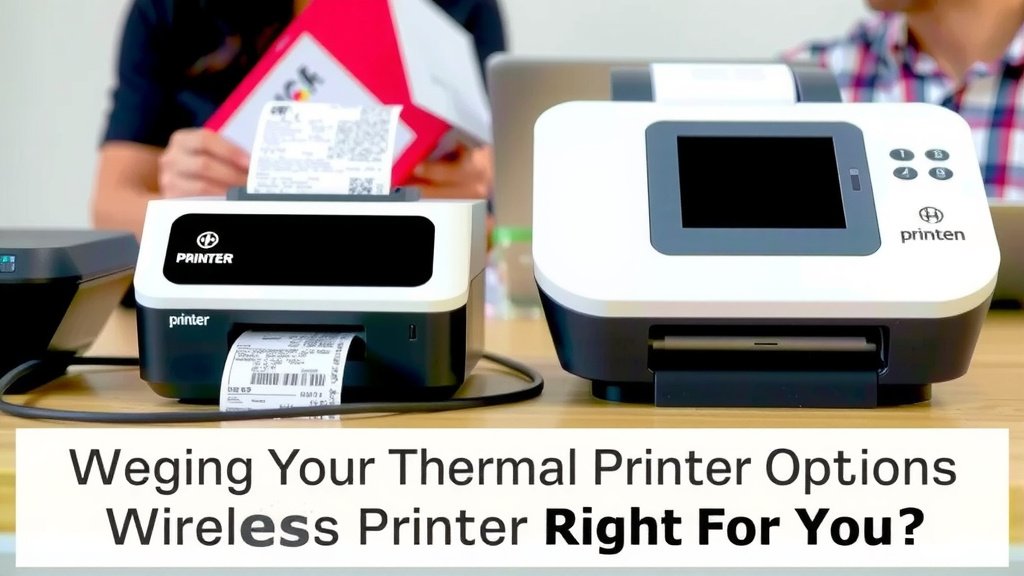
Weighing Your Thermal Printer Connection Options
Deciding between a wired and wireless thermal printer often hinges on your specific printing needs and the environment you’ll be using it in. Both have distinct advantages that make them suitable for different scenarios. We’ve looked at the features and found that understanding these differences will help you pick the perfect fit for your business. Let’s dive into what makes each type tick.
Understanding Wired Thermal Printers
Wired thermal printers connect to your computer or network using physical cables. This typically involves USB, Ethernet, or serial connections. The primary benefit here is a stable and reliable connection. You don’t have to worry about signal interference or dropped connections.
The Advantages of a Wired Setup
For businesses that print a high volume of items consistently, a wired connection is often the top choice. Think of a busy restaurant kitchen constantly churning out order tickets, or a shipping station that needs to print hundreds of labels daily. A wired printer ensures that your print jobs will complete without interruption. Many users find that the consistent power supply from a wired connection also adds to its dependability, as there’s no battery to worry about recharging.
We found that for tasks where every second counts and a failed print job can cause delays, wired printers offer peace of mind. The setup is usually straightforward: plug it in, install the drivers, and you’re generally ready to go. This simplicity means less troubleshooting and more productive printing.
Potential Drawbacks of Wired Printers
The biggest downside to wired printers is their lack of mobility. You are tethered to the location of the printer by its cables. If your point-of-sale (POS) system is at a fixed counter, this is fine. But if you need to print receipts at a trade show booth or labels from different areas of a warehouse, a wired setup becomes cumbersome. Cable management can also become an issue, creating potential trip hazards or an untidy workspace.
We also found that extending the cable length can sometimes lead to signal degradation, depending on the type of connection. While Ethernet offers longer runs than USB, there are still limits. This means the printer must be relatively close to the device sending the print command.
Exploring Wireless Thermal Printers
Wireless thermal printers, on the other hand, connect using technologies like Wi-Fi or Bluetooth. This connection method grants you incredible flexibility and freedom. You can place the printer where it’s most convenient, not just where a cable can reach.
The Freedom of Wireless Printing
Imagine a retail store where you can print a receipt directly from a mobile POS device on the sales floor, even if the main network is elsewhere. Or a delivery driver who can print shipping labels on demand from their tablet. This is where wireless thermal printers truly shine. Many experts say the ease of integration with mobile devices is a major selling point for small businesses. You can often connect multiple devices to a single wireless printer, which is great for shared use.
We found that for businesses that need to adapt quickly to changing layouts or offer mobile services, wireless printers are a game-changer. They reduce cable clutter, making your workspace look cleaner and safer. The ability to print from anywhere within range significantly boosts operational efficiency.
Considerations for Wireless Setups
While wireless offers a lot, it comes with its own set of considerations. Battery life is a key factor for portable wireless printers. You need to ensure the printer is charged before a busy shift or have a reliable charging solution. For Wi-Fi printers, a stable wireless network is essential; if your Wi-Fi signal is weak or drops, your printing will be affected.
We also found that while setup can be simple, initial configuration might require a bit more technical know-how compared to a basic USB connection. You’ll need to connect the printer to your Wi-Fi network or pair it via Bluetooth. Security is another aspect; ensuring your wireless network and printer are properly secured is important to prevent unauthorized access (National Cyber Security Centre).
Key Differences at a Glance
To help you visualize the contrast, let’s lay out the main points side-by-side. This comparison focuses on the aspects most critical to user experience.
| Feature | Wired Thermal Printer | Wireless Thermal Printer |
|---|---|---|
| Connection Type | USB, Ethernet, Serial | Wi-Fi, Bluetooth |
| Mobility/Portability | Limited by cable length | High, limited only by range |
| Reliability | Very high, stable connection | Depends on network/battery quality |
| Setup Simplicity | Generally simpler plug-and-play | Can require network configuration |
| Power Source | Constant AC power | AC power or rechargeable battery |
| Cost | Often lower initial cost | Can be slightly higher, especially for advanced features |
Making the Right Choice for Your Needs
So, which type is right for you? It really depends on your daily operations. Ask yourself a few questions to guide your decision.
Assessing Your Printing Volume and Location
If your printing tasks are concentrated at a single workstation, a wired printer is a robust and dependable choice. Its constant connection minimizes the risk of errors during high-volume printing. For example, a busy retail checkout counter that prints hundreds of receipts a day might benefit from the unwavering stability of a wired connection.
Conversely, if your team needs to print labels or receipts from various locations – on a sales floor, in a warehouse aisle, or at a mobile event – a wireless printer offers the necessary freedom. We found that businesses with dynamic workflows often choose wireless to adapt easily. Think of a food truck that needs to print orders anywhere in their small space, or a delivery service that prints labels at various drop-off points.
Considering Connectivity and Power
Wired printers draw power directly from the outlet or host device, ensuring they never run out of juice mid-print. This continuous power is a significant plus for uninterrupted operations. Wireless printers, especially portable models, rely on batteries. You’ll need to factor in charging times and battery life management. For Wi-Fi models, a strong and stable network is crucial; a weak signal can lead to frustrating print interruptions.
Many users appreciate the straightforward power delivery of wired systems. However, the convenience of untethered printing, even with battery management, is a strong draw for many. We found that for truly mobile printing needs, the slight extra effort in managing battery life is well worth the freedom it provides.
Checklist for Your Decision
To help solidify your choice, consider these points:
- Will your printer stay in one spot?
- Do you need to print from multiple devices or locations?
- How critical is uninterrupted printing for your workflow?
- What is your budget for the printer and potential accessories?
- How comfortable are you with managing battery life and Wi-Fi connections?
- Do you want to minimize cable clutter?
Conclusion
Choosing between a wired and wireless thermal printer really comes down to your workflow. You’ve seen how wired printers offer unwavering reliability for fixed stations and high-volume tasks. Wireless models provide that essential freedom and flexibility for mobile operations or dynamic environments. Your printing needs, location, and comfort with managing connections are key factors. We found that for most modern, adaptable businesses, wireless printing often offers the best balance of convenience and functionality. Now, take a moment to honestly assess your daily printing demands and make the choice that will best support your operations.
Frequently Asked Questions
Is a wired thermal printer always more reliable than wireless?
Generally, yes, wired printers offer a more stable connection because they don’t rely on Wi-Fi or Bluetooth signals, which can be prone to interference. For environments with heavy print jobs or weak wireless networks, wired connections can provide greater peace of mind and fewer interruptions.
Can I connect multiple devices to a wireless thermal printer?
Yes, many wireless thermal printers, especially those using Wi-Fi, allow you to connect and print from multiple devices. This is a significant advantage for shared use in retail or hospitality settings where various staff members might need to send print jobs.
What happens if my wireless printer’s battery dies?
If your wireless printer is battery-powered, the print job will likely stop when the battery runs out. You’ll need to recharge the battery or connect it to a power source before you can resume printing. Planning charging schedules or having spare batteries can prevent downtime.
Are wired thermal printers harder to set up?
Not usually. Wired printers, especially those using USB, are often very straightforward to set up. You typically just plug it in, install the necessary drivers, and you’re good to go. Wireless setup might require connecting to a Wi-Fi network, which can sometimes add a small extra step.
Which type is better for printing labels on the go?
For printing labels on the go, a wireless thermal printer is almost always the better choice. Its portability and ability to connect without being tethered to a specific location make it ideal for mobile workers, trade shows, or any situation where you need to print away from a traditional workstation.