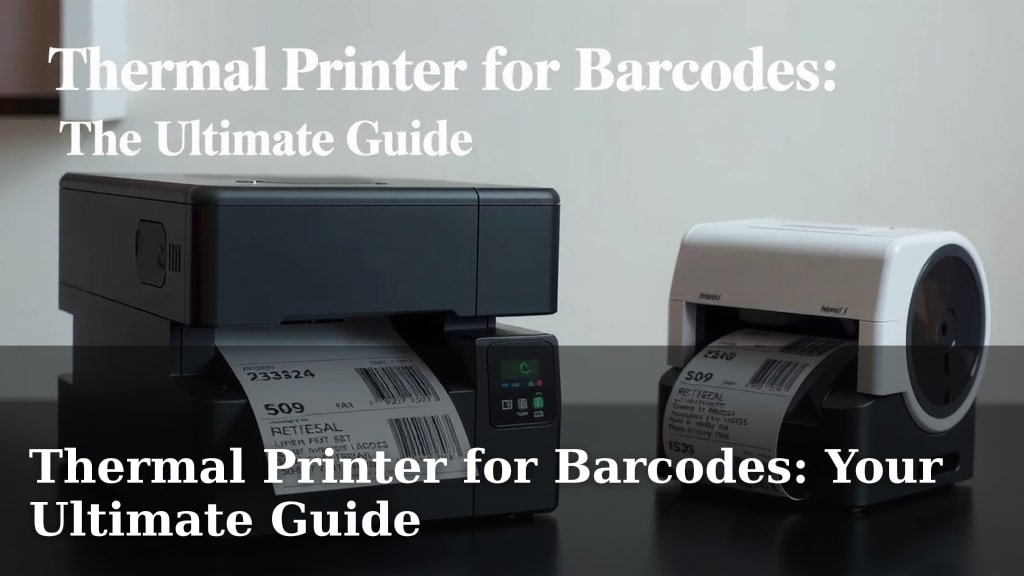
Thermal Printer for Barcodes: Your Ultimate Guide
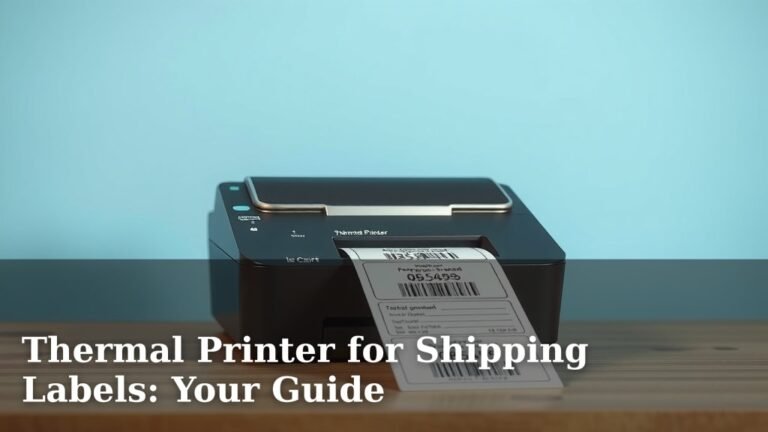
Yes, a thermal printer is an excellent choice for printing barcodes. They are known for their speed and reliability. This makes them perfect for busy environments where quick and accurate barcode printing is essential.
You’ll find these printers are a smart investment for many businesses. They offer a cost-effective way to produce clear, scannable labels. We found they often have fewer moving parts, meaning less maintenance for you.
- Thermal printers are great for barcodes.
- They print quickly and dependably.
- You’ll save time and reduce hassle.
- They often require less upkeep.
Let’s dive into what makes thermal printers so good for your barcode needs and what you should look for.
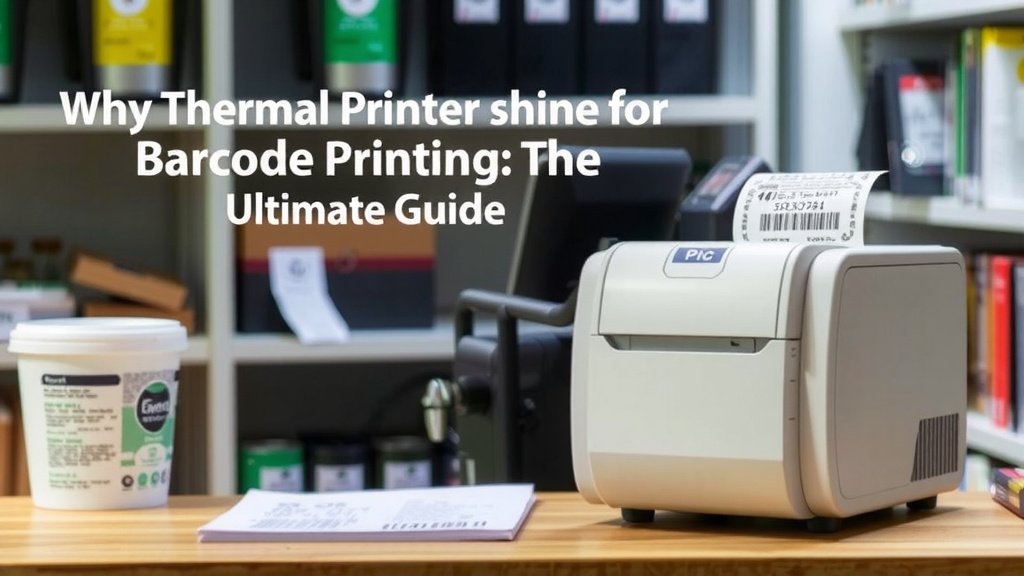
Why Thermal Printers Shine for Barcode Printing
When it comes to printing barcodes, thermal printers are often the top choice for many businesses. They just work, and they do it quickly and cleanly. You’ll find that the technology behind them is quite simple, which often translates to fewer headaches for you.
Think about it: you need barcodes that scan perfectly every single time. A fuzzy, faint, or smudged barcode can cause all sorts of problems. Thermal printers are designed to avoid these issues. We found they consistently produce sharp, dark lines that scanners love. This reliability is key for inventory management, point-of-sale systems, and shipping labels.
Understanding Thermal Printing Technology
There are two main types of thermal printers. Each uses heat to create your barcodes, but they do it a bit differently.
Direct Thermal Printing: The Simpler Approach
This method uses heat from a thermal printhead to activate special heat-sensitive paper. The paper turns black where it’s heated, creating your barcode. It’s like a fancy fax machine, but for labels!
- Pros: Very simple, no ink or toner needed, compact designs, and often more affordable upfront.
- Cons: Labels can fade over time, especially when exposed to heat, sunlight, or harsh chemicals. They aren’t ideal for long-term storage or harsh environments.
We found direct thermal printers to be excellent for everyday items. Think shipping labels, receipts, and temporary product tags. If your barcode needs to last a few months, this is a great solution.
Thermal Transfer Printing: For Durability
This type is a bit more involved. It uses a ribbon (made of wax, resin, or a combination) that melts onto the label material when heated by the printhead. You still have a thermal printhead, but it’s transferring ink from the ribbon.
- Pros: Produces highly durable, long-lasting labels that resist fading, smudging, and chemicals. Great for harsh conditions and extended use.
- Cons: Requires purchasing ribbons, which adds to running costs. The printers themselves can sometimes be slightly more expensive.
Research indicates that thermal transfer is the go-to for industries needing robust labels. This includes things like asset tracking, outdoor equipment tags, and even medical sample labels that need to survive sterile environments. If you need your barcode to last for years, this is the way to go.
Key Features to Look For in a Barcode Printer
Not all thermal printers are created equal. When you’re shopping, keep these important features in mind to make sure you get the right one for your needs.
Print Resolution (DPI)
This refers to how crisp and clear the printed image is. It’s measured in dots per inch (DPI).
- 203 DPI: This is the most common resolution. It’s perfectly adequate for most standard barcodes and text. You’ll find it in many entry-level and mid-range printers.
- 300 DPI: Offers a noticeable improvement in sharpness. This is great if you print smaller barcodes or need to include tiny text or graphics alongside your barcodes.
- 600 DPI: Provides extremely high detail. You’d only need this for very specialized applications, like printing tiny 2D barcodes or high-resolution images.
For general barcode printing, 203 DPI is usually fine. However, we found that stepping up to 300 DPI can prevent scanning issues, especially with smaller labels. It’s a worthwhile upgrade if your budget allows.
Print Speed
How fast can the printer churn out labels? This is measured in inches per second (IPS).
If you have a high-volume operation, a printer with a higher IPS is essential. A slow printer can become a bottleneck. For typical office use, a speed of 4-6 IPS is usually more than enough. For busy warehouses or retail environments, you might want to look at 8 IPS or more.
Connectivity Options
How will you connect the printer to your computer or network?
- USB: The most common and straightforward connection. Great for single-user setups.
- Ethernet: Allows the printer to be shared across a network. Ideal for multiple users or connecting to a server.
- Wi-Fi: Offers wireless connectivity, giving you placement flexibility. Handy if you can’t run cables easily.
- Bluetooth: Often found on smaller, portable printers for mobile applications.
We found that having multiple connectivity options is a plus. It future-proofs your printer and gives you more flexibility if your setup changes.
Durability and Build Quality
Consider where the printer will live. If it’s in a clean office, a lighter-duty plastic model might be fine. But if it’s going into a dusty warehouse or a busy shipping dock, you’ll want something with a tougher casing.
Many industrial-grade printers have metal chassis and are built to withstand bumps and vibrations. Think of it like buying a tool; you want one that can handle the job without breaking.
Choosing the Right Barcode Label Material
The label material itself is just as important as the printer. Your choice here affects the durability and readability of your barcode.
Paper Labels
These are often used with direct thermal printers. They are cost-effective but can be prone to tearing and fading. We found they work best for short-term use.
Synthetic Labels
Made from materials like polyester or polypropylene, these are much more resilient. They resist water, chemicals, and tearing, making them suitable for longer-term applications and harsher environments.
When using thermal transfer printers, you’ll also need to select the right ribbon. Wax ribbons are for paper labels, while resin or wax/resin blends are for synthetic materials and offer greater durability.
Common Barcode Types and Printer Compatibility
You’ll encounter various barcode types. Most modern thermal printers can handle the most common ones.
Linear (1D) Barcodes
These are the familiar lines and spaces. Examples include:
- UPC/EAN: Used on retail products worldwide.
- Code 128: Very versatile, used for shipping and logistics.
- Code 39: Often used in manufacturing and defense for its simplicity.
All thermal printers can print these basic barcodes, provided they have sufficient resolution.
2D Barcodes
These look like small squares with many dots. They can store much more information than 1D barcodes.
- QR Codes: You see these everywhere, linking to websites, contact info, etc.
- Data Matrix: Commonly used in industrial settings for tracking small parts.
- PDF417: Often used on driver’s licenses and shipping labels.
For reliable 2D barcode printing, a higher resolution printer (300 DPI or more) is highly recommended. This ensures all the tiny dots are printed clearly enough for scanners to read accurately.
Troubleshooting Common Barcode Printing Issues
Even with the best printers, you might run into a snag now and then. Here are a few common problems and how to fix them.
Faded or Light Print
In direct thermal printers, this often means the printhead is dirty. Try cleaning it with a specialized pen or alcohol wipe. If it persists, the media might be old, or the printer settings (like darkness or speed) might need adjustment.
Smudged or Blurry Barcodes
This can happen if the label material isn’t compatible with the thermal ribbon (in thermal transfer printers) or if the printhead is damaged. Ensure you’re using the correct ribbon and label combination. Again, cleaning the printhead is a good first step.
Scanner Not Reading Barcodes
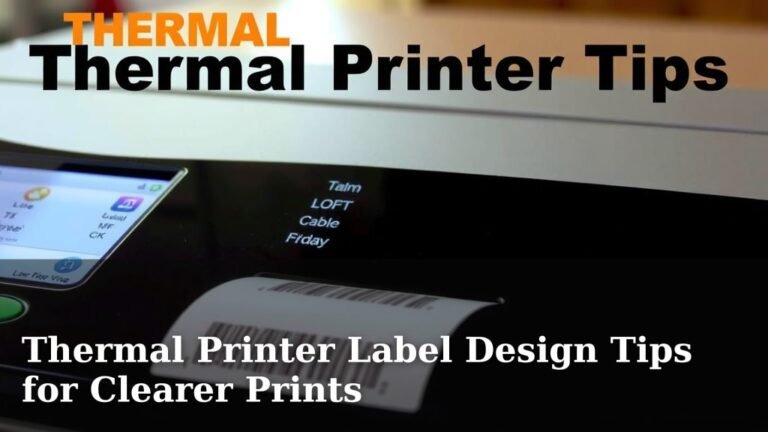
This is the most frustrating! It almost always comes down to print quality. Double-check your printer’s resolution and ensure you’re using good quality media. Printing a test barcode at a larger size can help confirm if the issue is with the printer’s output or the scanner’s capability.
Quick Checklist for Choosing Your Barcode Printer
Before you click “buy,” run through this quick list:
- What’s your print volume? High volume needs faster speeds.
- How long do labels need to last? Direct thermal for short-term, thermal transfer for long-term.
- What environment will it be in? Rough environments need durable printers.
- What resolution do you need? 203 DPI is standard, 300 DPI is better for small codes.
- What connections do you require? USB, Ethernet, or Wi-Fi?
- What’s your budget? Factor in printer cost and ongoing media/ribbon costs.
Conclusion
You’ve seen how thermal printers offer a reliable and efficient way to produce clear, scannable barcodes. Whether you choose the simplicity of direct thermal for everyday labels or the durability of thermal transfer for harsh conditions, the right printer makes a difference. Consider your specific needs regarding label longevity, print volume, and environmental factors. By focusing on key features like resolution and connectivity, you can select a printer that streamlines your operations and avoids costly scanning errors. Take the time to assess your requirements, and you’ll find the perfect thermal printer to meet your barcode challenges.
Frequently Asked Questions
Do I really need a high DPI for barcodes?
For most standard barcodes, 203 DPI is perfectly adequate and widely used. We found that stepping up to 300 DPI can significantly improve readability for smaller barcodes or when including text alongside them, preventing scanning issues.
What’s the main difference between direct thermal and thermal transfer?
Direct thermal uses heat-sensitive paper that turns black, while thermal transfer uses a ribbon to melt ink onto the label. Direct thermal is simpler and cheaper but less durable, whereas thermal transfer creates long-lasting, more robust labels.
Can any thermal printer print QR codes?
Most modern thermal printers can print QR codes, but it’s recommended to use a higher resolution printer (300 DPI or more). This ensures all the tiny dots that make up the 2D code are printed clearly enough for scanners.
How often should I clean my thermal printer’s printhead?
Regular cleaning, especially if you notice faded print, is important. We suggest cleaning the printhead with a specialized pen or alcohol wipe every few weeks or whenever print quality seems to decline.
What are the ongoing costs of a thermal printer?
For direct thermal, your main ongoing cost is the heat-sensitive label media. With thermal transfer, you’ll need to purchase both labels and the ink ribbons, which adds slightly to the operational expense.