Your Essential Thermal Printer Buying Guide
Choosing the right thermal printer depends on your specific needs. For most small businesses and retail settings, a direct thermal printer is a great choice for receipts and labels. If you need more durable prints or want to print on colored media, a thermal transfer printer might be better suited.
We found that understanding the core differences between direct thermal and thermal transfer technology is key. This choice impacts print quality, media compatibility, and ongoing costs. Think about what you’ll be printing most often and how long those prints need to last before you buy.
- Direct thermal printers are good for short-term labels and receipts.
- Thermal transfer printers use a ribbon for more durable prints.
- Consider your print volume and media needs.
- Budget and desired print longevity are important factors.
Let’s walk through exactly what you need to know to pick the best thermal printer for your situation.
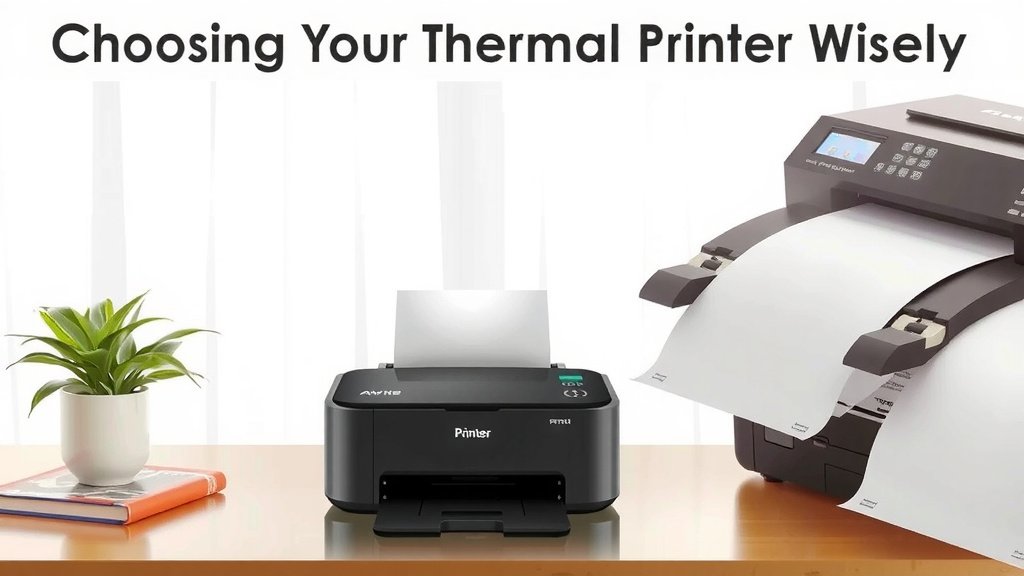
“`htmlChoosing Your Thermal Printer Wisely
Picking the right thermal printer feels like a big decision. You want one that prints clearly and reliably. This guide will help you understand the main types. We’ll look at what works best for different jobs. Think about what you’ll be printing most often.
Understanding Thermal Printing Technology
Thermal printers work by heating up a special printhead. This heat then transfers an image onto special paper or ribbon. It’s a clever, quiet process. We found two main types of thermal printing.
Direct Thermal vs. Thermal Transfer Explained
The biggest choice you’ll make is between direct thermal and thermal transfer printers. They use heat, but in different ways. This difference affects what you can print and how long it lasts. Let’s break it down.
Direct Thermal Printing: The Quick and Easy Way
Direct thermal printers are super simple. They heat up a specially coated paper directly. Think of it like a very precise hot pen. These printers are often used for things that don’t need to last forever. Many retail receipts and shipping labels use this method. The paper itself changes color when heated.
Pros:
- Simple to use, fewer parts to break.
- Lower upfront cost for the printer itself.
- No need for ink or toner cartridges.
- Quiet operation.
Cons:
- Prints can fade over time, especially with heat or light exposure.
- Paper can be more expensive than plain paper.
- Limited media options; you must use special heat-sensitive paper.
Thermal Transfer Printing: For Lasting Impressions
Thermal transfer printers are a bit more involved. They use a ribbon, much like a typewriter ribbon. This ribbon has ink on it. The printhead heats the ribbon, transferring the ink onto your label or paper. This makes for more durable, long-lasting prints.
These printers are great for labels that need to withstand harsh conditions. Think about labels on chemical drums or outdoor equipment. They can also print on a wider variety of materials, like polyester or vinyl.
Pros:
- Prints are very durable and resistant to fading, water, and chemicals.
- Can print on a wider range of label materials.
- Sharp, crisp text and barcodes.
- Ideal for long-term applications.
Cons:
- Requires purchasing ink ribbons, adding an ongoing cost.
- Ribbons can be messy if not handled properly.
- The printer itself might have a higher initial cost.
- More parts mean slightly more maintenance.
Key Features to Consider
Once you know the basic technology, other features matter. These can make your printing tasks easier and more efficient. We found that looking at these details can really improve your experience.
Print Resolution (DPI)
Print resolution is measured in dots per inch (DPI). This tells you how detailed your prints will be. For simple text and basic barcodes, 203 DPI is usually fine. If you need to print very small text or detailed graphics, consider 300 DPI or even 600 DPI.
A higher DPI means sharper images. It’s like going from a standard TV to a high-definition screen. For most retail and shipping needs, 203 DPI is perfectly adequate (Zebra Technologies). If you’re printing small QR codes or intricate logos, step up the DPI.
Print Speed
How fast does the printer operate? This is measured in inches per second (IPS). If you have a high volume of printing, speed is important. A fast printer can keep up with busy checkout lines or large shipping operations.
For casual use, a slower speed is okay. But if you’re printing hundreds of labels a day, look for printers that offer 5 IPS or more. We found that even a few extra inches per second add up when you’re busy.
Connectivity Options
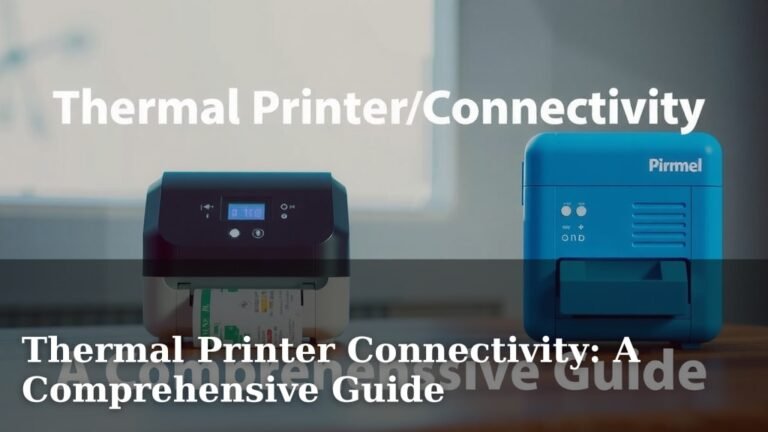
How will you connect the printer to your computer or network? Common options include USB, Ethernet, and Wi-Fi. Some printers also offer Bluetooth for mobile use.
USB is good for a single computer setup. Ethernet is best for connecting to a network. Wi-Fi offers flexibility in placement. Think about where the printer will be and how many devices need to access it. Many experts suggest Ethernet for reliability in business settings.
Media Handling and Size
What size labels or receipts will you print? Printers have a maximum print width. Make sure the printer can handle your typical media size. Also, consider how the media loads. Some printers have easy-load systems that save time.
Check the maximum roll diameter too. A larger roll means you change it less often, which is a nice bonus. If you print different sizes, check if the printer can handle them all easily.
Making the Right Choice: A Checklist
To help you decide, here’s a quick checklist. Think through these points before you make your final choice:
- Print Type: Do you need durable prints (thermal transfer) or quick, simple prints (direct thermal)?
- Print Quality: Will standard text and barcodes suffice (203 DPI), or do you need high detail (300+ DPI)?
- Print Volume: How many labels or receipts do you print daily? This affects speed and durability needs.
- Media Needs: What types and sizes of labels or paper do you use?
- Budget: Consider both the upfront cost and ongoing costs (ribbons, special paper).
- Connectivity: How will the printer connect to your existing systems?
Common Use Cases and Recommendations
We see thermal printers used in many different environments. Your specific needs will guide your choice.
| Use Case | Recommended Printer Type | Reasoning |
|---|---|---|
| Retail Receipts | Direct Thermal | Fast, cost-effective for short-term use. |
| Shipping Labels | Direct Thermal (or Thermal Transfer for durability) | Direct thermal is common and affordable. Transfer for labels exposed to elements. |
| Product Labels (Shelf) | Direct Thermal | Good for in-store use, easily changed. |
| Asset Tracking Labels | Thermal Transfer | Requires durable, long-lasting labels. |
| Jewelry Tags | Thermal Transfer | Needs high precision and durability. |
| Name Badges for Events | Direct Thermal | Temporary, quick to print, cost-effective. |
As you can see, the application really matters. A small boutique might be perfectly happy with a simple direct thermal printer. A busy warehouse, however, might need the robust performance of a thermal transfer model. We found that matching the printer type to the job is the most important step.
“`Conclusion
Choosing the right thermal printer boils down to your specific printing needs. You’ve learned the key differences between direct thermal and thermal transfer technologies, and how print resolution, speed, and connectivity play a role. Consider your print volume and how long your labels need to last. By matching the printer type and features to your use case, you’ll make a smart investment. Now, take that checklist and start comparing models to find the perfect fit for your business.
Frequently Asked Questions
Can I use any kind of paper with a direct thermal printer?
No, you cannot. Direct thermal printers require special heat-sensitive paper. This paper has a coating that turns black when heated by the printhead. Using regular paper will not produce any printed image.
What’s the main advantage of thermal transfer over direct thermal for shipping labels?
The primary advantage of thermal transfer for shipping labels is durability. Prints from thermal transfer are resistant to fading from light, heat, and moisture, making them ideal for labels that might be stored or exposed to various conditions.
How do I know if I need a 203 DPI or a 300 DPI printer?
If you primarily print standard text and barcodes, 203 DPI is usually sufficient. For very small text, detailed graphics, or small QR codes, stepping up to 300 DPI will give you a much sharper and clearer image.
Are thermal printers expensive to run?
The running costs vary. Direct thermal printers only require the special heat-sensitive paper. Thermal transfer printers need both special labels and ribbons, adding an ongoing cost for the ribbons. Generally, direct thermal has lower consumable costs.
Which type of thermal printer is best for product labels that need to last a long time on store shelves?
For product labels that need to withstand handling and maintain clarity over time, a thermal transfer printer is generally recommended. This ensures the labels won’t fade or smudge easily, providing a consistent brand image.