Desktop Thermal Printer: What It Is and How It Works
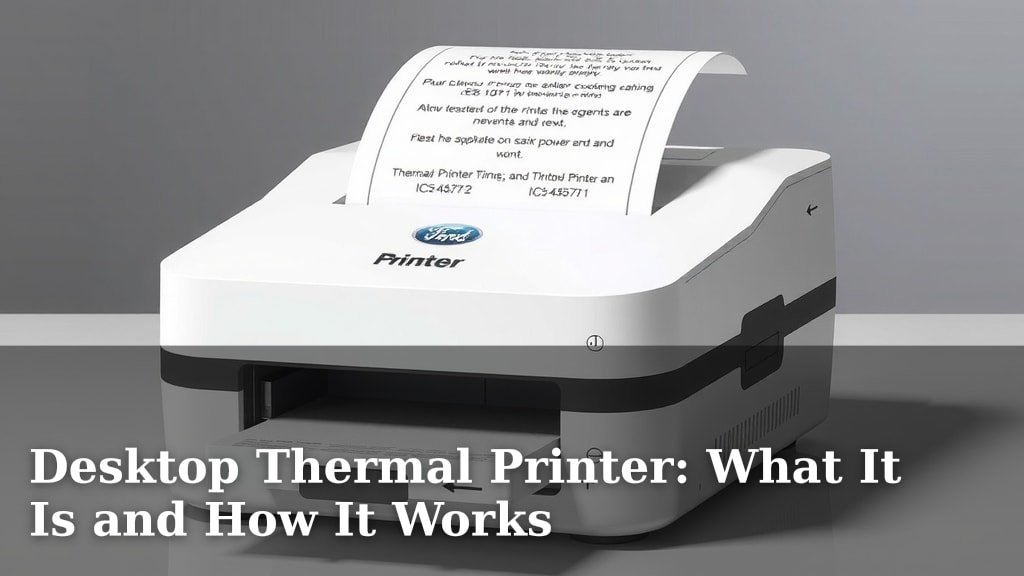
A desktop thermal printer is a device that uses heat to print text and images directly onto special thermal paper. Unlike traditional printers, they don’t need ink or toner, making them incredibly cost-effective and low-maintenance for everyday tasks. They’re perfect for printing shipping labels, receipts, or even custom stickers quickly and easily.
You’ll find these printers are a common sight in many homes and small businesses. Their appeal lies in their simplicity and speed. Forget about messy ink cartridges or dry toner – these printers get the job done with just a little bit of heat and the right kind of paper. We’ve found that their compact size makes them ideal for any desk space.
- Desktop thermal printers use heat, not ink.
- They print on special thermal paper.
- Great for labels, receipts, and stickers.
- Inkless design means lower costs.
- Simple to use and maintain.
Ready to see if a desktop thermal printer is the right fit for your needs? Let’s break down exactly what they are and how they work, so you can make an informed choice.
Understanding How Desktop Thermal Printers Work
So, you’re curious about how these compact thermal printers actually create those crisp labels and receipts? It’s a surprisingly simple process, relying on a bit of heat and some special paper. We’ve found that understanding this basic mechanism helps you appreciate their efficiency.
The Magic of Thermal Paper
The key ingredient is the thermal paper itself. Unlike regular paper, this special stock is coated with a heat-sensitive dye. When the printer’s print head applies heat, it causes a chemical reaction within this coating. This reaction turns the heated spots black, forming the text or image you see.
The Thermosensitive Coating
Think of it like a tiny chemistry experiment happening right on your desk! This coating is a mix of a leuco dye and a developer. When heated above a certain temperature, the dye and developer combine, creating the dark marks. When the heat is removed, the color disappears, which is why thermal prints can fade over time, especially when exposed to heat or sunlight (Mayo Clinic).
The Role of the Print Head
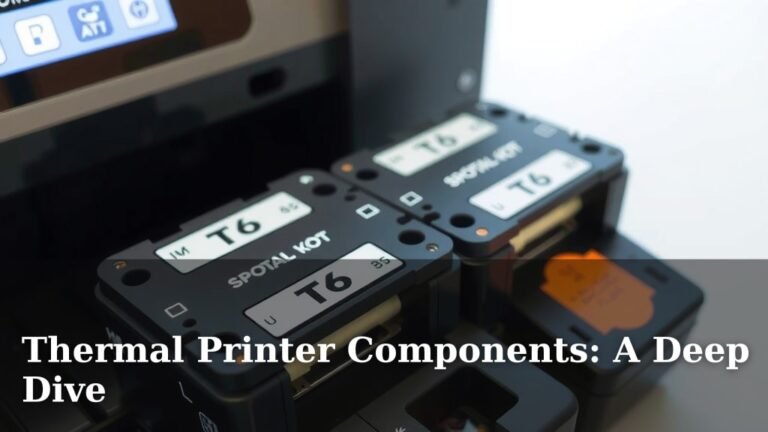
The printer’s print head is where the action happens. It’s a bar lined with tiny heating elements, essentially miniature resistors. These elements are arranged in a grid, corresponding to the dots that make up your text and images. When the printer receives data, it precisely controls which of these tiny heaters get hot and for how long.
Direct Thermal vs. Thermal Transfer
It’s important to know there are two main types of thermal printing: direct thermal and thermal transfer. Your desktop thermal printer is almost certainly a direct thermal printer. This means it uses heat directly on the coated paper. Thermal transfer printers, often larger industrial models, use heat to melt a ribbon (like an ink ribbon) onto the label material. For most home and small office needs, direct thermal is what you’ll find.
The Printing Process Step-by-Step
Let’s walk through it. First, the paper is fed through the printer. Then, the print head, which is usually pressed against the paper, heats up specific dots according to the digital information it receives. As the paper moves, the pattern of heated dots builds up your entire print. It’s a speedy, dot-by-dot creation.
Why Choose a Desktop Thermal Printer?
You might be wondering what makes these printers so popular. It really comes down to a few major advantages that simplify your printing tasks. We found that many users appreciate the sheer convenience.
Cost Savings Without Ink or Toner
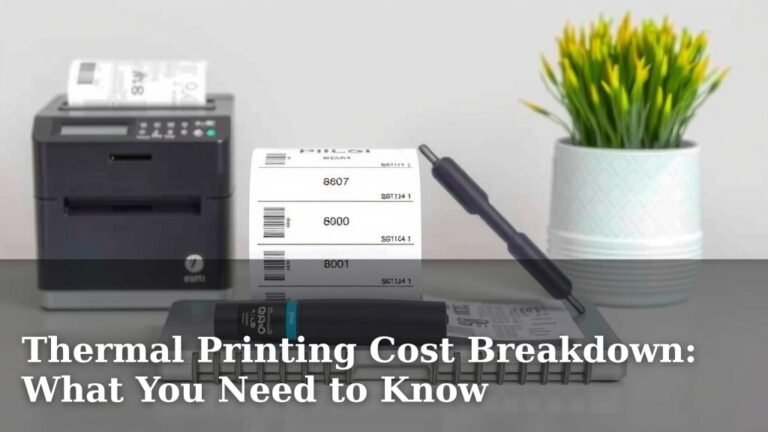
This is a big one! Since there’s no ink or toner involved, you eliminate the recurring cost of buying these supplies. For businesses that print a lot of labels or receipts, this can add up to significant savings over time. You’re not dealing with empty cartridges or dried-out ink.
Low Maintenance and Simplicity
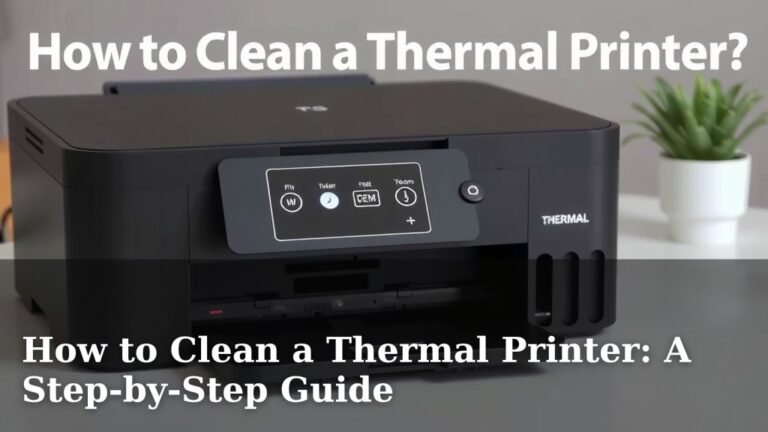
With fewer moving parts and no ink to worry about, thermal printers require very little maintenance. You won’t have to clean print heads or deal with smudged ink. Your primary task is simply to keep the machine clean and ensure you’re using the correct thermal paper. It’s about as plug-and-play as you can get.
Speed and Efficiency
Desktop thermal printers are built for speed. They can often print labels much faster than standard inkjet or laser printers. This is especially beneficial when you have a large batch of shipping labels to get out the door or need to print receipts quickly during a busy service period. Think about how much time you’ll save!
Compact and Space-Saving Design
As the name suggests, these printers are designed for your desktop. They are typically small and lightweight, fitting easily into crowded workspaces. If desk real estate is a concern, a compact thermal printer is an excellent solution that doesn’t take up much room.
Common Uses for Your Desktop Thermal Printer
You’ll find that these printers excel at specific tasks. They aren’t meant to replace your main office printer for documents, but for certain jobs, they are absolutely perfect. Let’s look at where they shine.
Shipping Labels
This is perhaps the most popular use. E-commerce sellers, small businesses, and even individuals shipping packages frequently rely on thermal printers for their shipping labels. They produce clear, scannable barcodes essential for logistics. Many shipping platforms integrate directly with these printers.
Receipts and Point-of-Sale (POS)
Retail stores, restaurants, and service providers use thermal printers for customer receipts. The speed and quiet operation make them ideal for busy environments. Receipts are printed quickly, so customers don’t have to wait long. We found that many modern POS systems are designed with thermal printing in mind.
Product and Barcode Labeling
Small businesses often use them for labeling inventory. Clear, durable labels with product information and barcodes help with stock management. This can streamline the process of checking inventory and fulfilling orders.
Custom Stickers and Labels
Beyond the practical, you can also get creative! Many thermal printers can handle specialized thermal sticker paper. This allows you to print custom designs, name tags, or organizational labels for home or office use. It’s a fun way to add a personal touch.
What to Look for When Buying One
Ready to find the right thermal printer for your needs? Here are a few key features to consider before you make a purchase. Keeping these in mind will help you choose a model that fits perfectly.
Print Resolution (DPI)
Resolution is measured in dots per inch (DPI). For most standard labels and receipts, 203 DPI is perfectly adequate. If you need to print very fine text or detailed graphics, you might consider a higher resolution, like 300 DPI, though this is less common for basic desktop models.
Print Speed
Speed is often measured in inches per second (IPS). If you print a lot of labels at once, a faster printer will save you time. For casual use, a slower speed might be fine. Think about your typical workload when evaluating this spec.
Connectivity Options
How will you connect the printer to your computer or device? Common options include USB, Ethernet (for network sharing), and sometimes Bluetooth or Wi-Fi for wireless printing. Ensure the connection type matches your setup.
Label Size Compatibility
Thermal printers have a maximum print width. Make sure the printer you choose can accommodate the size of labels you intend to print. Most standard desktop models handle common shipping label sizes (like 4×6 inches) and smaller receipt rolls easily.
Durability and Brand Reputation
While these are generally low-maintenance, some brands are known for building more robust units. Reading reviews can give you a sense of a printer’s reliability. We found that sticking with well-known brands often leads to a more dependable experience.
Before you buy, consider these points:
- What is your primary printing need (labels, receipts, etc.)?
- How many items do you expect to print daily or weekly?
- What size labels or paper will you use most often?
- What type of connection do you need (USB, Wi-Fi)?
- What is your budget for the printer and ongoing paper costs?
- Do you need specific software compatibility for your business operations?
Conclusion
You’ve learned how desktop thermal printers use heat, not ink, to create crisp labels and receipts. Their cost-effectiveness, low maintenance, and speed make them a smart choice for many small businesses and home users. You can simplify your shipping, point-of-sale, and organization tasks with these compact machines. Now that you understand how they work and their benefits, you’re well-equipped to decide if a thermal printer fits your needs. Take the next step by considering your primary printing tasks and desired features to find the perfect model for your workspace.
Frequently Asked Questions
How long do thermal prints last?
Thermal prints can fade over time, especially with exposure to heat, light, or certain chemicals. For most everyday uses like receipts and shipping labels, they hold up well for months or even a few years. If you need archival quality, a thermal transfer printer or a different printer type might be a better fit.
Can I use regular paper in a thermal printer?
No, you cannot use regular paper. Desktop thermal printers require special thermal paper that has a heat-sensitive coating. Using regular paper will result in blank pages because it lacks the necessary chemical layer to react to the printer’s heat.
Are desktop thermal printers noisy?
Generally, desktop thermal printers are very quiet. They don’t have noisy ink cartridges or complex print heads moving back and forth like some other printer types. The main sound you’ll hear is the paper feeding through, which is usually a soft whirring noise.
What’s the difference between direct thermal and thermal transfer?
Your desktop thermal printer is almost certainly a direct thermal model. This type prints directly onto heat-sensitive paper. Thermal transfer printers use heat to melt ink from a ribbon onto the label material, creating a more durable and fade-resistant print, but they require ribbons.
Do I need special software to use a thermal printer?
Often, you can print directly from many applications like shipping software or point-of-sale systems. However, some printers come with bundled software for designing labels or may require specific drivers to be installed on your computer. Always check the manufacturer’s recommendations for software compatibility.