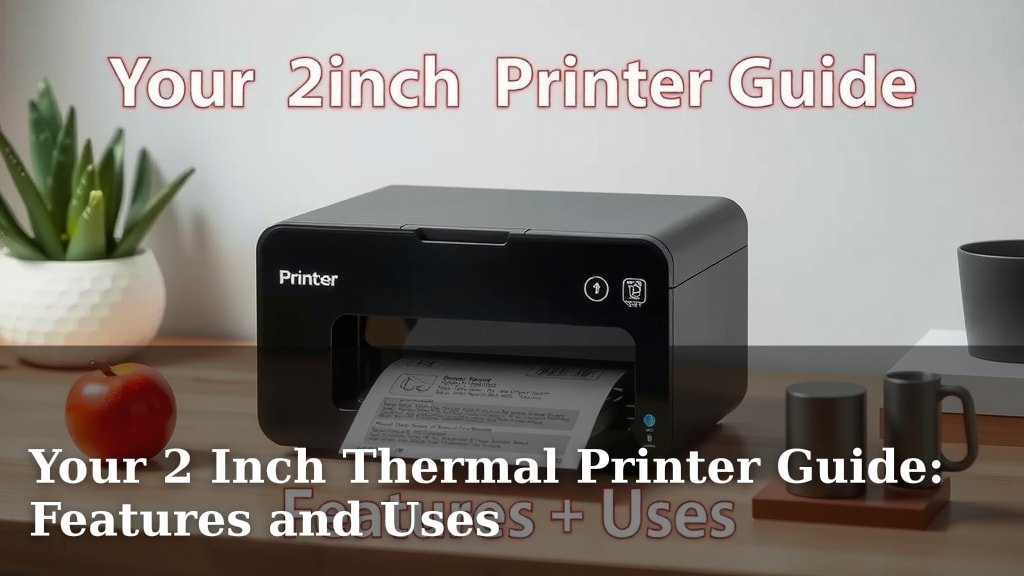
Your 2 Inch Thermal Printer Guide: Features and Uses
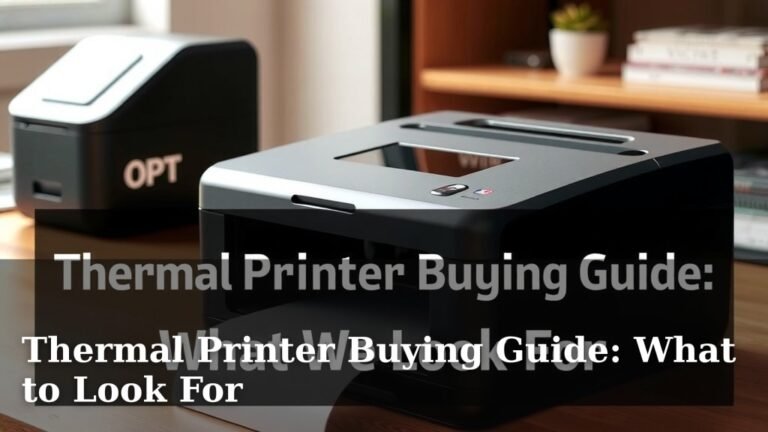
A 2 inch thermal printer is a compact printing device designed for creating receipts, labels, and tickets on narrow media. They are ideal for businesses needing quick, on-demand prints without ink or toner. You can expect these printers to offer fast, quiet operation for various small business needs.
Choosing the right 2 inch thermal printer means considering factors like print speed, resolution, and connectivity. These printers are widely used in retail, hospitality, and shipping. We found that understanding your specific printing volume and environment helps narrow down the best choice for your setup.
- What is a 2 inch thermal printer? It prints small receipts and labels.
- Why choose one? They are fast, quiet, and don’t need ink.
- Key features to check: speed, resolution, and how it connects.
- Best for: small businesses like retail, food service, and shipping.
Ready to find the perfect fit for your business? Let’s walk through everything you need to know about picking and using your 2 inch thermal printer.
“`htmlNavigating the World of 2-Inch Thermal Printers
So, you’re looking for a printer that handles those smaller jobs perfectly? A 2-inch thermal printer might be just the ticket. These devices are fantastic for creating labels, receipts, and tickets. Think about all those times you needed a quick printout for inventory, customer orders, or event tickets. This type of printer can handle it without a fuss. They are designed to be quick, efficient, and ink-free, making them a smart choice for many businesses.
You might be wondering what makes them so popular. Well, the absence of ink is a big win. No more worrying about messy cartridges or expensive refills. Thermal printing uses heat to create the image on special paper. This means fewer moving parts and less maintenance for you. We found that this simplicity translates to reliable performance day in and day out. They are often smaller too, saving precious counter space.
Understanding the Technology: How Thermal Printing Works
It’s not magic, but it’s pretty close! Thermal printing is all about heat. There are two main types, and it’s helpful to know the difference.
Direct Thermal Printing
This is the most common type you’ll find in 2-inch printers. It works by heating a special thermosensitive paper. The print head has tiny heating elements that activate when needed. As the paper passes under the print head, the heated areas turn black. It’s like a super-fast, precise hot stamp. This method is great because it’s simple and cost-effective. You just need the special paper, and you’re good to go.
A little science lesson for you: the paper has a coating that changes color when exposed to heat. Many guidelines suggest this is the best method for short-term use items, like shipping labels or receipts. We found that the print can fade over time, especially when exposed to sunlight or heat. So, if you need something to last for years, this might not be your first choice.
Thermal Transfer Printing
This type is a bit different. It uses a ribbon of ink that melts onto the label or paper when heated. Think of it like a very advanced carbon copy. You’ll need both special paper (or labels) and a ribbon. This method creates prints that are much more durable and resistant to fading. We found that thermal transfer is often used for asset tags, serial plates, or anything that needs to withstand harsh conditions.
While excellent for longevity, it adds another consumable to manage – the ribbon. For most 2-inch applications like simple receipts or product labels, direct thermal is usually the way to go because of its ease of use and lower running costs. But if durability is your absolute top priority, thermal transfer is worth considering.
Key Features to Look For in a 2-Inch Printer
When you’re shopping, a few things will really make a difference in your daily operations. Thinking about these will save you headaches later.
Print Speed
How fast does it print? This is measured in inches per second (ips). For busy environments, a faster printer means shorter queues and happier customers. Many models offer speeds from 4 ips up to 8 ips or even higher. We found that for retail or food service, anything around 5-6 ips is usually a sweet spot. It’s fast enough for most demands without breaking the bank.
Print Resolution (DPI)
Resolution is about how sharp and clear your print is. It’s measured in dots per inch (DPI). Common resolutions for 2-inch printers are 203 DPI and 300 DPI. For standard text and basic barcodes, 203 DPI is perfectly fine. However, if you need to print fine details, small fonts, or detailed graphics, 300 DPI will give you a much crisper output. Many experts suggest 300 DPI for maximum readability, especially on small labels.
Connectivity Options
How will you connect the printer to your computer or point-of-sale system? This is super important! Common options include:
- USB: The most universal option. Easy to plug in and works with most computers.
- Ethernet (LAN): Great for connecting to a network, allowing multiple computers to share the printer.
- Wi-Fi: Offers wireless freedom. You can place the printer almost anywhere.
- Bluetooth: Ideal for mobile devices like tablets or smartphones.
Think about your current setup and where the printer will live. A wired connection like USB or Ethernet is often more reliable. Wireless options like Wi-Fi or Bluetooth give you more flexibility. We found that considering future needs is smart too. Maybe you’ll add more devices or move the printer later.
Durability and Build Quality
Will this printer live on a quiet desk or be used in a bustling kitchen or warehouse? The environment matters! Some printers are built tough for industrial settings, while others are designed for lighter use. Check reviews for how well they hold up over time. Many guidelines recommend checking the IP rating if it’s for a dusty or damp environment, though this is less common on smaller printers.
Ease of Use and Maintenance
Are the controls simple? Is it easy to load paper? Thermal printers are generally low maintenance, but some are easier to operate than others. Look for features like easy-open covers for paper loading and clear status indicators. We found that printers with intuitive designs tend to have fewer support calls.
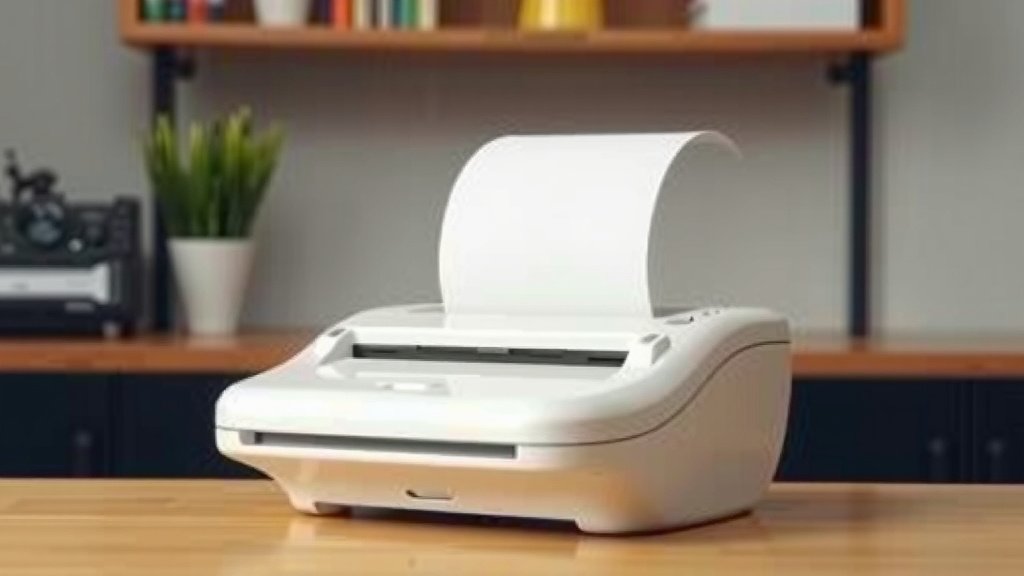
Where You’ll Find These Handy Printers in Action
These small but mighty printers are everywhere! You might not even realize it.
Retail
From checkout receipts to shelf labels and price tags, 2-inch printers are invaluable. They help keep inventory accurate and pricing clear. You can quickly print labels for new stock or promotional items.
Hospitality and Food Service
Think about restaurant order tickets or bar receipts. These printers create those essential slips fast, even in a busy kitchen. They can also be used for table numbering or to-go order labels.
Shipping and Logistics
Small businesses often need to print shipping labels. A 2-inch printer is perfect for creating postage labels for packages. It speeds up the packing process significantly.
Healthcare
In clinics or pharmacies, you might see them printing patient wristbands or prescription labels. Accuracy and speed are key here.
Events and Ticketing
For concerts, movie theaters, or any event, these printers can generate tickets on demand. This is great for last-minute sales or replacements.
Making Your Choice: A Quick Checklist
Ready to pick the right one? Here’s a quick checklist to guide you:
- Assess your printing volume: How many items do you print daily?
- Consider print speed needs: Do you need lightning fast prints?
- Decide on resolution: Will you print graphics or just text?
- Verify connectivity: Does it match your existing tech?
- Think about your environment: Will it handle the conditions?
- Check compatibility: Does it work with your POS or software?
By ticking these boxes, you’re well on your way to finding a printer that fits your business perfectly.
“`Conclusion
You’ve explored the essentials of 2-inch thermal printers, from their core technology to key features and common uses. Remember, the best printer for your business hinges on your specific needs. Whether it’s speed for busy retail or clarity for detailed labels, there’s a perfect model out there. By carefully considering print speed, resolution, connectivity, and durability, you’re ready to make an informed decision. Take that checklist we shared and start matching your requirements to the right printer. Your next step is to compare a few top models based on these factors and find the one that will truly serve your operations well.
Frequently Asked Questions
How long do direct thermal prints last?
Direct thermal prints are best for items that won’t be handled frequently or stored long-term. We found they can start to fade within months, especially when exposed to heat or sunlight. For durable labels that need to last years, consider a thermal transfer printer instead.
Can I use regular paper with a 2-inch thermal printer?
No, you cannot use standard paper. Direct thermal printers require special thermosensitive paper that reacts to heat. Thermal transfer printers need specific label stock and ink ribbons. Using the wrong type of media will prevent printing and could damage your printer.
What is the difference between 203 DPI and 300 DPI on a 2-inch printer?
DPI stands for dots per inch, and it tells you about print clarity. A 203 DPI printer is good for basic text and standard barcodes. A 300 DPI printer offers sharper detail, making it better for small fonts, intricate graphics, or QR codes where precision is key.
Are 2-inch thermal printers easy to connect to my computer?
Most 2-inch thermal printers are designed for easy setup. USB connectivity is the most common and straightforward option, working like any standard peripheral. Many also offer Ethernet or Wi-Fi for network sharing, which might require a bit more configuration but is manageable.
What maintenance do these printers typically require?
Thermal printers are known for low maintenance. The primary tasks involve keeping the print head clean with a specialized cleaning pen or solution to ensure print quality. You’ll also need to regularly refill your paper rolls or labels. They don’t require ink or toner, which simplifies upkeep significantly.