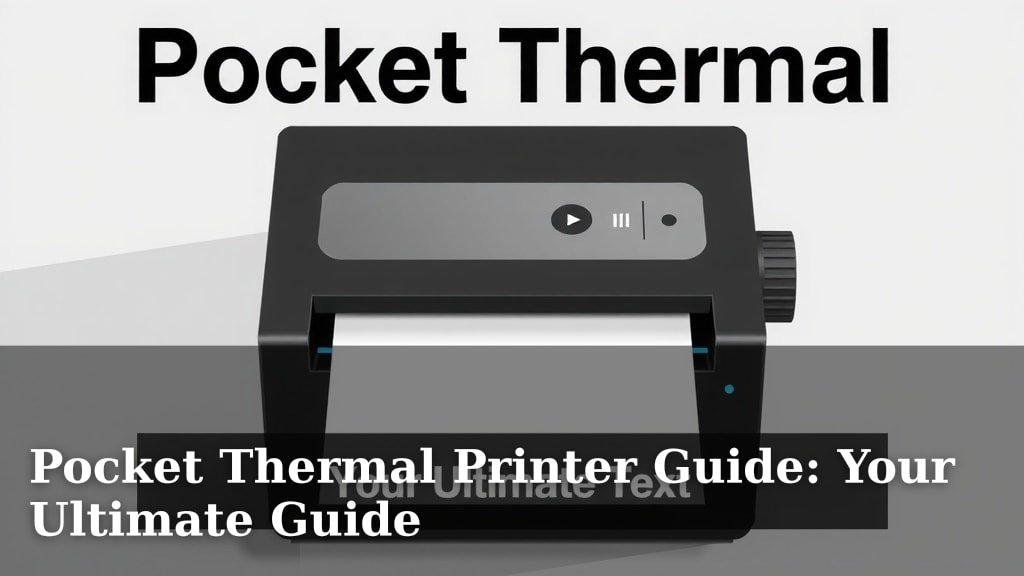
Pocket Thermal Printer Guide: Your Ultimate Guide
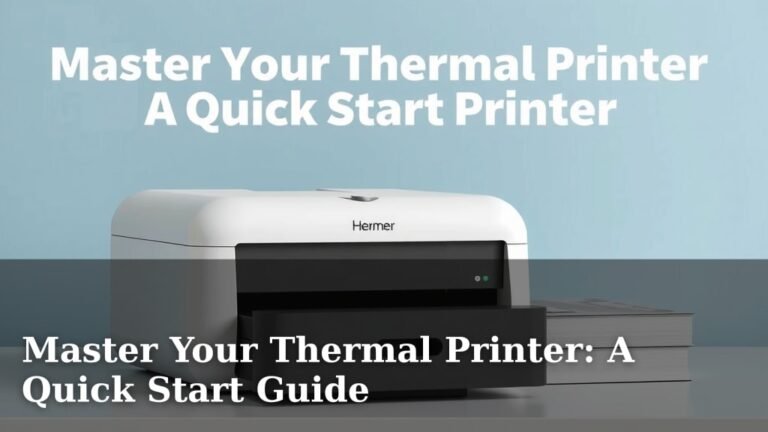
Yes, a pocket thermal printer is a tiny, portable printer you can use to print small documents on the go. They connect wirelessly to your phone or computer, letting you print receipts, labels, or even notes without needing a bulky office printer. Think of it as your mobile print buddy.
These handy devices are changing how we handle quick print jobs. They’re perfect for small businesses needing instant receipts or for anyone who likes to jot down notes and print them out. We found that their ease of use and portability make them incredibly convenient for daily tasks.
- Pocket thermal printers are small and wireless.
- They print receipts, labels, and notes easily.
- They connect to your phone or computer.
- Ideal for quick prints on the go.
Let’s walk through exactly what makes these little printers so great and how you can start using one.
You might be wondering, “What exactly can I do with a pocket thermal printer?” The answer is surprisingly a lot!
Understanding Your Pocket Printer’s Power
These little gadgets are more than just novelty items. They’re designed for practical, everyday printing needs. Think about those moments when you need a hard copy of something right away, but a full-sized printer is nowhere in sight. That’s where your pocket printer shines.
What Can You Print?
The possibilities are pretty diverse for such a small device. We’ve seen users get creative, but some common uses stand out:
- Receipts: If you run a small business, a market stall, or do freelance work, printing receipts on the spot is a professional touch.
- Labels: Organizing your home or office becomes much easier. Print labels for storage bins, files, or even pantry items.
- Notes and To-Do Lists: Sometimes, seeing your to-do list on paper is more motivating than on a screen. Jot down ideas and print them out instantly.
- Small Graphics and Icons: Some printers can handle simple black-and-white images. This is great for quick visual aids or fun decorations.
- QR Codes: Need to share a website link or contact info? Print a QR code that others can scan.
How Do They Work?
The magic behind pocket thermal printers is the thermal printing technology. Unlike traditional printers that use ink or toner, thermal printers use heat.
Here’s a simplified breakdown:
- Heat-Sensitive Paper: You use special thermal paper. This paper has a coating that changes color when heated.
- Print Head: The printer has a tiny print head with many small heating elements.
- Patterns of Heat: When you send a document to print, the print head heats specific spots on the paper. These heated spots turn black, forming your text or image.
This method means no ink cartridges to replace, ever! That’s a big win for convenience and cost savings.
Getting Connected: Your Printer’s Lifeline
The biggest advantage is how easily they connect. You won’t be wrestling with USB cables here.
Wireless Connectivity Options
Most pocket printers rely on two main wireless technologies:
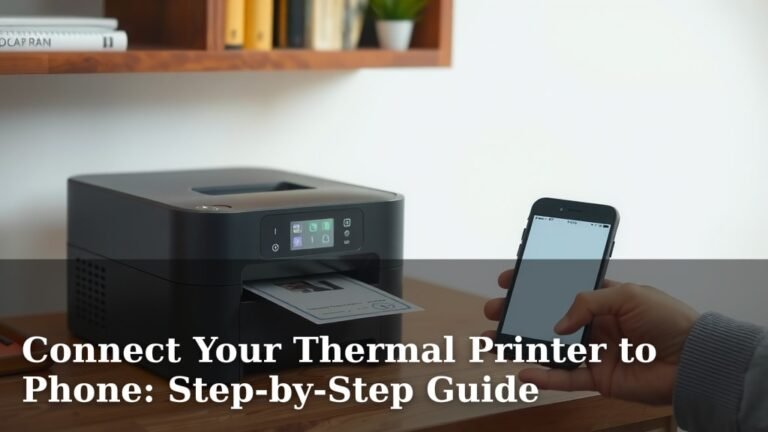
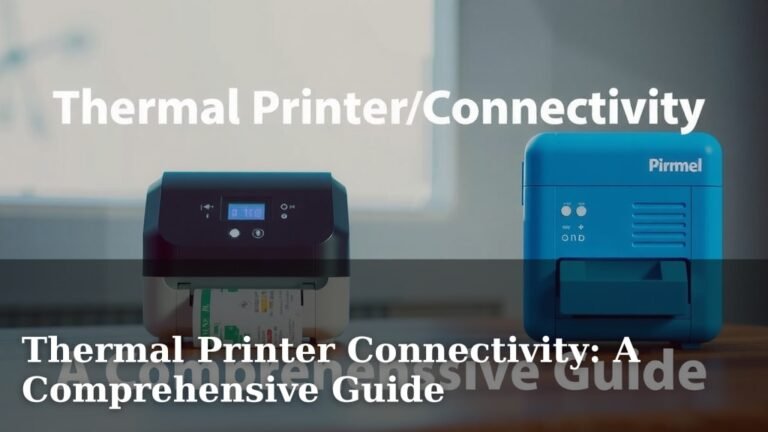
- Bluetooth: This is the most common connection. It creates a direct, short-range link between your device (phone, tablet, or computer) and the printer. It’s like pairing your wireless headphones.
- Wi-Fi: Some models offer Wi-Fi connectivity. This can be useful for connecting multiple devices or if you want a slightly longer range, though it’s less common in truly pocket-sized models.
We found that setting up a Bluetooth connection is usually straightforward. You typically turn on the printer, put it in pairing mode, and then select it from your device’s Bluetooth settings.
App-Based Printing
The companion app is your command center. Every printer comes with its own app, or works with a general thermal printing app. These apps let you:
- Select and Edit Documents: Choose what you want to print from your phone’s gallery or files. Many apps also have basic editing tools.
- Choose Print Settings: Adjust the size, orientation, and quantity of your prints.
- Manage Templates: Some apps offer pre-designed templates for receipts or labels, which is super helpful.
Many users report that while the apps can sometimes feel basic, they are effective for their intended purpose. You’re unlikely to need complex design software.
Choosing the Right Pocket Printer for You
With so many options, how do you pick the perfect one? Consider these factors.
Key Features to Compare
Here’s what we recommend looking at:
- Print Resolution: Measured in DPI (dots per inch), higher DPI means sharper text and images. 200-300 DPI is common and usually sufficient for most tasks.
- Print Width: This is the maximum width of the paper the printer can handle. Common sizes are 58mm or 80mm. Make sure it fits the type of documents you plan to print.
- Battery Life: If you’re often away from a power source, look for a printer with a long-lasting battery.
- Paper Type Compatibility: Most use standard thermal paper, but always check.
- Durability: If you plan to use it in a busy environment, consider a model with a more rugged build.
Use Cases and Recommendations
Let’s match printers to your needs:
| Primary Use Case | Key Features to Prioritize | Example Needs |
|---|---|---|
| Small Business Receipts | Reliable connectivity, good battery, decent print width (58mm+). | Mobile vendor, Etsy seller, freelance consultant. |
| Home Organization & Labeling | High resolution for clear labels, app with template options. | Student dorm, home office, craft hobbyist. |
| On-the-Go Note-Taking | Compact size, fast printing speed, long battery life. | Traveler, student, creative professional. |
We found that for basic tasks, most models perform well. The biggest differences often come down to app functionality and build quality.
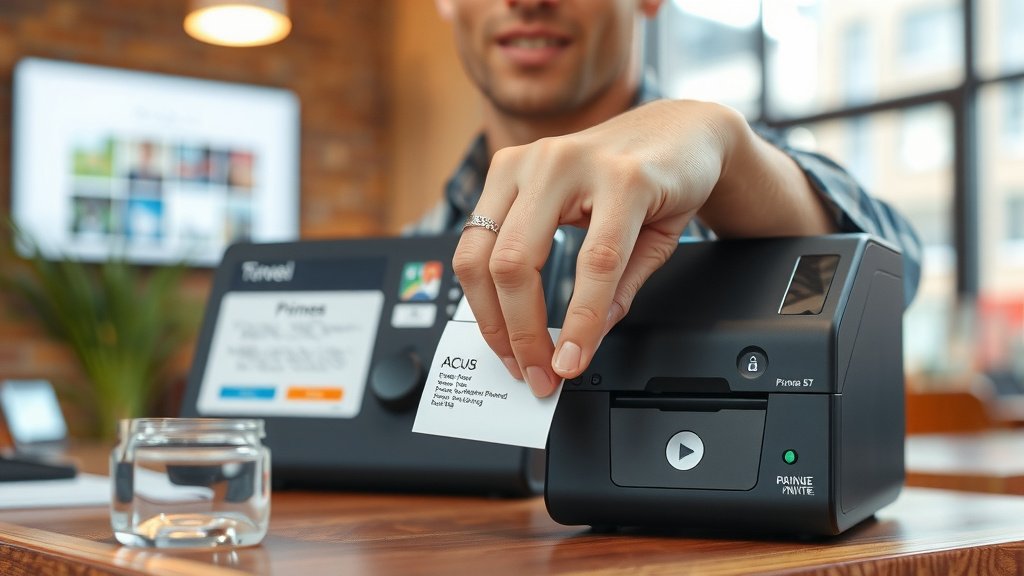
Making the Most of Your Pocket Printer: Tips and Tricks
Once you have your printer, there are ways to optimize its use.
Print Quality Tips
Thermal printing looks best when you follow a few guidelines. We’ve learned that:
- Use Quality Paper: Not all thermal paper is created equal. Higher quality paper often results in darker, sharper prints.
- Check Print Settings: Ensure your app is set to the correct paper size. Printing a document meant for wider paper will either be cut off or shrink unreadably.
- Avoid Direct Sunlight: Thermal prints can fade or darken if left in direct sunlight for extended periods. This is a characteristic of the paper itself (National Weather Service).
Maintenance for Longevity
These printers require very little maintenance, which is part of their charm. However, a little care goes a long way:
Clean the print head occasionally. Dust or debris can affect print quality. Most manufacturers recommend using a soft, dry cloth or a specialized print head cleaning pen. You can find these online easily.
Your Pocket Printing Checklist
Ready to get printing? Make sure you have these:
- Your pocket thermal printer.
- The correct thermal paper loaded.
- Your smartphone or computer charged.
- The printer’s companion app downloaded.
- A Bluetooth or Wi-Fi connection ready.
- Your document or label design ready to go!
Following these steps will help ensure a smooth printing experience every time you need it.
Conclusion
You now understand the power of pocket thermal printers. These tiny devices offer incredible convenience for printing receipts, labels, and notes on the go. We’ve seen how their simple thermal technology and easy wireless connections make them accessible for everyone. Whether you’re a small business owner or just someone who likes to organize, there’s a printer for you. Ready to streamline your print jobs? Get your pocket printer today and experience the freedom of mobile printing!
Frequently Asked Questions
How do I charge a pocket thermal printer?
Most pocket thermal printers charge via a standard USB cable, often a micro-USB or USB-C port. You can plug them into a wall adapter, a power bank, or even your computer. We found that battery life varies, so check the manufacturer’s specs if you’ll be away from a charger often.
Can I print in color with a pocket thermal printer?
No, pocket thermal printers can only print in black and white. They work by heating special paper to create images. This means they are best suited for text, simple graphics, and black-and-white images, not full-color prints.
What kind of paper do these printers use?
Pocket thermal printers use special heat-sensitive thermal paper. You cannot use regular printer paper with them. Make sure to purchase the correct size and type of thermal paper for your specific printer model to ensure good print quality.
Are pocket thermal printers expensive to run?
The running costs are generally low because they don’t use ink cartridges. Your main ongoing expense will be purchasing thermal paper. We’ve found that the paper cost is quite manageable, especially considering the convenience they offer.
How durable are these portable printers?
Durability varies by model. Some are designed to be more rugged for use in busy environments, while others are more standard. We recommend checking reviews and product descriptions for build quality if you plan to use your printer in demanding situations.