Your Essential 80mm Thermal Printer Buying Guide
An 80mm thermal printer is a great choice for businesses needing quick, clear receipts or labels. You can expect fast printing speeds and an easy setup process for most models. This size is perfect for point-of-sale systems and shipping labels without being too bulky. They are also very budget-friendly.
When picking an 80mm printer, think about connectivity options like USB, Ethernet, or Bluetooth. We found that compatibility with your existing software is also a major factor. Many people love these printers for their simple operation and low maintenance. You won’t need expensive ink cartridges.
- What an 80mm thermal printer is.
- Key features to look for.
- Best uses for this printer size.
- How to connect and set it up.
- Tips for buying the right model.
Below, we break down everything you need to know to pick the perfect 80mm thermal printer for your needs. Let’s get started!
“`htmlChoosing the Right 80mm Receipt Printer for Your Business
So, you’re looking for an 80mm thermal printer. That’s a smart move for many businesses. These printers offer a sweet spot in size and performance. They handle common tasks like printing sales receipts, order tickets, and shipping labels with ease. You get clear, crisp text and graphics every time. We found that their popularity is well-deserved because they are both efficient and user-friendly.
What Exactly Is an 80mm Thermal Printer?
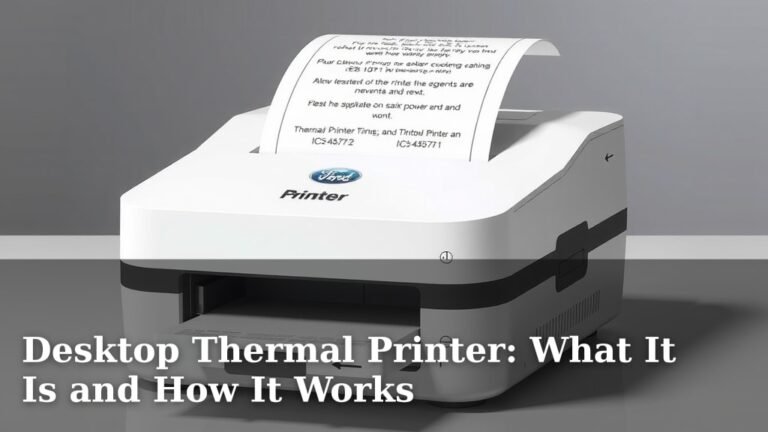
Simply put, an 80mm thermal printer uses heat to transfer an image onto special thermal paper. Think of it like a high-tech fax machine, but for printing. The ’80mm’ refers to the maximum width of the paper roll it can use. This makes them ideal for standard receipts and labels you see at most stores and online shipping centers. You won’t need messy ink cartridges, which is a big plus for maintenance.
Key Features That Make a Difference
When you start shopping, you’ll see a lot of options. We recommend focusing on a few key features to find the best fit for your needs. What’s inside and how it connects matters most.
Printing Speed and Resolution
Speed is often a big deal, especially during busy rushes. Most 80mm printers offer speeds ranging from 150mm per second up to 300mm per second. For most retail or restaurant settings, anything over 200mm/s is excellent. Resolution, measured in dots per inch (dpi), affects clarity. A standard 203 dpi is usually fine for text and basic logos. If you need super-sharp graphics, look for 300 dpi or higher.
Connectivity Options: How Will It Talk to Your System?
This is where things can get a bit technical, but don’t worry! We’ve broken it down. How your printer connects to your computer, tablet, or point-of-sale (POS) system is crucial.
- USB: The most common and usually the simplest. Plug it in, and your computer should recognize it. Great for a single workstation.
- Ethernet (LAN): This uses a network cable. It’s ideal if you need to connect multiple devices in an office or store to the same printer. It offers stable connections.
- Wi-Fi: Wireless connectivity gives you flexibility. You can place the printer anywhere within your Wi-Fi range without running cables. Perfect for dynamic environments.
- Bluetooth: Similar to Wi-Fi but uses short-range radio waves. Often found on smaller, portable models or for connecting directly to a single tablet or smartphone.
We found that many users prefer a printer with multiple connectivity options, like USB and Ethernet, for maximum flexibility. Check what your existing POS system or software supports before you buy.
Durability and Reliability
Your printer will likely be in constant use. Look for printers built with sturdy materials. Some models have high MTBF (Mean Time Between Failures) ratings, which is a good indicator of reliability. We found that heavy-duty models are often worth the investment for businesses with high print volumes.
Paper Handling and Features
Consider the maximum paper roll diameter the printer can hold. Larger rolls mean fewer changes, saving you time. Some printers have auto-cutters, which neatly slice each receipt. This is a small convenience that adds up. Others might have tear bars for manual cutting. We also looked for features like low-paper sensors, which alert you before you run out of paper.
Where an 80mm Printer Shines: Best Use Cases
The 80mm size is incredibly versatile. It’s not too big for a counter and not too small to be illegible. We’ve seen them excel in several areas.
Point-of-Sale (POS) Systems
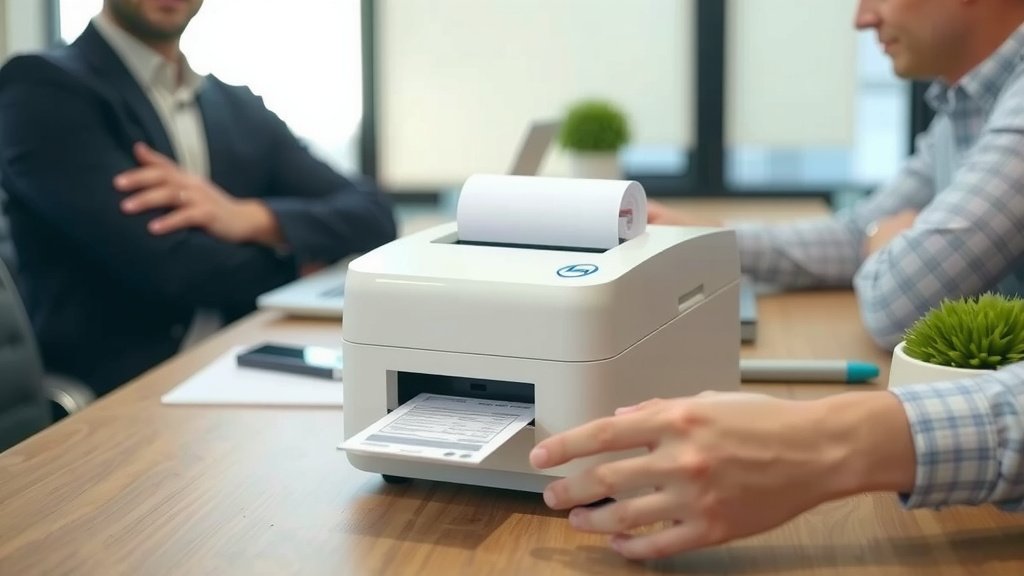
This is probably the most common application. For retail stores, restaurants, cafes, and bars, an 80mm printer is perfect for generating customer receipts. They print quickly, reducing customer wait times during checkout. The width is usually enough for sales details, payment info, and even a small store logo or promotion.
Kitchen and Order Tickets
In busy kitchens, clear and fast order tickets are essential. An 80mm printer can handle order details, item modifications, and table numbers effectively. They can often withstand the steamy, high-traffic environment of a commercial kitchen. We found that some models are even splash-resistant, which is a great feature here.
Shipping and Label Printing
While dedicated label printers exist, many 80mm thermal printers can also print shipping labels. You’ll typically be printing on a continuous roll or fan-fold paper that you then cut. This is a cost-effective solution if your shipping volume isn’t extremely high. You can print address labels, packing slips, or return labels.
Event Ticketing and Barcodes
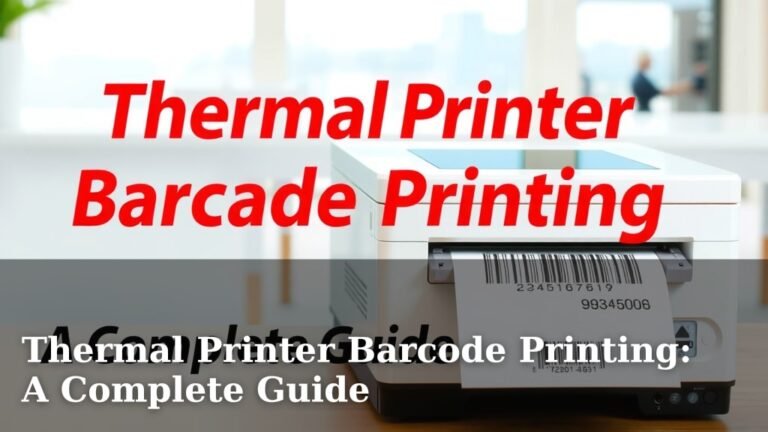
For event organizers, ticketing at venues, or even inventory management, 80mm printers can produce tickets with barcodes. These are easily scanned for entry or tracking. The resolution needs to be good enough for the scanner to read the barcode reliably. We found that many standard models work well for this.
Connecting and Setting Up Your New Printer
Getting your printer ready to go is usually straightforward. Most manufacturers provide clear instructions. Let’s walk through the typical steps.
Physical Setup
First, unpack your printer and check that you have all the accessories. You’ll usually get a power adapter and a USB cable. Install the paper roll. Make sure you orient it correctly so the paper feeds out from the top. Close the cover securely. Connect the power adapter and turn the printer on.
Driver Installation
For USB or Ethernet connections, you’ll likely need to install printer drivers on your computer. Your printer should come with a CD or a link to download the drivers from the manufacturer’s website. Follow the on-screen prompts. If you purchased a printer with Wi-Fi or Bluetooth, you might need to follow a specific pairing process detailed in the manual.
Software Configuration
Once the drivers are installed, you’ll need to configure the printer within your POS software, accounting program, or other application. This usually involves selecting the printer from a list of available devices and setting up default print settings, like paper size and orientation. We found that testing a print from your main application is the best way to confirm it’s working correctly.
Making Your Final Purchase Decision
With all this information, you’re well on your way to choosing the right 80mm thermal printer. Here’s a quick checklist to keep you on track.
- Verify compatibility with your current POS or software.
- Choose connectivity that fits your setup (USB, Ethernet, Wi-Fi, Bluetooth).
- Prioritize print speed for your business volume.
- Check for auto-cutter if convenience is key.
- Consider the printer’s physical size for your workspace.
- Read reviews for insights on reliability and ease of use.
Think about what features will genuinely help your business run smoother. An 80mm printer can be a workhorse for daily operations. Investing a little time now will pay off in efficiency and fewer headaches later.
“`
Conclusion
You’ve learned how an 80mm thermal printer can boost your business efficiency. We’ve covered what makes them great, from fast printing to easy maintenance. Choosing the right model depends on your specific needs, like how you’ll connect it and what you’ll print. By considering features like speed, connectivity, and durability, you can find a printer that truly works for you. Take this guide with you as you make your final selection. Your next step is to compare a few models that meet your criteria and check their reviews. You’re ready to make a smart purchase!
Frequently Asked Questions
Can I use regular paper with an 80mm thermal printer?
No, you cannot. Thermal printers require special heat-sensitive thermal paper. Regular paper won’t work because the printer uses heat to create the image. Make sure you buy the correct type of thermal paper rolls for your printer.
How do I know if an 80mm printer is compatible with my POS system?
Most 80mm thermal printers are designed to work with common POS systems. We recommend checking the printer’s specifications or manufacturer’s website for a compatibility list. You can also ask your POS provider if they have tested specific printer models.
What’s the difference between USB and Ethernet for my printer?
USB is for connecting directly to one computer, like a typical home printer. Ethernet connects to your network, allowing multiple computers or devices in your store or office to share the printer. Ethernet often provides a more stable connection for shared use.
Do I need to buy ink for an 80mm thermal printer?
That’s one of the best parts! No ink is needed for thermal printers. They use heat to transfer an image onto the thermal paper. This means you’ll never have to buy or replace ink cartridges, saving you money and hassle.
How often will I need to replace the thermal paper roll?
This depends on your print volume. For a retail business with many transactions, you might replace a roll every few days. If you print less frequently, a roll could last weeks. We found that many printers support larger diameter rolls, which means fewer changes.