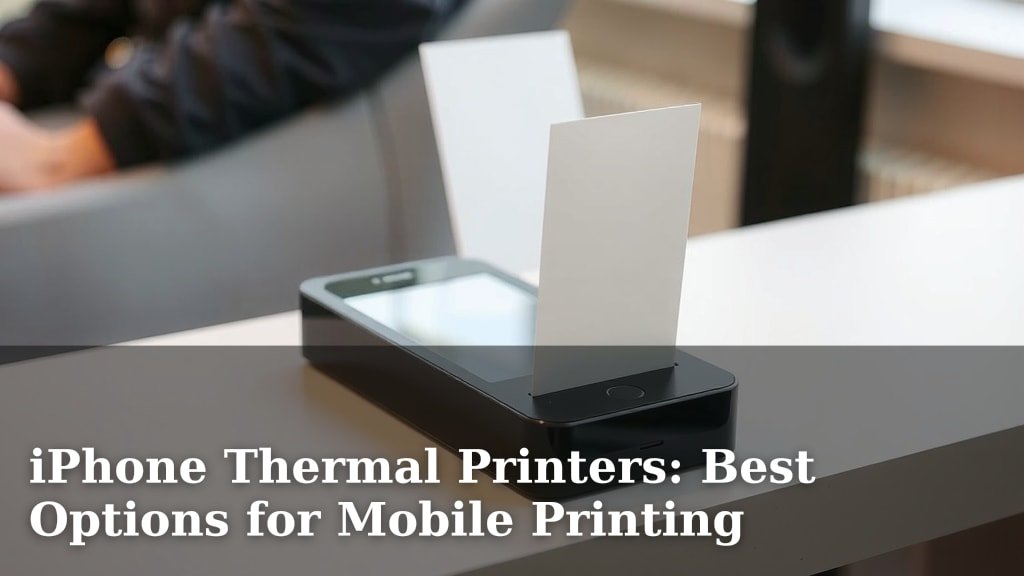
iPhone Thermal Printers: Best Options for Mobile Printing
Yes, you can absolutely use a thermal printer with your iPhone to print photos, labels, and more, wirelessly. Many modern thermal printers are designed for mobile convenience, offering Bluetooth or Wi-Fi connectivity that makes them easy to pair with your Apple device. You don’t need a computer to get printing!
These handy devices offer a quick way to bring your digital creations into the physical world. Think about printing instant memories from your phone or creating custom labels for organizing your home. We found that the setup process is usually quite simple, often involving a dedicated app on your iPhone.
- Print directly from your iPhone wirelessly.
- Great for photos, labels, and receipts.
- Look for Bluetooth or Wi-Fi enabled models.
- Setup is typically easy via a mobile app.
- Portable options are great for on-the-go printing.
Let’s walk through the different types of thermal printers that work with iPhones and what you should consider before buying one.
Printing From Your iPhone: How Thermal Printers Make It Easy
So, you’re wondering if you can actually print photos, receipts, or labels straight from your iPhone without a bulky computer? The answer is a resounding yes! Thermal printers have come a long way. They’re now designed with your smartphone in mind. Think of them as your pocket-sized printing pals.
These printers are perfect for anyone who loves convenience. You can go from a digital idea to a physical print in minutes. We found that most setups are surprisingly simple. You’ll be printing memories or organizing your life in no time.
Understanding Thermal Printing Technology
Before we dive into iPhone compatibility, let’s quickly touch on how thermal printing works. It’s pretty neat! Unlike traditional printers that use ink, thermal printers use heat.
How the Heat Does the Magic
Thermal printers have a special print head. This head heats up tiny dots. These heated dots interact with specially coated paper. The paper turns black where it’s heated. This creates your image or text. It’s a clean and efficient process. You never have to worry about ink cartridges running dry!
Types of Thermal Paper
There are two main types of thermal paper you’ll encounter. Knowing the difference can help you choose the right printer and paper for your needs.
Direct Thermal Paper
This is the most common type for portable printers. The paper itself has the heat-sensitive coating. It’s great for receipts and labels. However, the print can fade over time, especially with exposure to sunlight or heat. Many guidelines suggest storing direct thermal prints in cooler, darker places (Consumer Reports).
Thermal Transfer Paper
This type uses a ribbon (like a wax or resin ink ribbon) that melts onto the label or paper when heated. The prints are much more durable and long-lasting. They’re ideal for things that need to withstand more wear and tear, like product labels or outdoor signage.
Connecting Your iPhone to a Thermal Printer
The magic really happens with how these printers connect to your iPhone. Forget tangled wires and complicated drivers. Modern thermal printers rely on wireless technology.
Bluetooth: The Wireless Workhorse
Bluetooth is perhaps the most popular connection method. It’s like pairing your phone with wireless headphones. You turn on Bluetooth on both your iPhone and the printer. Then, you select your printer from your iPhone’s Bluetooth settings or the printer’s app.
We found that Bluetooth is excellent for short-range printing. It’s perfect for printing photos from an event or creating a quick label at home. The pairing process usually takes just a few seconds. You’ll know it’s connected when you see the printer listed as a paired device.
Wi-Fi: For More Versatile Printing
Some thermal printers also offer Wi-Fi connectivity. This can be useful if you want to print from multiple devices or from further away. You’ll typically connect the printer to your home Wi-Fi network through its app.
Wi-Fi printing can be a bit more versatile. It allows your iPhone and printer to communicate over your network. This means you might not need to be in the same room. It’s a good option if you plan to use the printer in a shared workspace or home.
The Role of Mobile Apps
Almost every thermal printer designed for smartphones comes with a dedicated app. This app is your command center. It’s where you’ll manage printer settings, select print jobs, and often edit your designs.
These apps are usually available on the Apple App Store. They are your key to unlocking the full potential of your thermal printer. You can often find templates for labels or fun filters for photos within the app. We found that apps with a user-friendly interface make the whole experience much smoother.
What Can You Print With an iPhone Thermal Printer?
The possibilities are surprisingly broad! These printers are not just for business receipts anymore. They’re great for personal use too.
Photos: Pocket-Sized Memories
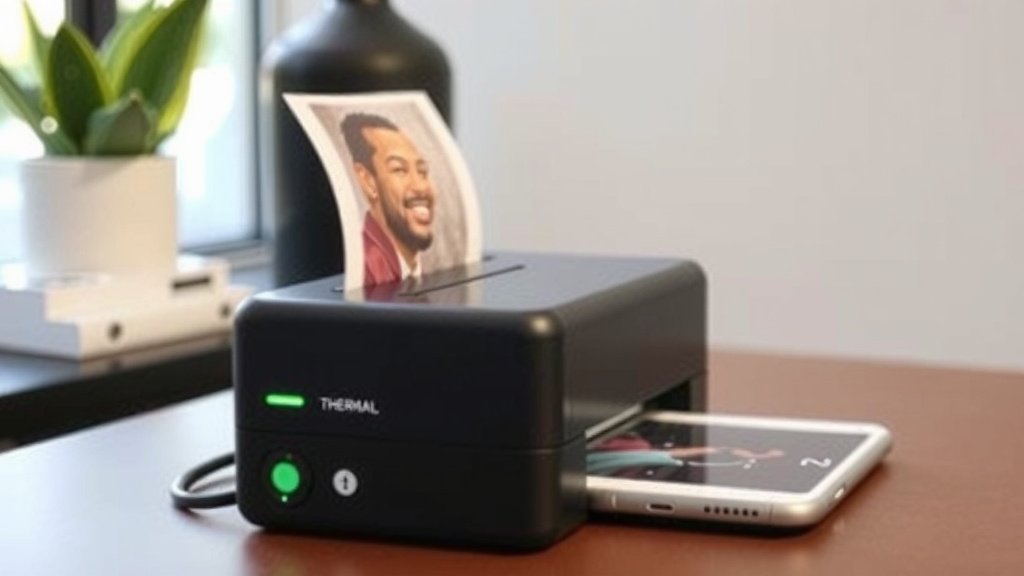
Many portable thermal printers are designed to print small, instant photos. Think of them as a modern, digital Polaroid. You snap a picture with your iPhone, maybe add a filter in the printer’s app, and print it right away.
These prints are usually sticky-backed, making them perfect for decorating journals, scrapbooks, or your laptop. The image quality is often good for casual snapshots. It’s a fun way to share memories physically.
Labels: Organization Made Easy
This is where thermal printers truly shine for home and office use. You can create custom labels for almost anything. Jars in your pantry, files on your desk, charging cables, or even your kids’ school supplies.
You simply type what you want on the label using your iPhone’s keyboard within the printer app. Then, you print. The text is crisp and clear. We found label printing to be incredibly satisfying. It brings a sense of order to chaos!
Receipts and Notes: Quick Information
If you’re a small business owner or freelancer, a thermal printer can be handy for printing simple receipts on the go. Some models can connect to point-of-sale apps. This means you can generate a customer receipt right from your phone.
Beyond receipts, you can also use them to print quick notes, to-do lists, or even QR codes. It’s a convenient way to capture information digitally and print it out physically when needed.
Choosing the Right Thermal Printer for Your iPhone
With so many options, how do you pick the perfect one? Consider these factors to make sure you get a printer that fits your needs.
Portability and Size
Do you need a printer you can carry in your bag? Or will it mostly stay on your desk? Portable printers are compact and battery-powered. They are designed for on-the-go use.
Stationary thermal printers are often larger and require a power outlet. They might offer faster printing speeds or wider print widths. Think about where and how often you plan to print.
Print Quality and Speed
For photos, you’ll want a printer that offers decent resolution. For labels, clarity is key. Check the printer’s specifications for DPI (dots per inch). Higher DPI generally means sharper prints.
Print speed is measured in millimeters per second (mm/s). If you plan to print many items quickly, a faster printer will save you time. However, speed isn’t always the most important factor for casual use.
Battery Life (for Portable Models)
If you opt for a portable printer, battery life is crucial. How long does it last on a single charge? Can it print a reasonable number of photos or labels before needing to be recharged?
Many manufacturers provide estimates for print cycles per charge. Check user reviews to see how the real-world battery performance stacks up. We found that a printer that lasts for a full day of moderate use is ideal for most people.
App Functionality and Ease of Use
As mentioned, the app is critical. Does it offer the features you need? Is it intuitive and easy to navigate? Some apps are more robust than others. They might include editing tools, a wide selection of fonts, or extensive label templates.
We recommend looking at app store reviews for the printer you’re considering. This can give you a good idea of user satisfaction. A clunky or confusing app can make even the best printer frustrating to use.
Quick Checklist: What to Look for
Ready to find your perfect iPhone-compatible thermal printer? Keep this handy checklist in mind:
- Connectivity: Does it offer Bluetooth, Wi-Fi, or both?
- Portability: Do you need a compact, battery-powered model?
- App: Is the companion app user-friendly and feature-rich?
- Print Type: Is it best for photos, labels, or receipts?
- Paper Type: Does it use readily available thermal paper?
- Battery Life: For portable models, is the battery sufficient for your needs?
Conclusion
You now know that using a thermal printer with your iPhone is totally achievable. These devices offer incredible mobile printing convenience without needing a computer. Whether you’re printing photos, creating custom labels, or generating quick receipts, there’s a thermal printer out there for you. We’ve found that the key is choosing a model with the right connectivity, like Bluetooth or Wi-Fi, and a user-friendly app. Your next step is to browse models based on your portability needs and desired print quality. Get ready to bring your digital ideas to life!
Frequently Asked Questions
Can I print photos from my iPhone using a thermal printer?
Yes, many portable thermal printers are designed to print small, instant photos directly from your iPhone. These are often sticky-backed, perfect for scrapbooking or decorating. The image quality is great for casual memories.
Are thermal printers difficult to set up with an iPhone?
No, the setup is usually quite simple. You’ll typically download a dedicated app from the App Store and then pair your iPhone with the printer, often via Bluetooth. We found this process takes just a few minutes.
Do I need special ink for a thermal printer?
Thermal printers do not use ink cartridges. They rely on heat to activate a special coating on the thermal paper. This means you never have to buy or replace ink.
What’s the difference between direct thermal and thermal transfer paper?
Direct thermal paper has the heat-sensitive coating itself and is common for receipts and labels, though prints can fade. Thermal transfer paper uses a ribbon melted by heat, creating more durable and long-lasting prints.
Can a thermal printer print on regular paper?
No, thermal printers require special thermal paper. They will not work with standard plain paper, as the printing mechanism relies on the heat-sensitive coating found only on thermal paper.