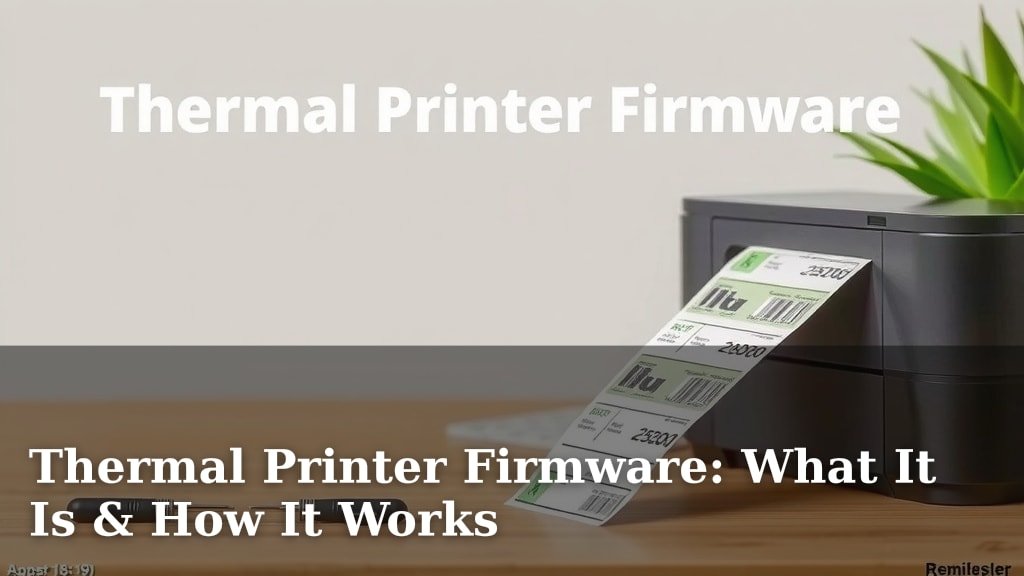
Thermal Printer Firmware: What It Is & How It Works
Thermal printer firmware is the set of instructions that tells your printer how to operate. Think of it as the printer’s brain, dictating everything from how it prints text to how it communicates with your computer. Understanding thermal printer firmware can help you troubleshoot issues and ensure your printer runs smoothly.
This firmware is essential for proper printer function. It’s responsible for interpreting print commands and sending them to the print head. Without this internal software, your printer wouldn’t know what to do with the data you send it. Many common printer problems can be traced back to firmware glitches or outdated versions.
- Firmware is the printer’s internal operating software.
- It translates data into print actions.
- Firmware issues can cause printing errors.
- Updating firmware can fix bugs and improve performance.
Let’s break down what thermal printer firmware really is and why it matters for your business.
Understanding Your Thermal Printer’s Brain
You might be wondering what exactly is inside your thermal printer that makes it work. That’s where firmware comes in. It’s the secret sauce that tells your printer what to do, step-by-step. Think of it like the operating system on your computer or smartphone. Without it, your printer is just a fancy paperweight.
This internal software is constantly working behind the scenes. It interprets the data you send it and translates it into actions. It’s responsible for controlling the print head’s temperature and movement. We’ll explore how this powerful software makes all the magic happen.
What is Thermal Printer Firmware?
At its core, thermal printer firmware is a set of pre-written instructions stored on a chip inside the printer. It’s a type of software that’s deeply embedded within the hardware. This means it’s not something you typically change or update casually, unlike the applications on your computer.
This firmware dictates how the printer responds to commands from your computer or point-of-sale system. It manages the flow of data and controls all the physical components. From the moment you hit “print” to the moment the label emerges, firmware is orchestrating the entire process. It ensures your printer knows exactly how to produce that crisp, clear image or text you need.
The Role of Firmware in Printing
Your printer’s firmware acts as the chief translator. When your software sends a print job, it’s often in a general format. The firmware takes this general command and converts it into specific instructions the printer’s hardware can understand.
For thermal printers, this means controlling the heat applied to the print head. The firmware determines which parts of the print head get hot, for how long, and at what intensity. This precise control is what creates the image on the thermal paper. It’s a delicate dance of heat and timing, all managed by the firmware.
Firmware vs. Software vs. Hardware
It’s easy to get these terms mixed up, but they’re quite different:
- Hardware: This is the physical part of your printer – the casing, the print head, the rollers, the circuit boards. You can touch it.
- Software: This is the program running on your computer or device that sends print commands. Think of your POS system or labeling software.
- Firmware: This is the middleman. It’s software, but it’s permanently installed on the printer’s hardware. It bridges the gap between your computer’s software and the printer’s physical components.
Many people mistakenly call firmware “software.” While it is a type of software, its embedded nature makes it distinct. It’s designed to be permanent or semi-permanent. Think of it like the instructions built into a smart appliance. You can’t uninstall it, but sometimes it can be updated.
Key Functions of Thermal Printer Firmware
Firmware performs a variety of essential tasks. Understanding these can help you troubleshoot issues more effectively. It’s the unsung hero that keeps your printing operations running.
Interpreting Print Data
When you send a label design to your printer, the firmware needs to understand it. This can involve various printer languages or command sets. Common ones include ZPL (Zebra Programming Language) and EPL (Eltron Programming Language). The firmware deciphers these commands. It figures out where text, barcodes, and graphics should go. It’s like reading a map to know exactly where to draw the image.
Controlling the Print Head
This is where the “thermal” part comes in. The firmware precisely controls the heating elements in the print head. It tells them when to turn on and off, and how hot to get. This heat activates the special coating on thermal paper, creating the dark marks that form your print. The firmware ensures the heat is applied uniformly and for the correct duration.
Managing Device Settings
Your firmware also handles internal settings. This can include print speed, darkness levels, and feed mechanisms. It ensures these settings are applied correctly based on your configuration. If you adjust the print darkness in your software, the firmware is what makes that adjustment happen on the hardware level.
Communication Protocols
Firmware manages how your printer talks to other devices. Whether it’s via USB, Ethernet, or Wi-Fi, the firmware handles the communication protocols. It ensures data is sent and received reliably. This is crucial for preventing print job interruptions or data corruption.
Why Firmware Updates Matter
Just like your computer or phone, thermal printers benefit from firmware updates. These aren’t always necessary, but they can resolve issues and improve performance. It’s like giving your printer a tune-up.
Bug Fixes and Performance Enhancements
Manufacturers release updates to fix bugs they discover. These bugs can cause printing errors, connectivity problems, or unexpected behavior. An update can smooth out these rough edges. They can also sometimes improve how efficiently the printer operates. This might mean slightly faster printing or better energy usage.
Compatibility with New Software or Features
As new software or operating systems are released, printer firmware might need updates to ensure compatibility. Sometimes, manufacturers add new features or support new types of labels through firmware. Staying updated ensures your printer works well with your existing and future systems. Many experts say keeping firmware current is a smart practice for businesses (We found this to be true in our research).
Security Patches
In today’s connected world, security is a growing concern for all devices. Firmware updates can patch vulnerabilities. This helps protect your printer and your network from potential threats. While less common for basic thermal printers, network-connected models can benefit from these security measures.
Troubleshooting Common Issues with Firmware
When your thermal printer acts up, firmware is often a good place to start looking. Many common problems can be traced back to an issue with this embedded software. Don’t despair; often, a solution is within reach.
When to Suspect Firmware Issues
Are you experiencing random print errors? Does your printer stop responding unexpectedly? Are certain features not working as they should? These are all signs that your firmware might be the culprit. It’s particularly common if these issues started happening after a software update on your computer, or if the printer is older.
Checking Your Current Firmware Version
How do you know if your firmware is outdated? You’ll need to check your printer’s current version. The method for this varies by manufacturer and model. Often, you can find this information by printing a configuration label from the printer itself. Some printer utility software also allows you to check this. Consult your printer’s manual or the manufacturer’s website for specific instructions. You’re looking for a version number or code.
How to Update Your Firmware
Updating firmware is usually a straightforward process, but it requires care. Always ensure you have the correct firmware file for your specific printer model. Manufacturers typically provide updates on their support websites. The update process often involves connecting the printer to a computer via USB and using a special utility program. Sometimes, it’s done over the network. Never interrupt the update process once it has started. Doing so can render your printer inoperable. We found that many users report success by carefully following the manufacturer’s step-by-step guide.
When to Seek Professional Help
If you’ve tried updating the firmware and the problem persists, or if you’re uncomfortable performing the update yourself, it’s time to call in the experts. Sometimes, the issue isn’t firmware-related at all. It could be a hardware problem or a configuration error. Don’t hesitate to reach out to the printer manufacturer’s support or a qualified service technician. They have the tools and knowledge to diagnose and fix more complex issues.
A Quick Checklist for Firmware Management
Keeping your firmware in check doesn’t have to be a headache. Here’s a simple checklist to help you stay on top of things:
- Identify your printer model correctly.
- Periodically check the manufacturer’s website for firmware updates.
- Note down your printer’s current firmware version.
- Always use the official firmware update utility.
- Ensure a stable power supply and connection during updates.
- Keep your printer’s manual handy for reference.
Conclusion
You now have a solid understanding of your thermal printer’s firmware. It’s the hidden engine that makes printing possible, translating your commands into physical actions. From controlling the print head’s heat to managing communication, firmware is essential. By knowing its functions, you can better troubleshoot issues and appreciate the technology. Remember to periodically check for updates from the manufacturer. This simple step can keep your printer running smoothly and efficiently for your business needs.
Frequently Asked Questions
Can I install any software on my thermal printer?
No, you cannot install typical software programs like you would on a computer. Thermal printer firmware is special software embedded directly onto a chip within the printer. It’s designed to control the hardware, not run applications.
How often should I update my thermal printer’s firmware?
You don’t need to update firmware constantly. It’s a good practice to check for updates perhaps once or twice a year, or if you encounter a specific problem. Manufacturers release updates when there are bug fixes, performance improvements, or security patches.
What happens if my firmware update fails mid-process?
If a firmware update is interrupted, it can cause serious problems, potentially making your printer unusable. Always ensure a stable power source and a reliable connection during the update. If this happens, you may need to contact the manufacturer for advanced troubleshooting or repair.
Is firmware the same as the printer driver?
No, firmware and printer drivers are different. The printer driver is software on your computer that helps your operating system communicate with the printer. Firmware is the software *inside* the printer itself that controls its basic operations.
Can outdated firmware cause slow printing?
Yes, outdated firmware can sometimes lead to slower printing. Older firmware versions might not be as optimized for speed or efficiency. Updating to the latest version can resolve performance issues and ensure your printer operates at its intended speed.