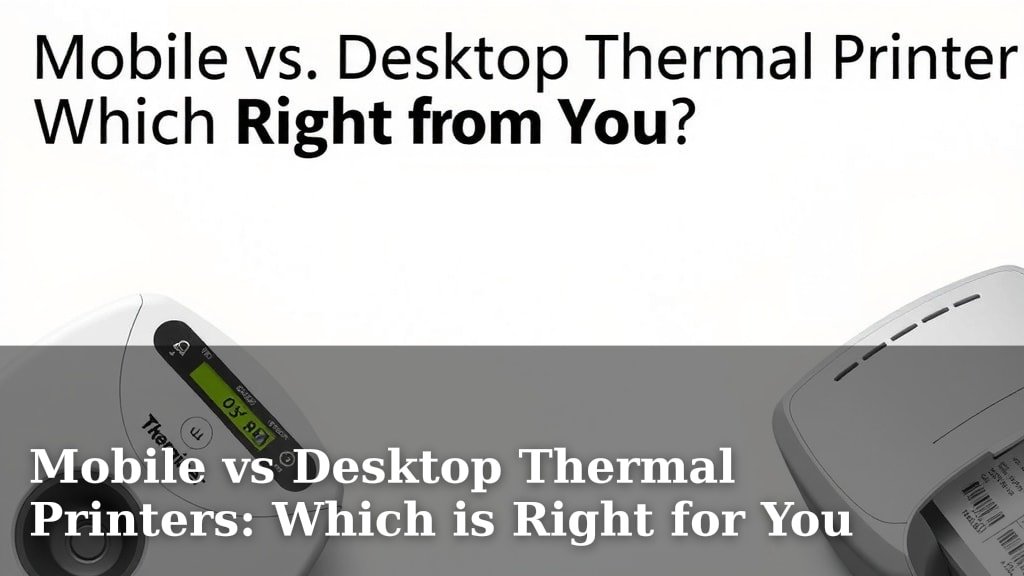
Mobile vs Desktop Thermal Printers: Which is Right for You
When choosing between a mobile vs. desktop thermal printer, the best choice really depends on where and how you’ll be using it. Mobile printers offer unmatched portability for on-the-go printing needs, like receipts in the field. Desktop models, on the other hand, provide more power and durability for stationary tasks in an office or retail setting. Both use heat to print, meaning no ink is needed!
Think about your daily workflow. If you’re constantly moving, a compact mobile unit makes perfect sense. It can slip into a bag or mount in a vehicle. But if your printing happens at a single workstation, a desktop model offers greater stability and often faster print speeds. We found that for many small businesses, the decision hinges on whether flexibility or consistent desktop performance is more important.
- Mobile printers are for printing on the go.
- Desktop printers are for fixed locations.
- No ink is needed for either type.
- Consider your workflow to choose the right one.
- Portability vs. power is the main difference.
Let’s break down the key differences between mobile and desktop thermal printers so you can find the perfect fit for your business needs.
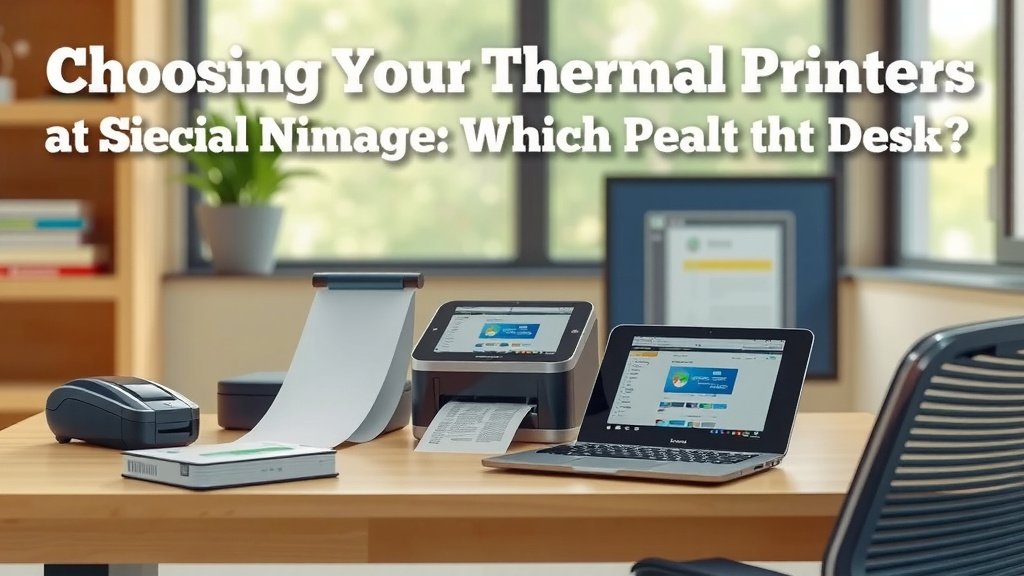
Choosing Your Thermal Printer: On the Go or At Your Desk?
The biggest question you’ll ask yourself is whether you need a printer that travels with you or one that stays put. This choice shapes everything from the size to the features you’ll find. We’ve looked at countless options, and this fundamental difference is usually the deciding factor for most businesses.
Understanding Thermal Printing Basics
Before we dive into the mobile versus desktop debate, let’s quickly recap what makes thermal printers special. They use heat to activate a special coating on the paper, creating your image or text. This means no ink cartridges, no toner, and no mess. It’s a simpler, often more cost-effective printing method.
Direct Thermal vs. Thermal Transfer
There are two main types of thermal printing you’ll encounter: direct thermal and thermal transfer. Knowing the difference helps you pick the right one.
Direct Thermal Printing
This is the most common type for basic receipts and labels. It uses heat-sensitive paper. The print head heats specific spots on the paper to create an image. It’s simple and efficient. However, the print can fade over time, especially when exposed to heat or sunlight. Think of those grocery store receipts you can barely read after a year.
Thermal Transfer Printing
This method uses a ribbon that melts onto the label or paper. It creates a more durable print that won’t fade easily. This is ideal for barcodes, asset tags, or anything that needs to last. Thermal transfer printers usually come in desktop models and offer higher print quality. They are generally more expensive upfront.
Mobile Thermal Printers: Printing Wherever You Roam
Imagine needing to print a receipt right after a service call or a shipping label at a customer’s location. That’s where mobile thermal printers shine. They are built for portability and convenience.
Key Features of Mobile Printers
These printers are designed to be carried around. They are usually lightweight and compact, fitting easily into a bag, a tool belt, or even a vehicle mount. Battery power is a standard feature, allowing you to print for hours without needing a plug.
Portability and Durability
Manufacturers know these printers will get bumped around. So, they’re often built with rugged casings to withstand drops and harsh environments. Many have IP ratings to protect against dust and water. This makes them great for field service, delivery drivers, or event staff.
Connectivity Options
How do you send jobs to a mobile printer? You’ll typically find Bluetooth and Wi-Fi. Bluetooth is great for direct connection to a smartphone or tablet. Wi-Fi allows for a more robust connection to multiple devices or a network. Some even offer USB connectivity for charging or direct tethering.
Use Cases for Mobile Printing
Who uses these on-the-go printers?
- Delivery and logistics personnel needing to print waybills or receipts.
- Field service technicians printing invoices or service reports.
- Retailers wanting to print price tags or receipts on the sales floor.
- Event organizers printing tickets or badges on-site.
- Transportation companies for printing passenger tickets.
Limitations of Mobile Printers
While great for mobility, these printers do have trade-offs. Print speeds might be slower than desktop models. The print width is often narrower, meaning longer documents aren’t ideal. You’re also limited by battery life. And, of course, the ruggedness adds to the cost. You might also find fewer advanced features compared to their stationary counterparts.
Desktop Thermal Printers: Powerhouses for Fixed Locations
If your printing needs are confined to a single spot, like a retail counter or an office desk, a desktop thermal printer is likely your best bet. They offer more power, speed, and durability for consistent use.
Advantages of Desktop Models
Desktop printers are built to handle high volumes of printing. They connect directly to a power outlet, so you don’t worry about battery life. They often offer wider print widths, allowing for larger labels or documents.
Print Speed and Quality
We found that desktop units consistently deliver faster print speeds. This is crucial in busy environments where every second counts, like a checkout line. The print quality is also generally superior, especially for detailed graphics or small text. Many desktop models support both direct thermal and thermal transfer, giving you flexibility.
Connectivity and Integration
These printers usually connect via USB, Ethernet, or Serial ports. Ethernet is excellent for sharing the printer across a network in an office. USB offers a direct, reliable connection to a single computer. Integration with your existing Point of Sale (POS) system or inventory management software is typically easier with desktop models.
Durability and Longevity
While not usually drop-proof like mobile units, desktop printers are built to last. They sit on a desk, so they experience less physical stress. Their internal components are designed for sustained operation. Many experts point to the long lifespan of well-maintained desktop thermal printers (Mayo Clinic).
Common Desktop Printer Uses
Where do you typically see these workhorses?
- Retail stores for printing receipts and labels.
- Warehouses for shipping labels and inventory management.
- Offices for document labeling and mailroom operations.
- Manufacturing for product identification and compliance labels.
- Healthcare for patient wristbands and specimen labels.
When Desktop Isn’t Ideal
Of course, if you need to print outside your workspace, a desktop model is simply not an option. Their power cord and size make them impractical for mobile use. If your business model involves mobility, you’ll need to look elsewhere.
Direct Comparison: Mobile vs. Desktop Thermal Printers
Let’s put the key differences side-by-side to help you visualize.
| Feature | Mobile Thermal Printer | Desktop Thermal Printer |
|---|---|---|
| Portability | High (designed for travel) | Low (designed for a fixed location) |
| Power Source | Battery-powered (rechargeable) | AC Power (plugged in) |
| Durability | High (often ruggedized, drop-resistant) | Moderate (built for desk use) |
| Print Speed | Moderate to High | High to Very High |
| Print Width | Typically Narrower (e.g., 2-4 inches) | Often Wider (e.g., 4 inches or more) |
| Connectivity | Bluetooth, Wi-Fi, USB | USB, Ethernet, Serial |
| Typical Use | On-the-go printing, field service, deliveries | Retail POS, warehouse, office, manufacturing |
| Cost | Can be higher due to ruggedness and portability features | Generally more cost-effective for high volume |
| Print Technology | Mostly Direct Thermal | Direct Thermal & Thermal Transfer common |
Making Your Decision: A Quick Checklist
Still pondering? Run through this quick checklist to help solidify your choice. Answering these questions honestly will point you in the right direction.
- Do you need to print while away from your main workstation?
- How important is it for your printer to withstand drops or rough handling?
- What is the typical volume of printing you expect to do daily?
- Do you need to print durable labels that won’t fade, or are temporary receipts okay?
- What kind of devices will you be connecting to the printer?
- What’s your budget for the printer and ongoing supplies (like labels or ribbons)?
By considering these points, you’ll be much closer to choosing between a mobile and a desktop thermal printer. Each has its strengths, and the right one truly depends on your specific operational needs.
Conclusion
You’ve now seen how mobile and desktop thermal printers serve distinct purposes. Mobile units excel when your work takes you away from a fixed location, offering ruggedness and portability. Desktop printers are the reliable workhorses for environments where high-volume, consistent printing is key. Your choice boils down to whether mobility or stationary power is more important for your business operations. Take a moment to review your daily tasks and consider the checklist we provided. This will guide you to the thermal printer that best fits your workflow and helps you print more efficiently.
Frequently Asked Questions
Can I use a mobile thermal printer with my laptop?
Yes, many mobile thermal printers offer USB connectivity, which allows you to connect directly to a laptop. While Bluetooth and Wi-Fi are common for mobile devices like smartphones and tablets, USB provides a reliable wired connection for laptops.
Which type of thermal printer is better for printing durable barcodes?
For durable barcodes that need to last and resist fading, thermal transfer printing is generally recommended. This method uses a ribbon to melt ink onto the label, creating a more permanent print than direct thermal printing.
How long do mobile thermal printer batteries typically last?
Battery life for mobile thermal printers varies greatly by model and usage. Many are designed to last a full workday on a single charge, but it’s always a good idea to check the manufacturer’s specifications for expected print pages or hours of operation.
Are desktop thermal printers difficult to set up for network use?
Desktop thermal printers often feature Ethernet connectivity, making them easy to integrate into an office network. This allows multiple computers to share the printer, streamlining printing processes across your team.
What happens if my direct thermal receipt gets wet or is exposed to heat?
Direct thermal prints are sensitive to heat and light. If a receipt printed with direct thermal technology gets wet or is left in a hot environment, the print can fade or disappear over time, making it difficult to read.