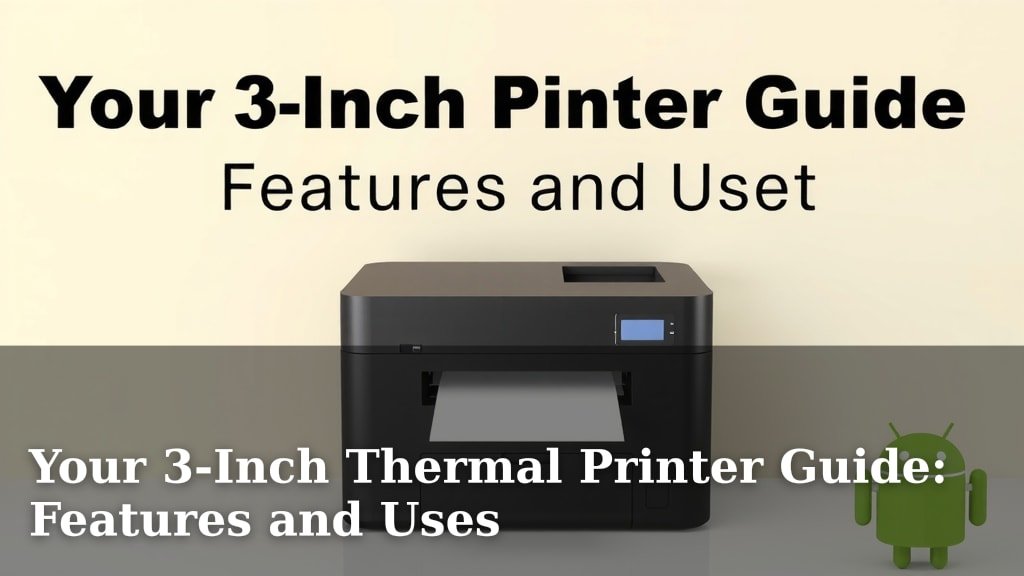
Your 3-Inch Thermal Printer Guide: Features and Uses
A 3-inch thermal printer is a fantastic choice for small businesses and home offices needing to print labels, receipts, or shipping documents. These printers are known for their speed and affordability. They work by heating special thermal paper to create an image, meaning no ink or toner is ever needed.
Choosing the right 3-inch printer depends on your specific needs. You’ll want to consider factors like print quality, connectivity options (like USB or Bluetooth), and whether you need it for basic receipts or more detailed shipping labels. We found that many users appreciate their compact size and ease of use for everyday tasks.
- What is a 3-inch thermal printer?
- Key features to look for.
- Common uses for these printers.
- Tips for choosing the best model.
Let’s walk through everything you need to know to pick the perfect 3-inch thermal printer for your needs.
“`htmlYour Guide to 3-Inch Thermal Printers
You’ve heard about 3-inch thermal printers and you’re wondering if one is right for you. You’re looking for a printer that’s fast, affordable, and simple to use. Thermal printing is a neat technology that uses heat instead of ink. This means no messy cartridges to replace. We’ll help you understand what makes these printers tick and how to pick the best one for your workspace.
Understanding Thermal Printing Technology
Thermal printers are pretty clever. They work by using a heated print head. This head touches special thermal paper. The heat causes a reaction in the paper, creating your printed image. It’s like magic, but it’s science! There are two main types: direct thermal and thermal transfer.
Direct Thermal Printing
Direct thermal is the most common for 3-inch printers. You use special thermal paper. This paper has a coating that turns black when heated. Think of those grocery store receipts; that’s direct thermal. It’s great because you don’t need any ink or toner. This saves you money and hassle. The downside? The print can fade over time, especially if exposed to heat or sunlight.
Thermal Transfer Printing
Thermal transfer printers use a different method. They use a ribbon that melts onto the label material when heated. This method creates more durable and long-lasting prints. It’s ideal for labels that need to withstand harsh conditions. However, it means you have to buy both the paper and the ribbons. For most home and small business needs, direct thermal is usually sufficient.
Key Features to Consider in a 3-Inch Printer
When you’re shopping, a few features really matter. You want a printer that fits your workflow and budget. Let’s break down what to look for. You wouldn’t buy a car without checking the engine, right? Same here!
Print Resolution and Quality
Print resolution is measured in dots per inch (DPI). Common resolutions for 3-inch printers are 203 DPI and 300 DPI. For basic text and simple barcodes, 203 DPI is often fine. If you need to print detailed graphics or small fonts for shipping labels, 300 DPI will give you clearer results. We found that 300 DPI makes a noticeable difference for complex designs.
Printing Speed
How fast do you need your labels or receipts? Printers list their speed in inches per second (IPS). Speeds can range from 4 IPS to over 7 IPS. If you’re printing a high volume of labels, a faster printer will save you time. For occasional use, speed might be less critical. Think about how many items you process daily. That number will guide your decision.
Connectivity Options
How will you connect the printer to your computer or device? Common options include USB, Ethernet, Wi-Fi, and Bluetooth.
- USB is the most basic and reliable. It’s a direct connection.
- Ethernet is good for shared use on a network.
- Wi-Fi offers wireless convenience for multiple devices.
- Bluetooth is great for mobile printing from phones or tablets.
Durability and Build Quality
You want a printer that can handle daily use. Look for printers with a sturdy casing. Some are built for tough environments, while others are more suited for a clean office. Check reviews to see how well they hold up over time. A well-built printer means fewer headaches down the road.
Common Uses for 3-Inch Thermal Printers
These versatile printers pop up in many places. Their compact size and efficiency make them ideal for a variety of tasks. You might be surprised how many businesses rely on them daily.
Retail and Point of Sale (POS)
In retail, these printers are workhorses. They print customer receipts quickly and quietly. They can also print product labels and price tags. A reliable receipt printer is essential for any shop. It gives customers a record of their purchase and your brand visibility.
Shipping and Logistics
For e-commerce sellers, a 3-inch thermal printer is a lifesaver. You can print shipping labels directly from platforms like Shopify, Etsy, or Amazon. This speeds up your packing process significantly. No more messy inkjet labels that smudge! Clear, crisp labels ensure your packages reach their destination without issues.
Warehouse Operations
Warehouses use them for inventory management. They print barcode labels for shelves and products. This helps with tracking stock and preventing errors. Easy-to-read labels are key to efficient warehouse operations. You can print labels on demand as needed.
Healthcare and Laboratories
In healthcare, accuracy is paramount. Thermal printers are used to print patient identification wristbands and labels for lab samples. The clarity of the print ensures important information is easily readable. Many guidelines stress the importance of clear labeling in healthcare settings (CDC).
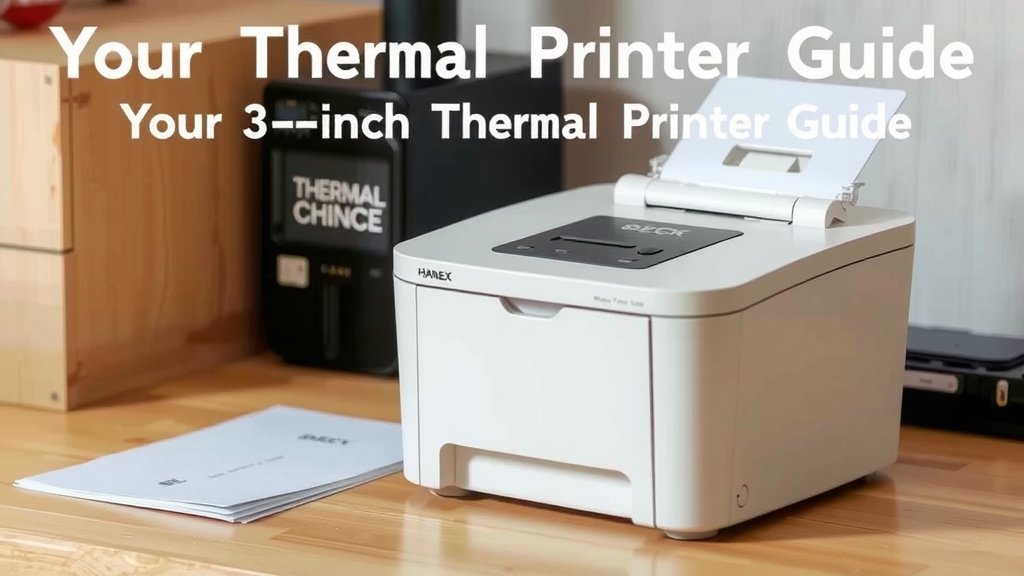
Choosing the Right 3-Inch Printer: A Checklist
Ready to make a decision? Here’s a quick checklist to help you narrow down your options. Think of this as your shopping cheat sheet!
- Measure Your Print Volume: How many labels or receipts do you print daily?
- Check Required Resolution: Do you need sharp details (300 DPI) or is basic text enough (203 DPI)?
- Evaluate Connectivity Needs: USB, Wi-Fi, Bluetooth? What works with your setup?
- Consider Durability: Where will the printer live? Does it need to be tough?
- Set Your Budget: Prices vary. Determine what you’re comfortable spending.
- Read Reviews: See what other users say about reliability and ease of use.
Making the Most of Your Thermal Printer
Once you’ve chosen your printer, there are a few things to keep in mind. Using the right materials and understanding maintenance will ensure it runs smoothly for years. We found that users often overlook the importance of paper quality.
Using the Correct Media
Always use compatible thermal paper or labels. Using the wrong type can damage the print head or result in poor print quality. Check your printer’s manual for specifications. For direct thermal printers, ensure you’re using direct thermal labels. They have that special coating.
Basic Maintenance Tips
Thermal print heads need occasional cleaning. Dust and debris can build up. Use a special thermal printer cleaning pen or wipe. Follow the manufacturer’s instructions carefully. A clean print head means sharper prints and a longer printer life. Most users find this simple step makes a big difference.
“`Conclusion
You’re now well-equipped to choose the right 3-inch thermal printer. We’ve covered how the technology works, from direct thermal to thermal transfer. You know the key features to look for, like print resolution and speed. We’ve also seen how these printers streamline tasks in retail, shipping, and warehouses. By considering your specific needs and following our checklist, you can find a printer that boosts your efficiency. Take the next step and find the perfect thermal printer to simplify your daily operations.
Frequently Asked Questions
Can I use regular paper with a 3-inch thermal printer?
No, you cannot. Thermal printers require special thermal paper. This paper has a heat-sensitive coating that reacts to the printer’s heated print head. Using regular paper will result in blank prints and could potentially damage your printer.
How long do prints from a direct thermal printer last?
Prints from direct thermal printers are not permanent. They can fade over time, especially when exposed to heat, sunlight, or certain chemicals. For applications requiring long-term durability, consider thermal transfer printers or archival-quality thermal labels.
What’s the difference between 203 DPI and 300 DPI for these printers?
DPI stands for dots per inch, indicating print resolution. 203 DPI is suitable for basic text and simple barcodes. 300 DPI offers much sharper detail, which is better for printing small fonts, detailed graphics, or high-density barcodes found on many shipping labels.
How often do I need to clean a 3-inch thermal printer?
You should clean your thermal print head periodically, perhaps every few weeks or months, depending on usage. Dust and debris can accumulate, affecting print quality. Use a specialized cleaning pen or wipe for best results, following the manufacturer’s guidelines.
Are 3-inch thermal printers noisy?
Generally, thermal printers are much quieter than traditional inkjet or laser printers. The printing process involves heating elements and the movement of rollers, which produces a relatively low hum or whirring sound. They are typically suitable for quiet office environments or retail settings.